/'
Connecting the Composite (NTSC) Display
CII@
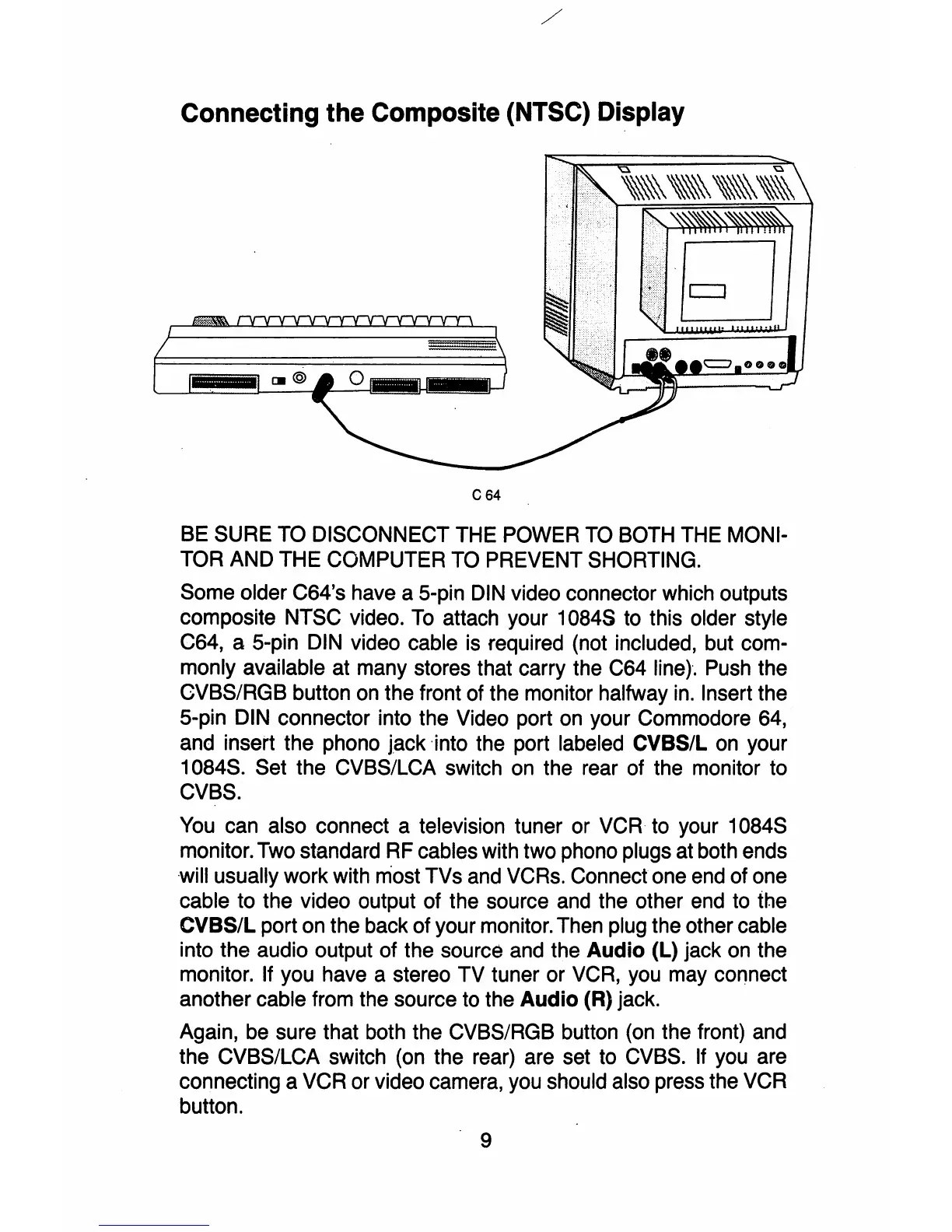
C64
BE SURE TO DISCONNECT THE POWER
TO
BOTH THE MONI-
TOR AND THE COMPUTER TO PREVENT SHORTING.
Some older C64's have a 5-pin
DIN
video connector which outputs
composite NTSC video.
To
attach your 10845 to this older style
C64, a 5-pin DIN video cable is required (not included, but com-
monly available at many stores that carry the C64
line)-.
Push the
eVBS/RGB button on the front of the monitor halfway
in.
Insert the
5-pin DIN connector into the Video port on your Commodore 64,
and insert the phono jack into the port labeled CVBS/L on your
1084S. Set the CVBS/LCA switch on the rear of the monitor to
CVBS.
You can also connect a television tuner or
VCR
to your 1084S
monitor. Two standard RF cables with two phono plugs at both ends
will usually work with most TVs and VCRs. Connect one end of one
cable to the video output of the source and the other end to the
CVBS/L port on the back of your monitor. Then plug the other cable
into the audio output of the source and the
Audio
(L) jack on the
monitor. If you have a stereo TV tuner or VCR, you may connect
another cable from the source to the
Audio
(R) jack.
Again, be sure that both the CVBS/RGB button (on the front) and
the CVBS/LCA switch (on the rear) are set to CVBS. If you are
connecting a VCR or video camera, you should also press the VCR
button.
9



 To Next Page