EasyManua.ls Logo

Commodore 1541-II - Block-Write

Commodore 1541-II
104 pages
Print Icon
To Next Page IconTo Next Page
To Previous Page IconTo Previous Page
Loading...
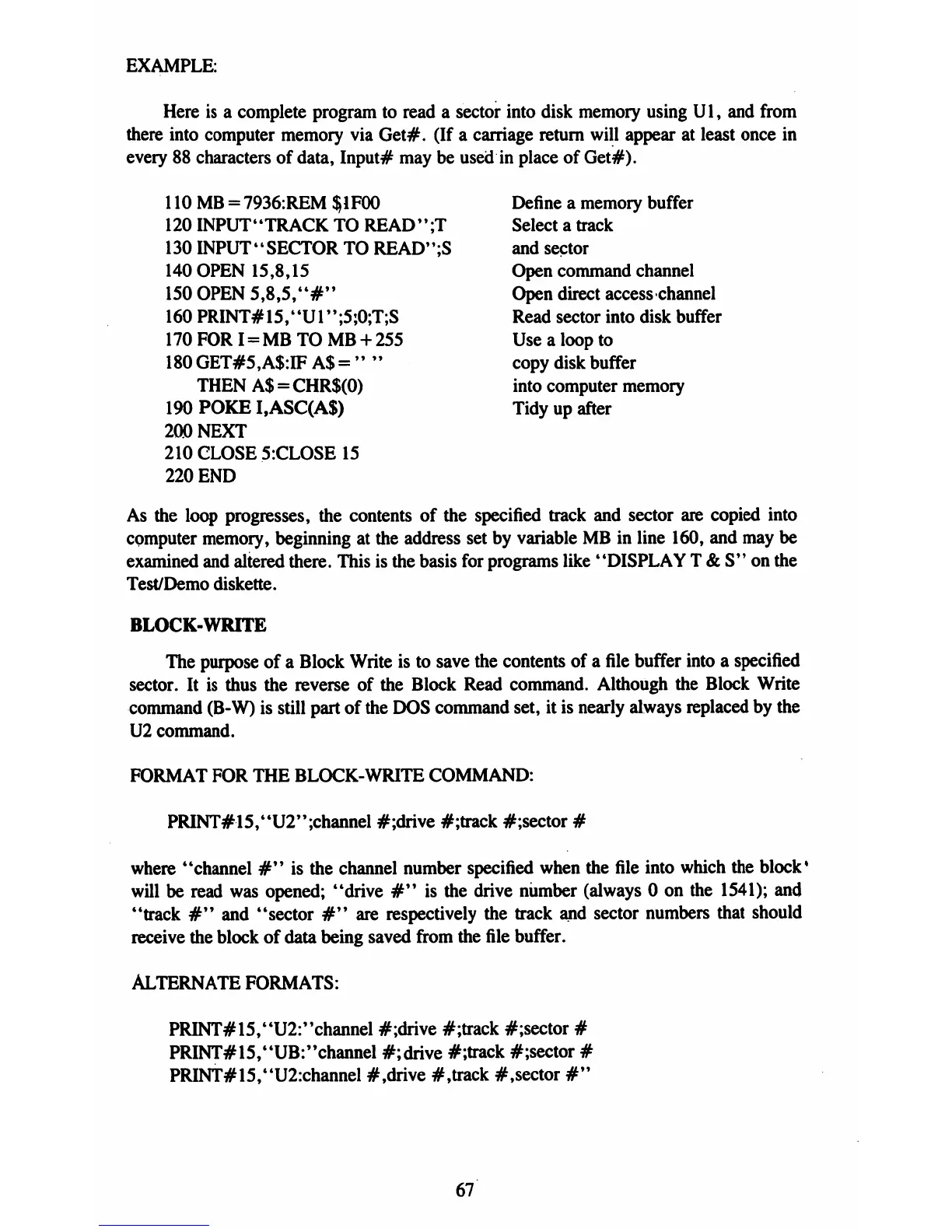
EXAMPLE:
Here
is
a
complete
program
to
read a
sector
into
disk
memory
using
Ul,
and
from
there
into
computer
memory
via
Get#.
(If
a
carriage
return
will
appear
at
least
once
in
every
88
characters
of
data,
Input#
may
be used
in
place
of
Get#).
110
MB
=
7936:REM
$1FOO
Define
a
memory
buffer
120
INPUT"TRACK
TO
READ";T
Select
a
track
130
INPUT-SECTOR
TO
READ";S
and
sector
140
OPEN
15,8,15
Open
command
channel
150
OPEN
5,8,5,"#"
Open
direct
access
channel
160
PRINT#15,"Ul";5;0;T;S
Read
sector
into
disk
buffer
170
FOR
I
=
MB
TO
MB
+
255
Use
a
loop
to
180
GET#5,A$:IF
A$
=
"
"
copy
disk
buffer
THEN
A$
=
CHR$(0)
into
computer
memory
190
POKE
I,ASC(A$)
Tidy
up
after
200
NEXT
210
CLOSE
5:CLOSE
15
220
END
As
the
loop
progresses,
the
contents
of
the
specified
track
and
sector
are
copied
into
computer
memory,
beginning
at
the
address
set
by
variable
MB
in
line
160,
and
may
be
examined
and
altered
there.
This
is
the
basis
for
programs
like
"DISPLAY
T
&
S"
on
the
Test/Demo
diskette.
BLOCK-WRITE
The
purpose
of a
Block
Write
is
to
save
the
contents
of
a
file
buffer
into
a
specified
sector.
It is
thus
the
reverse
of
the
Block
Read
command.
Although
the
Block
Write
command
(B-W)
is
still
part
of
the
DOS
command
set,
it
is
nearly
always
replaced
by
the
U2
command.
FORMAT
FOR
THE
BLOCK-WRITE
COMMAND:
PRINT#15,"U2'';channel
#;drive
#;track
#;sector
#
where
"channel
#"
is
the
channel
number
specified
when
the
file
into
which
the
block1
will
be
read
was
opened;
"drive
#"
is
the
drive
number
(always
0
on
the
1541);
and
"track
#"
and
"sector
#"
are
respectively
the
track
and
sector
numbers
that
should
receive
the
block
of
data
being
saved
from
the
file
buffer.
ALTERNATE
FORMATS:
PRINT#15,'4U2:''channel
#;drive
#;track
#;sector
#
PRINT#15,"UB:"channel
#;drive
#;track
#;sector
#
PRINT#15,"U2:channel
#,drive
#,track
#,sector
#"
67

Table of Contents

Related product manuals