EasyManua.ls Logo

Commodore 1541-II - The Original Commands

Commodore 1541-II
104 pages
Print Icon
To Next Page IconTo Next Page
To Previous Page IconTo Previous Page
Loading...
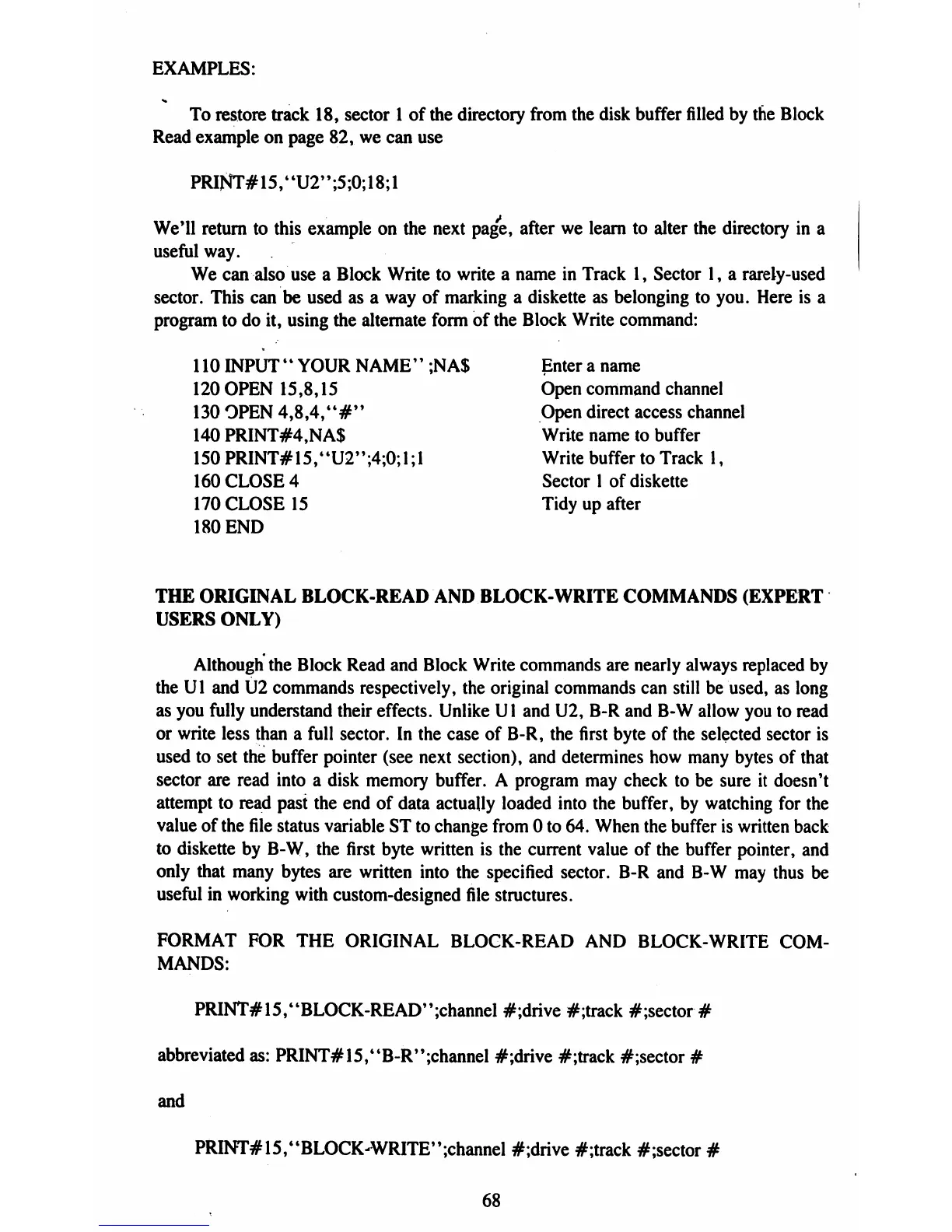
EXAMPLES:
To
restore
track
18,
sector
1
of
the
directory
from
the
disk buffer
filled
by
the
Block
Read
example
on
page
82,
we
can
use
PRlNT#15,"U2";5;0;18;l
We'll
return
to
this
example
on
the
next
page,
after
we
learn
to
alter
the
directory
in
a
useful
way.
We
can
also
use
a
Block
Write
to
write
a
name
in
Track
1,
Sector
1,
a
rarely-used
sector.
This
can
be
used
as
a
way
of
marking
a
diskette
as
belonging
to
you.
Here
is
a
program
to
do
it,
using
the
alternate
form
of
the
Block
Write
command:
110
INPUT
"
YOUR
NAME"
;NA$
Enter
a
name
120
OPEN
15,8,15
Open
command
channel
130
OPEN
4,8,4,4t#"
Open
direct
access
channel
140
PRINT#4,NA$
Write
name
to
buffer
150
PRINT#15,4tU2";4;0;l;l
Write
buffer
to
Track
1,
160
CLOSE
4
Sector
1
of
diskette
170
CLOSE
15
Tidy
up
after
180
END
THE
ORIGINAL
BLOCK-READ
AND
BLOCK-WRITE
COMMANDS
(EXPERT
USERS
ONLY)
Although
the
Block
Read
and
Block
Write
commands
are
nearly
always
replaced
by
the
Ul
and
U2
commands
respectively, the
original
commands
can
still
be
used,
as
long
as
you
fully
understand
their
effects.
Unlike
Ul
and
U2,
B-R
and
B-W
allow
you
to
read
or
write
less
than a
full
sector.
In
the
case
of
B-R,
the
first
byte
of
the
selected
sector
is
used
to
set
the
buffer
pointer
(see
next
section),
and
determines
how
many
bytes
of
that
sector
are
read
into
a
disk
memory
buffer.
A
program
may
check
to
be
sure
it
doesn't
attempt
to
read
past
the
end
of
data
actually
loaded
into
the
buffer,
by
watching
for
the
value
of
the
file
status
variable
ST
to
change
from
0
to
64.
When
the
buffer
is
written
back
to
diskette
by
B-W,
the
first
byte
written
is
the
current
value
of
the
buffer
pointer,
and
only
that
many
bytes
are
written
into
the
specified
sector.
B-R
and
B-W
may
thus
be
useful
in
working
with
custom-designed
file
structures.
FORMAT
FOR
THE
ORIGINAL
BLOCK-READ
AND
BLOCK-WRITE
COM
MANDS:
PRINT#15,4tBLOCK-READ'';channel
#;drive
#;track
#;sector
#
abbreviated
as:
PRINT#15,"B-R";channel
#;drive
#;track
#;sector
#
and
PRINT#15,ttBLOCK-WRITE*';channel
#;drive
#;track
#;sector
#
68

Table of Contents

Related product manuals