EasyManua.ls Logo

Commodore 1541-II - Housekeeping Hints

Commodore 1541-II
104 pages
Print Icon
To Next Page IconTo Next Page
To Previous Page IconTo Previous Page
Loading...
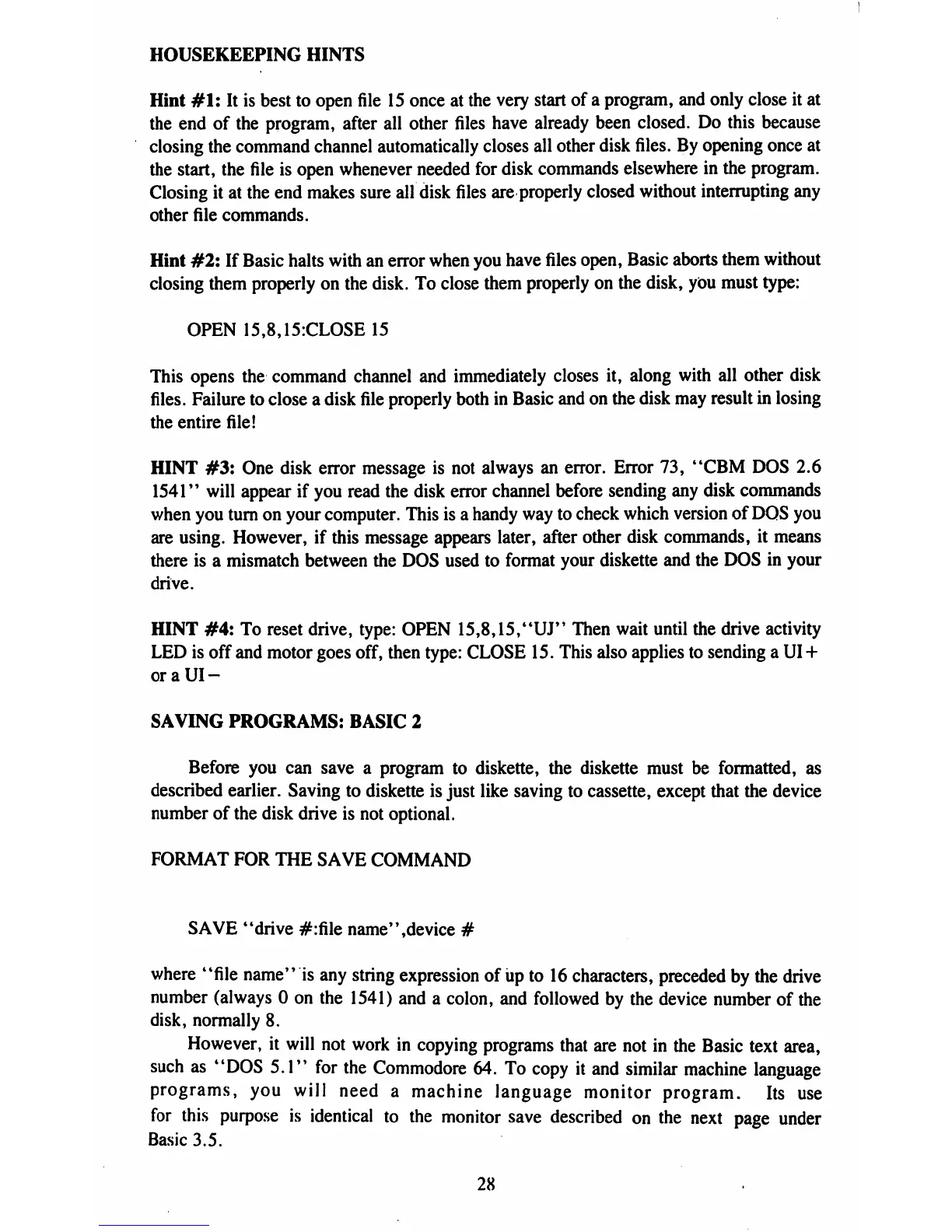
HOUSEKEEPING
HINTS
Hint
#1:
It
is
best
to
open
file
15
once
at
the
very
start
of
a
program,
and
only
close
it
at
the
end
of
the
program,
after
all
other
files
have
already
been
closed.
Do
this
because
closing
the
command
channel
automatically
closes
all
other
disk
files.
By
opening
once
at
the
start,
the
file
is
open
whenever
needed
for
disk
commands
elsewhere
in
the
program.
Closing
it
at
the
end
makes
sure
air
disk
files
are
properly
closed
without
interrupting
any
other
file
commands.
Hint
#2:
If
Basic
halts
with
an
error
when
you
have
files
open, Basic
aborts
them
without
closing
them
properly
on
the
disk.
To
close
them
properly
on
the
disk,
you
must
type:
OPEN
15,8,15:CLOSE15
This
opens
the
command
channel
and
immediately
closes
it,
along
with
all
other
disk
files.
Failure
to
close
a
disk
file
properly
both
in
Basic
and
on
the
disk
may
result in
losing
the
entire
file!
HINT
#3:
One
disk
error
message
is
not
always
an
error.
Error
73,
"CBM
DOS
2.6
1541"
will
appear
if
you
read
the
disk
error
channel
before
sending
any
disk
commands
when
you
turn
on
your
computer.
This
is
a
handy
way
to
check
which
version
of
DOS
you
are
using.
However,
if
this
message
appears
later,
after
other
disk
commands,
it
means
there
is
a
mismatch
between
the
DOS
used
to
format
your
diskette
and
the
DOS
in
your
drive.
HINT
#4:
To
reset
drive,
type:
OPEN
15,8,15,"UJ"
Then
wait
until
the
drive
activity
LED
is
off
and
motor
goes
off,
then
type:
CLOSE
15.
This
also
applies
to
sending
a
UI
+
oraUI-
SAVING
PROGRAMS:
BASIC
2
Before
you
can
save
a
program
to
diskette,
the
diskette
must
be
formatted,
as
described
earlier.
Saving
to
diskette
is
just
like
saving
to
cassette,
except
that
the
device
number
of
the
disk
drive
is
not
optional.
FORMAT
FOR
THE
SAVE
COMMAND
SAVE
*
'drive #:file
name*'
,device
#
where
"file
name"
is
any
string
expression
of
up
to
16
characters,
preceded
by
the drive
number
(always
0
on
the
1541)
and
a
colon,
and
followed
by
the
device
number
of
the
disk,
normally
8.
However,
it
will
not
work
in
copying
programs
that
are
not
in
the
Basic
text
area,
such
as
"DOS
5.1"
for
the
Commodore
64.
To
copy
it
and
similar
machine
language
programs,
you
will
need
a
machine
language
monitor
program.
Its
use
for
this
purpose
is
identical
to
the
monitor
save
described
on
the
next
page
under
Basic
3.5.
28

Table of Contents

Related product manuals