EasyManua.ls Logo

Commodore 1581 - Opening a File

Commodore 1581
138 pages
Print Icon
To Next Page IconTo Next Page
To Previous Page IconTo Previous Page
Loading...
NOTE
Besides
sequential
data
files,
two
other
file
types
are
recorded
sequentially
on
a
diskette.
They
are
program
files,
and
user
files.
When
you
save
a
program
on
a
diskette,
it
is
saved
in
order
from
beginning
to
end,
just
like
the
informa
tion
in
a
sequential
data
file.
The
main
difference
is
in
the
commands
you
use
to
access
it.
User
files
can
be
even
more
similar
to
sequential
data
files.
User
files
are
almost
never
used,
but
like
program
files,
they
could
be
treated
as
though
they
were
sequential
data
files
and
some
can
be
accessed
with
the
same
commands.
For
the
advanced
user,
the
similarity
of
the
various
file
types
offers
the
possibility
of reading
a
program
file
into
the
computer
a
byte
(character)
at
a
time
and
rewriting
it
to
the
diskette
in
a
modified
form.
OPENING
A
FILE
One
of
the
most
powerful
tools
in
Commodore
BASIC
is
the
OPEN
statement.
With
it,
you
may
send
data
almost
anywhere,
much
like
a
telephone
switchboard.
As
you
might
expect,
a
command
that
can
do
this
much
is
fairly
complex.
You
have
already
used
OPEN
statements
regularly
in
some
of
your
diskette
commands.
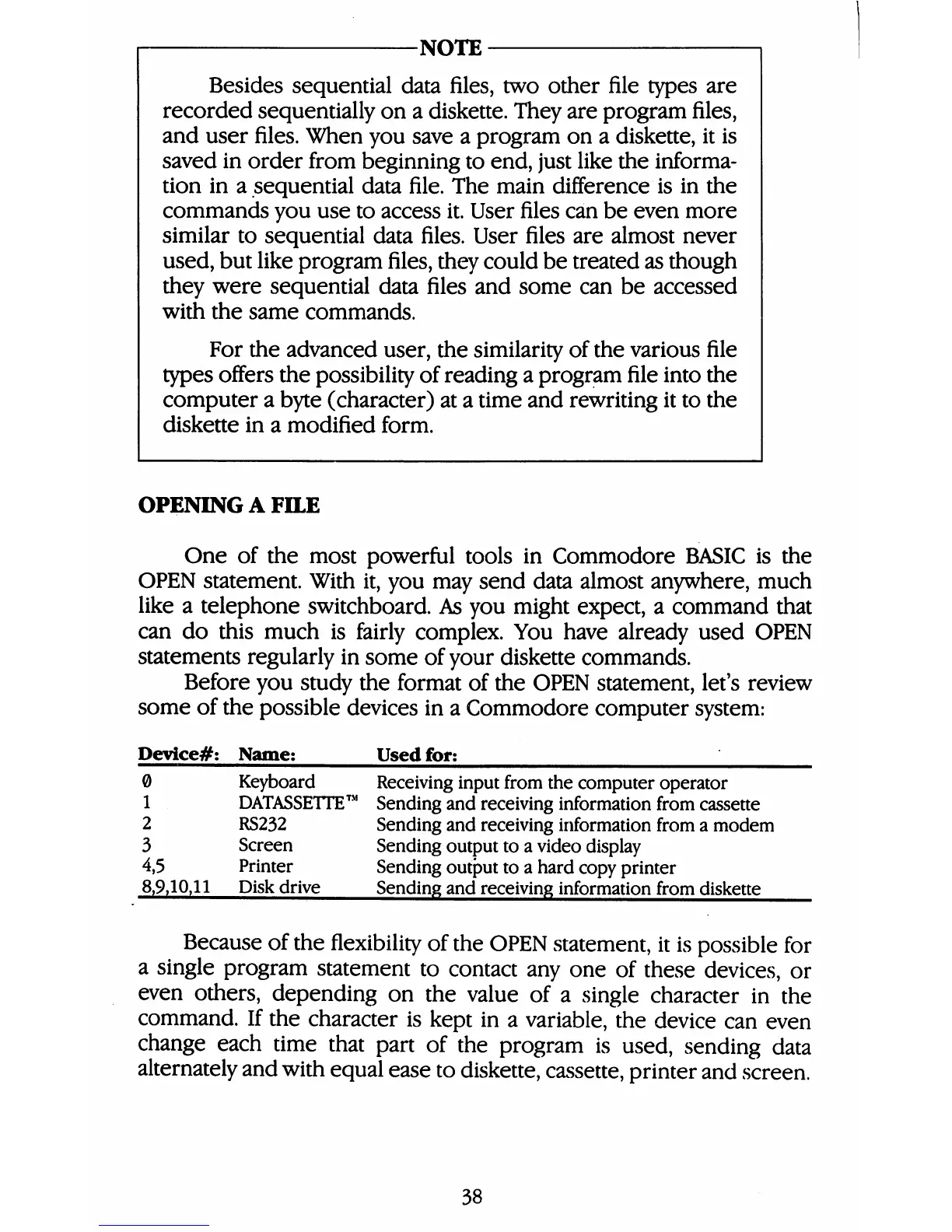
Before
you
study
the
format
of
the
OPEN
statement,
let's
review
some
of
the
possible
devices
in
a
Commodore
computer
system:
Device#:
Name;
Used
for;
0
Keyboard
Receiving
input
from
the
computer
operator
1
DATASSETTEā„¢
Sending
and
receiving
information
from
cassette
2
RS232
Sending
and
receiving
information
from
a
modem
3
Screen
Sending
output
to
a
video
display
4,5
Printer
Sending
output
to
a
hard
copy
printer
8,9,10,11
Diskdrive
Sending
and
receiving
information
from
diskette
Because
of
the
flexibility
of
the
OPEN
statement,
it
is
possible
for
a
single
program
statement
to
contact
any
one
of
these
devices,
or
even
others,
depending
on
the
value
of
a
single
character
in
the
command.
If
the
character
is
kept
in
a
variable,
the
device
can
even
change
each
time
that
part
of
the
program
is
used,
sending
data
alternately
and
with
equal
ease
to
diskette,
cassette,
printer
and
screen.
38

Table of Contents

Other manuals for Commodore 1581

Related product manuals