EasyManua.ls Logo

Commodore 1581 - Chapter 6 Direct Access Commands; Opening a Data Channel for Direct Access

Commodore 1581
138 pages
Print Icon
To Next Page IconTo Next Page
To Previous Page IconTo Previous Page
Loading...
CHAPTER
6
DIRECT
ACCESS
COMMANDS
Direct
access
commands
specify
individual
sectors
on
the
dis
kette,
reading
and
writing
information
entirely
under
your
direction.
This
gives
them
almost
complete
flexibility
in
data-handling
programs,
but
imposes
tremendous
responsibilities
on
the
programmer.
As
a
result,
they
are
normally
used
only
in
complex
commercial
programs
able
to
properly
organize
data
without
help
from
the
disk
drive
itself.
A
far
more
common
use
of
direct
access
commands
is
in
utility
programs
used
to
view
and
alter
parts
of
the
diskette
that
are
not
normally
seen
directly.
For
instance,
such
commands
can
be
used
to
change
the
name
of
a
diskette
without
erasing
all
of
its
programs,
to
lock
a
program
so
it
can't
be
erased,
or
hide
your
name
in
a
location
where
it
won't
be
expected.
OPENING
A
DATA
CHANNEL
FOR
DIRECT
ACCESS
When
working
with
direct
access
data,
you need
two
channels
open
to
the
disk:
the
command
channel
we've
used
throughout
the
book,
and
another
for
data.
The
command
channel
is
opened
with
the
usual
OPEN
15,8,15
or
equivalent.
A
direct
access
data
channel
is
opened
much
like
other
files,
except
that
the
pound
sign
(#),
option
ally
followed
by
a
memory
buffer
number,
is
used
as
a
file
name.
FORMAT
FOR
DIRECT
ACCESS
FILE
OPEN
STATEMENTS:
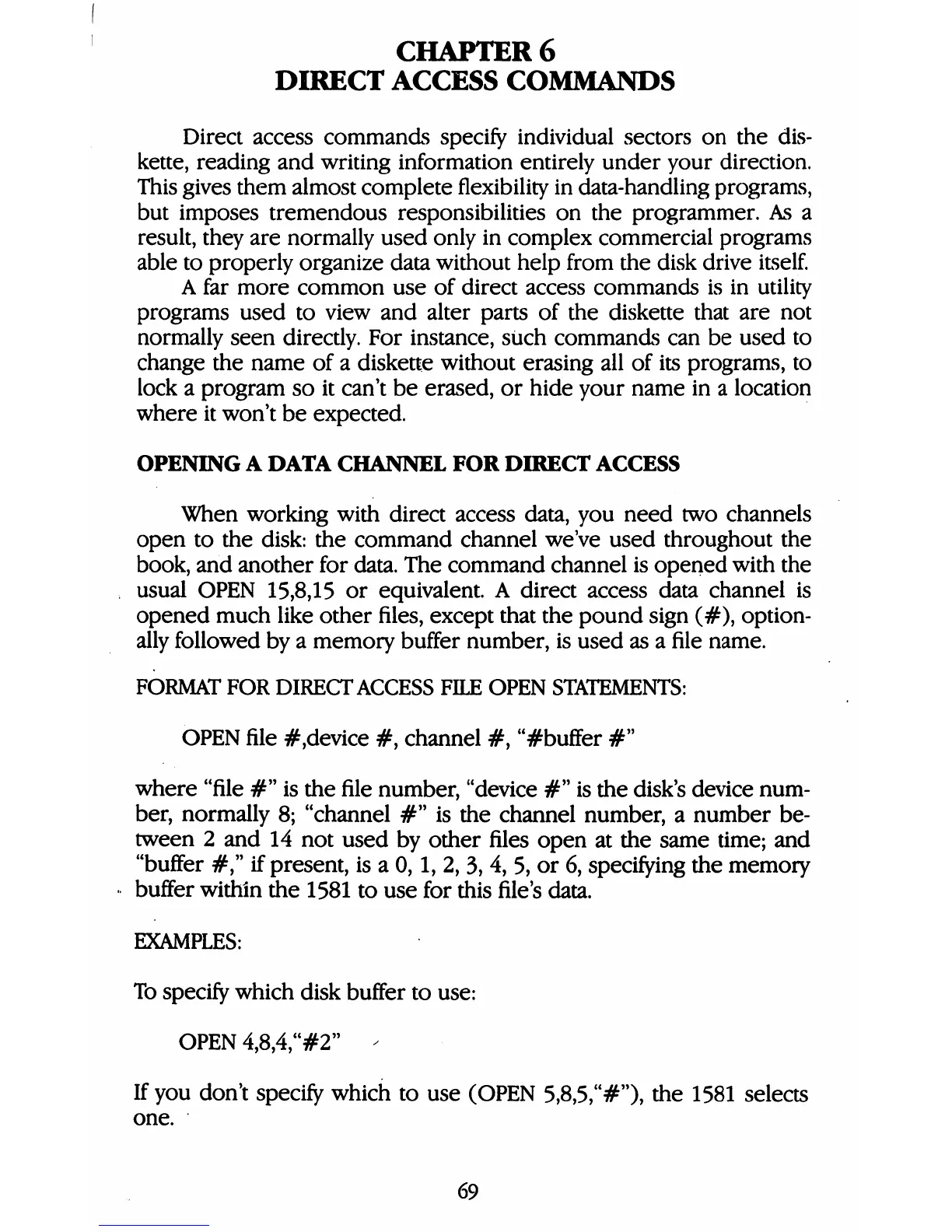
OPEN
file
#,device
#,
channel
#,
"#buffer
#"
where
"file
#"
is
the
file
number,
"device
#"
is
the
disk's
device
num
ber,
normally
8;
"channel
#"
is
the
channel
number,
a
number
be
tween
2
and
14
not
used
by
other
files
open
at
the
same
time;
and
"buffer
#,"
if
present,
is
a
0,1,
2,
3,
4,
5,
or
6,
specifying
the
memory
buffer
within
the
1581
to
use
for
this
file's
data.
EXAMPLES:
To
specify
which
disk
buffer
to
use:
OPEN
4,8,4,"#2"
-
If
you
don't
specify
which
to
use
(OPEN
5,8,5,"#"),
the
1581
selects
one.
69

Table of Contents

Other manuals for Commodore 1581

Related product manuals