EasyManua.ls Logo

Commodore 1581 - Allocating Blocks

Commodore 1581
138 pages
Print Icon
To Next Page IconTo Next Page
To Previous Page IconTo Previous Page
Loading...
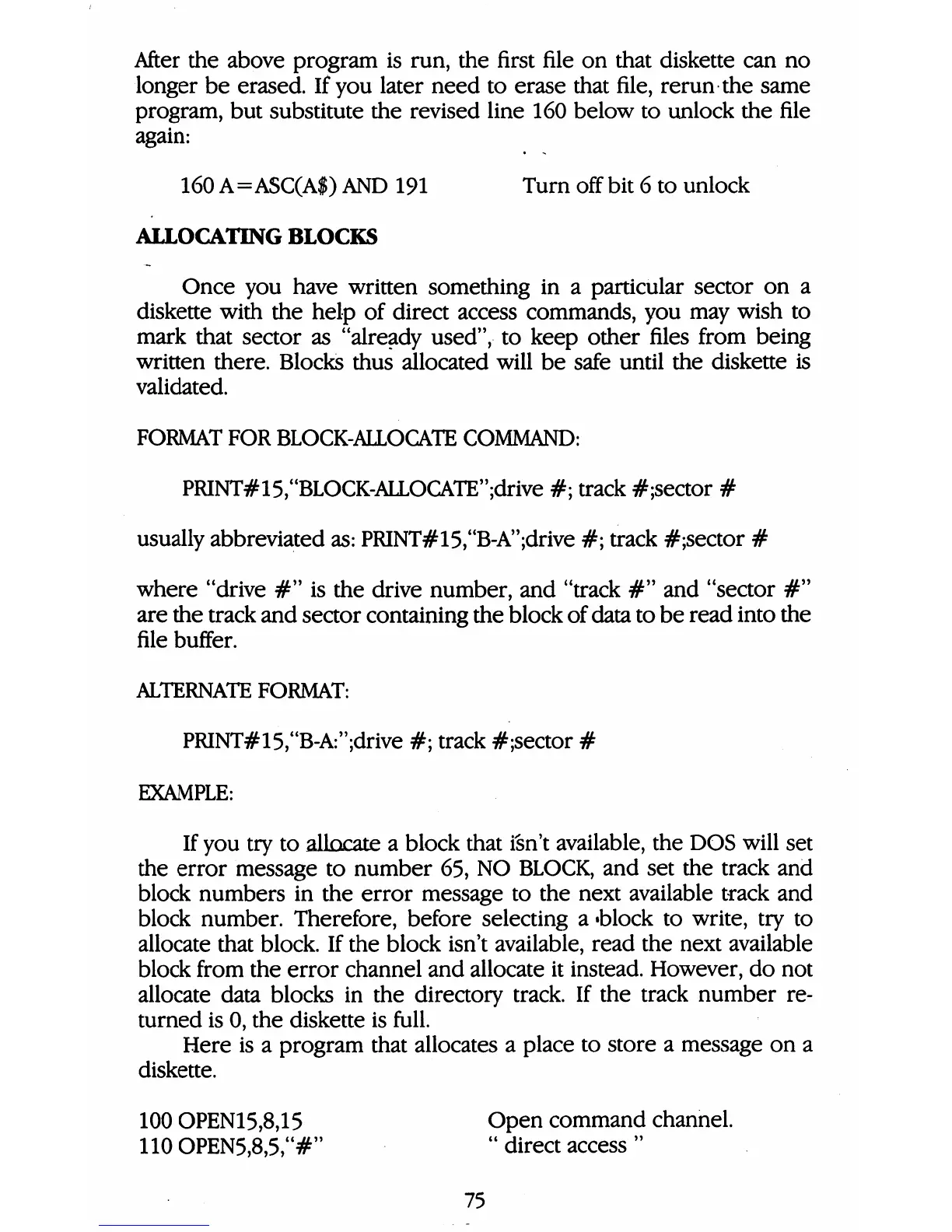
After
the
above
program
is
run,
the
first
file
on
that
diskette
can
no
longer
be
erased.
If
you
later
need
to
erase
that
file,
rerun
the
same
program,
but
substitute
the
revised
line
160
below
to
unlock
the
file
again:
160
A=ASC(A$)
AND
191
Turn
off
bit
6
to
unlock
ALLOCATING
BLOCKS
Once
you
have
written
something
in
a
particular
sector
on
a
diskette
with
the
help
of
direct
access
commands,
you
may
wish
to
mark
that
sector
as
"already
used",
to
keep
other
files
from
being
written
there.
Blocks
thus
allocated
will
be
safe
until
the
diskette
is
validated.
FORMAT
FOR
BLOCK-ALLOCATE
COMMAND:
PRINT#15,uBLOCK-ALLOCATE";drive
#;
track
#;sector
#
usually
abbreviated
as:
PRINT#15,"B-A";drive
#;
track
#;sector
#
where
"drive
#"
is
the
drive
number,
and
"track
#"
and
"sector
#"
are
the
track
and
sector
containing
the
block
of
data
to
be
read
into
the
file
buffer.
ALTERNATE
FORMAT:
PRINT#15,"B-A:";drive
#;
track
#;sector
#
EXAMPLE:
If
you
try
to
allocate
a
block
that
isn't
available,
the
DOS
will
set
the
error
message
to
number
65,
NO
BLOCK,
and
set
the
track
and
block
numbers
in
the
error
message
to
the
next
available
track
and
block
number.
Therefore,
before
selecting
a
«block
to
write,
try
to
allocate
that
block.
If
the
block
isn't
available,
read
the
next
available
block
from
the
error
channel
and
allocate
it
instead.
However,
do
not
allocate
data
blocks
in
the
directory
track.
If
the
track
number
re
turned
is
0,
the
diskette
is
full.
Here
is
a
program
that
allocates
a
place
to
store
a
message
on
a
diskette.
100
OPEN15,8,15
Open
command
channel.
110
OPEN5,8,5,"#"
"
direct
access
"
75

Table of Contents

Other manuals for Commodore 1581

Related product manuals