EasyManua.ls Logo

Commodore 1581 - Chapter 1: Unpacking, Setting Up and Using the 1581; Step-by-Step Instructions

Commodore 1581
138 pages
Print Icon
To Next Page IconTo Next Page
To Previous Page IconTo Previous Page
Loading...
PART
ONE
BASIC
OPERATING
INFORMATION
CHAPTER
1
HOW
TO
UNPACK,
SET
UP
AND
BEGIN
USING
THE
1581
STEP-BY-STEP
INSTRUCTIONS
1.
Inspect
the
shipping
carton
for
damage.
If
you
find
any
damage
to
the
shipping
carton
and
suspect
that
the
disk
drive
may
have
been
affected,
contact
your
dealer.
2.
Check
the
contents
of
the
shipping
carton.
Packed
with
the
1581
and
this
book,
you
should
find
the
following:
electrical
power
supply,
interface
cable,
Test/Demo
diskette,
and
a
warranty
card
to
be
filled
out
and
returned
to
Commodore.
3.
Remove
the
shipping
spacer
from
the
disk
drive.
The
spacer
is
there
to
protect
the
inside
of
the
drive
during
shipping.
To
remove
it,
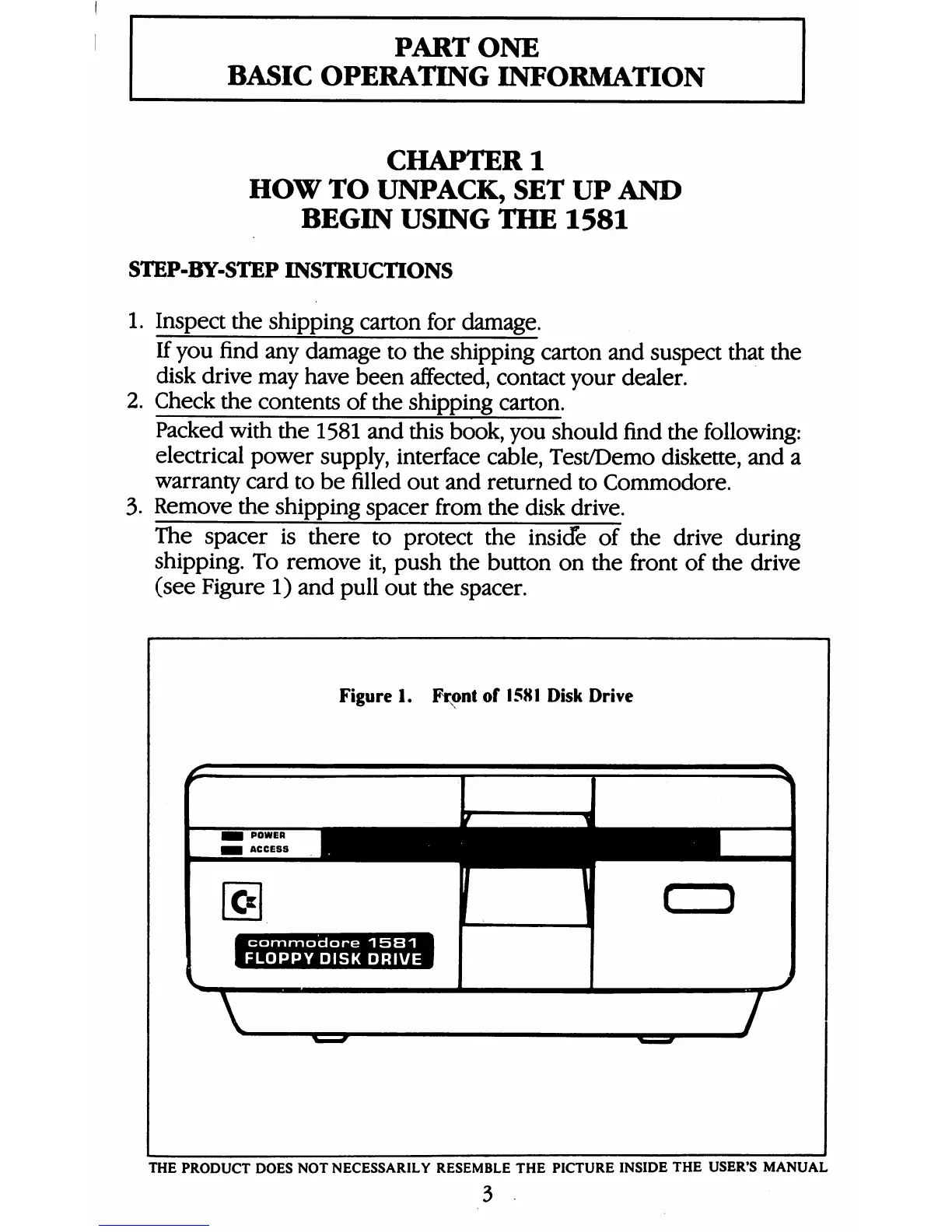
push
the
button
on
the
front
of
the
drive
(see
Figure
1)
and
pull
out
the
spacer.
Figure
1.
Front
of
1581
Disk
Drive
H
commodore
1581
^H
1
FLOPPY
DISK
DRIVE
V
THE
PRODUCT
DOES
NOT
NECESSARILY
RESEMBLE
THE
PICTURE
INSIDE
THE
USER'S
MANUAL
3

Table of Contents

Other manuals for Commodore 1581

Related product manuals