EasyManua.ls Logo

Commodore 64C - Summary of 64 C Keyboard Functions

Commodore 64C
40 pages
Print Icon
To Next Page IconTo Next Page
To Previous Page IconTo Previous Page
Loading...
loading
cartridge
software
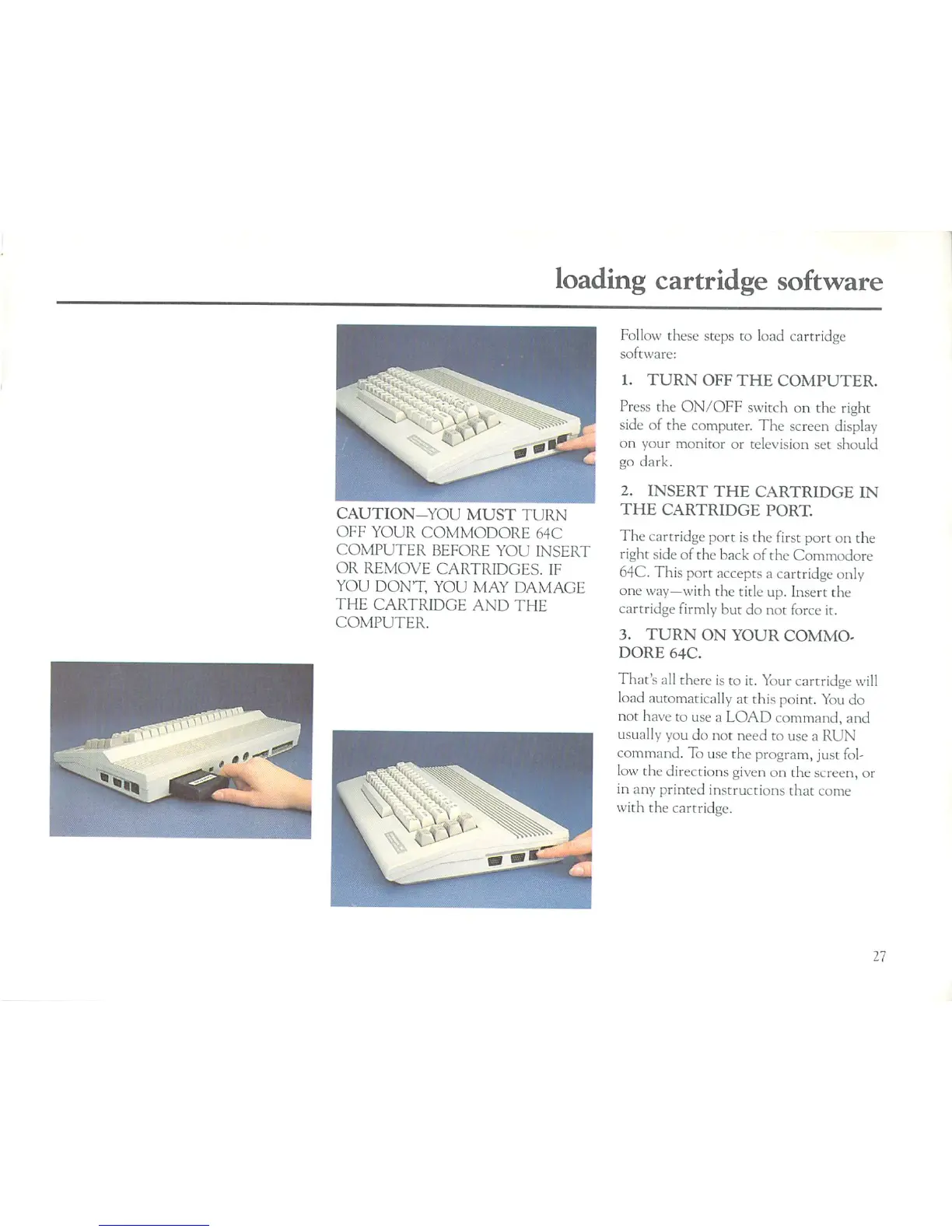
CAUTION-YOU
MUST
TURN
OFF
YOUR
COMMODORE
64C
COMPUTER
BEFORE
YOU
INSERT
OR
REMOVE
CARTRIDGES.
IF
YOU
DON'T,
YOU
MAY
DAMAGE
THE
CARTRIDGE
AND
THE
COMPUTER.
Follow
these
steps to
load
cartridge
software:
1.
TURN
OFF
THE
COMPUTER.
Press
the
ON/OFF
switch
on
the
right
side
of
the
computer.
The
screen
display
on
your
monitor
or
television
set
should
go
dark.
2.
INSERT
THE
CARTRIDGE
IN
THE
CARTRIDGE
PORT.
The
cartridge
port
is
the
first
port
on
the
right
side
of the
back
of
the
Commodore
64C.
This
port
accepts
a
cartridge
only
one
way—with
the
title
up.
Insert
the
cartridge
firmly
but
do
not
force
it.
3.
TURN
ON YOUR
COMMO
DORE
64C.
That's
all
there
is
to
it.
Your
cartridge
will
load automatically
at
this
point.
You
do
not have
to
use
a
LOAD
command,
and
usually
you
do
not
need
to
use
a
RUN
command.
To
use
the
program,
just
fol
low
the
directions
given
on
the
screen,
or
in
any
printed
instructions
that
come
with
the
cartridge.
27

Related product manuals