EasyManua.ls Logo

Commodore AMIGA 1084S - Safety Precautions

Commodore AMIGA 1084S
30 pages
Print Icon
To Next Page IconTo Next Page
To Previous Page IconTo Previous Page
Loading...
GB-10
Monitor
1084S
Before
replacing
the
plug
cover,
make
certain
that
the
cord
grip
is
clamped
over
the
sheath
of
the
lead
-
not
simply
over
the
three
wires.
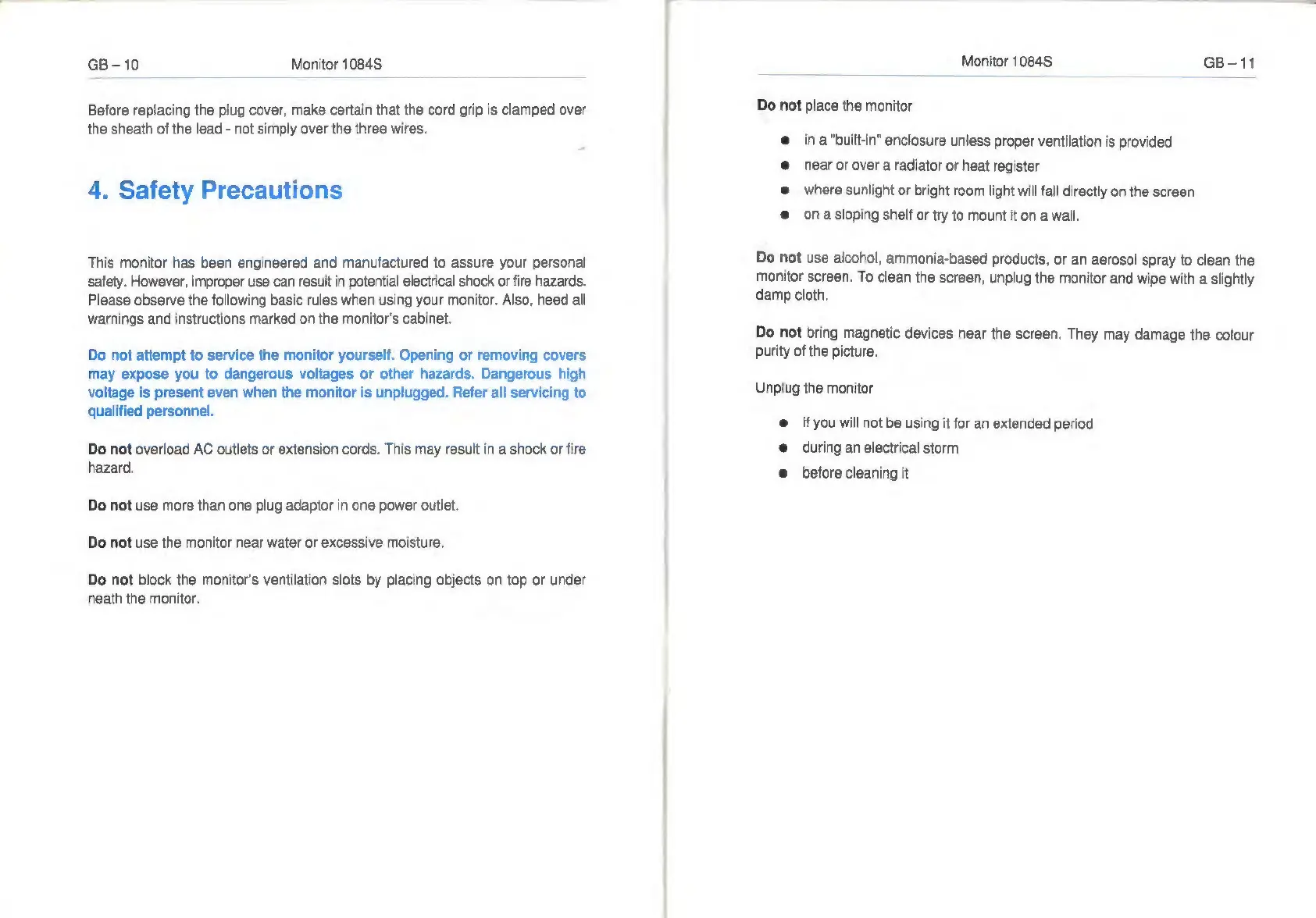
4.
Safety
Precautions
This
monitor
has
been
engineered
and
manufactured
to
assure
your
personal
safety.
However,
improper
use
can
result
in
potential
electrical
shock
or
fire
hazards.
Please
observe
the
following
basic
rules
when
using
your
monitor.
Also,
heed
all
warnings
and
instructions
marked
on
the
monitor's
cabinet.
Do
not
attempt
to
service
the
monitor
yourself.
Opening
or
removing
covers
may
expose
you
to
dangerous
voltages
or
other
hazards.
Dangerous
high
voltage
is
present
even
when
the
monitor
is
unplugged.
Refer
all
servicing
to
qualified
personnel.
Do
not
overload
AC
outlets
or
extension
cords.
This
may
result
in
a
shock
or
fire
hazard.
Do
not
use
more
than
one
plug
adaptor
in
one
power
outlet.
Do
not
use
the
monitor
near
water
or
excessive
moisture.
Do
not
block
the
monitor's
ventilation
slots
by
placing
objects
on
top
or
under
neath
the
monitor.
Monitor
1084S
GB-11
Do
not
place
the
monitor
e
ina
"built-in"
enclosure
unless
proper
ventilation
is
provided
e
near
or
over
a
radiator
or
heat
register
e
where
sunlight
or
bright
room
light
will
fall
directly
on
the
screen
e
on
a
sloping
shelf
or
try
to
mount
it
on
a
wall.
Do
not
use
alcohol,
ammonia-based
products,
or
an
aerosol
spray
to
clean
the
monitor
screen.
To
clean
the
screen,
unplug
the
monitor
and
wipe
with
a
slightly
damp
cloth.
Do
not
bring
magnetic
devices
near
the
screen.
They
may
damage
the
colour
purity
of
the
picture.
Unplug
the
monitor
e
if
you
will
not
be
using
it
for
an
extended
period
e
during
an
electrical
storm
e
before
cleaning
it

Related product manuals