EasyManua.ls Logo

Commodore PC 10 - Page 394

Commodore PC 10
494 pages
Print Icon
To Next Page IconTo Next Page
To Previous Page IconTo Previous Page
Loading...
\256
MS-DOS User's Reference
Sample Config.sys File
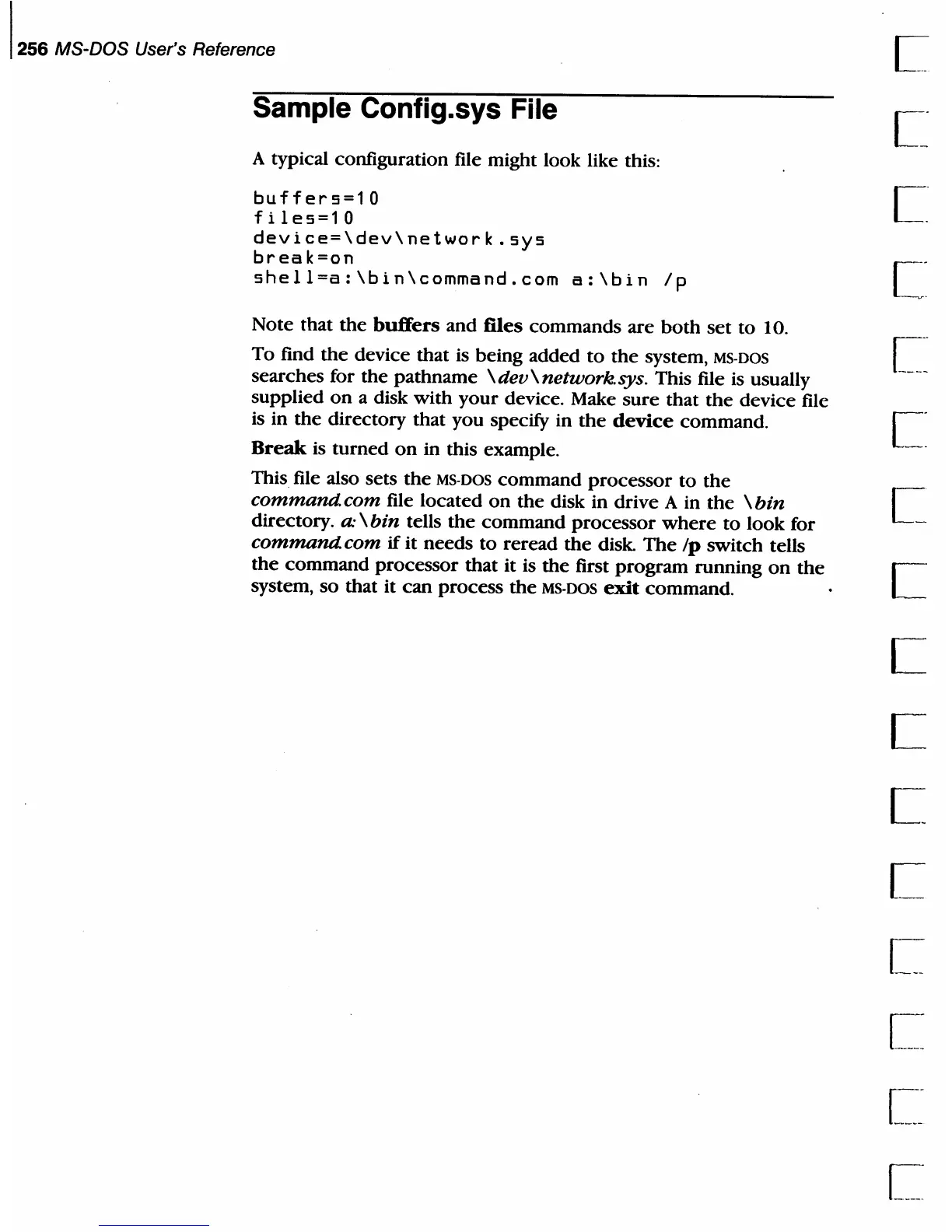
A typical configuration file might look like this:
buffers=10
files=10
device=\dev\network.sys
break=on
shell=a:\bin\command.com
a:\bin
Ip
Note that
the
buffers
and
files
commands
are
both
set
to
10.
To
find
the
device
that
is being
added
to
the
system,
MS-DOS
searches for the
pathname
\dev\network.sys.
This file is usually
supplied
on
a disk
with
your
device. Make
sure
that
the
device file
is in
the
directory
that
you
specifY in
the
device
command.
Break
is
turned
on
in this example.
This
file also sets
the
MS-DOS
command
processor
to
the
command. com file
located
on
the
disk in
drive
A in
the
\
bin
directory.
a:
\bin
tells
the
command
processor
where
to
look for
command. com
if
it
needs
to
reread
the
disk.
The
Ip
switch tells
the
command
processor
that
it
is
the
first
program
running
on
the
system,
so
that
it
can
process
the
MS·DOS
exit
command.
L.
c:
c:

Table of Contents

Related product manuals