EasyManua.ls Logo

Commodore PC 10 - Page 455

Commodore PC 10
494 pages
Print Icon
To Next Page IconTo Next Page
To Previous Page IconTo Previous Page
Loading...
[-
r
r
[
[--
Appendix F Configuring
Your
Hard Disk (Fdisk) 317
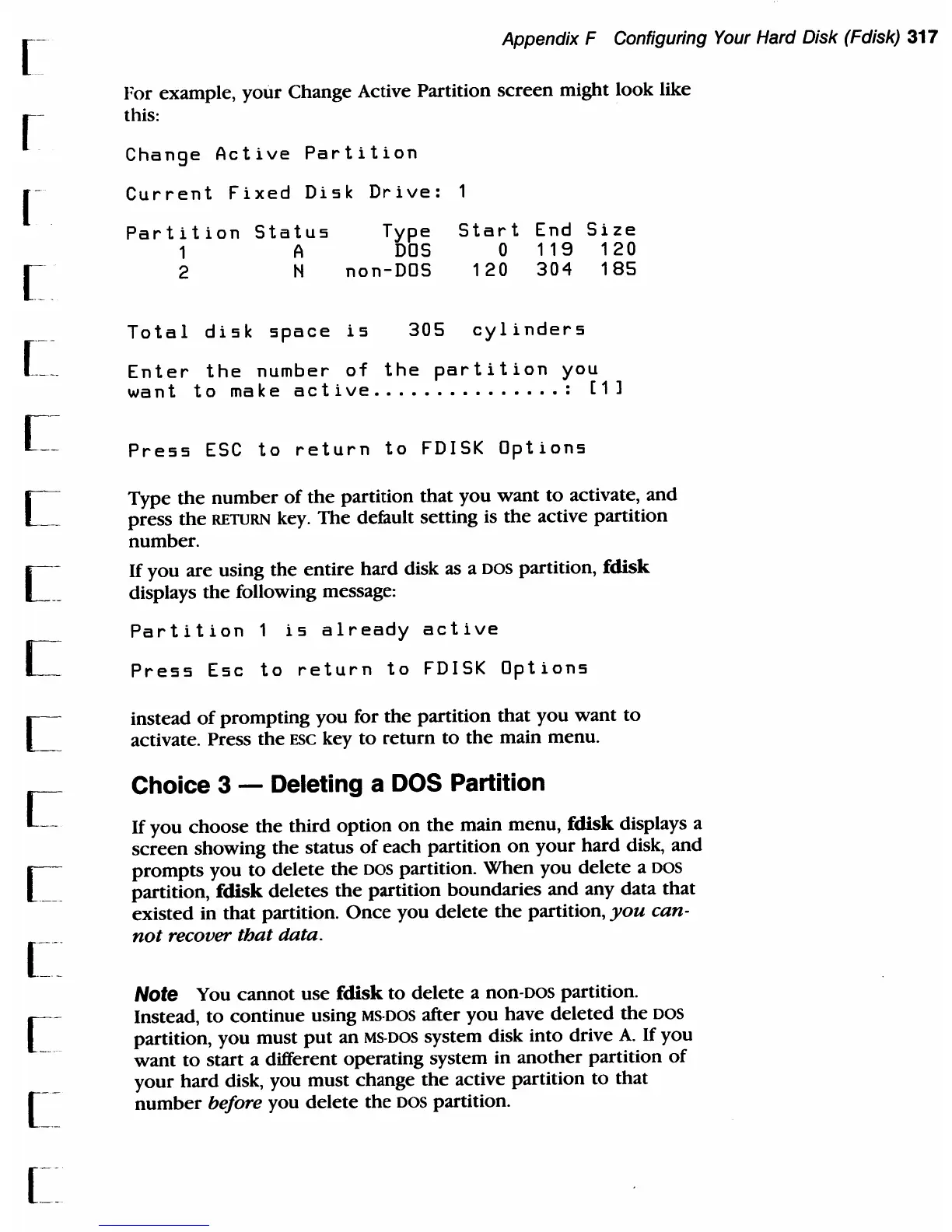
For example,
your
Change Active Partition
screen
might look like
this:
Change
Active
Partition
Current
Fixed
Disk
Drive:
Partition
Status
1 A
2 N
Type
DOS
non-DOS
Start
End
Size
o
119
120
120
304
185
Total
disk
space
is
305
cylinders
Enter
the
number
of
the
partition
you
want
to
make
active
...............
:
[1]
Press
ESC
to
return
to
FDISK
Options
Type
the
number
of
the
partition
that
you
want
to
activate,
and
press
the
RETURN
key.
The
default setting is
the
active partition
number.
If
you
are using
the
entire
hard
disk as a
DOS
partition, fdisk
displays
the
following message:
Partition
1
is
already
active
Press
Esc
to
return
to
FDISK
Options
instead
of
prompting
you for
the
partition
that
you
want
to
activate. Press
the
ESC key
to
return
to
the
main menu.
Choice 3 - Deleting a DOS Partition
If
you
choose
the
third
option
on
the
main menu, fdisk displays a
screen
showing
the
status
of
each
partition
on
your
hard
disk,
and
prompts
you
to
delete
the
DOS
partition.
When
you
delete
a
DOS
partition, fdisk deletes
the
partition boundaries and any data
that
existed
in
that
partition.
Once
you
delete
the
partition,
you
can-
not
recover tbat data.
Note
You
cannot
use
fdisk
to
delete
a
non-DOS
partition.
Instead,
to
continue
using
MS·
DOS
after
you
have
deleted
the
DOS
partition, you must
put
an
MS·
DOS
system disk into drive
A.
If
you
want
to
start a different operating system in
another
partition
of
your
hard disk, you
must
change
the
active partition
to
that
number
before you
delete
the
DOS
partition.

Table of Contents

Related product manuals