EasyManua.ls Logo

Commodore PC 10 - Page 456

Commodore PC 10
494 pages
Print Icon
To Next Page IconTo Next Page
To Previous Page IconTo Previous Page
Loading...
318 MS-DOS User's Reference
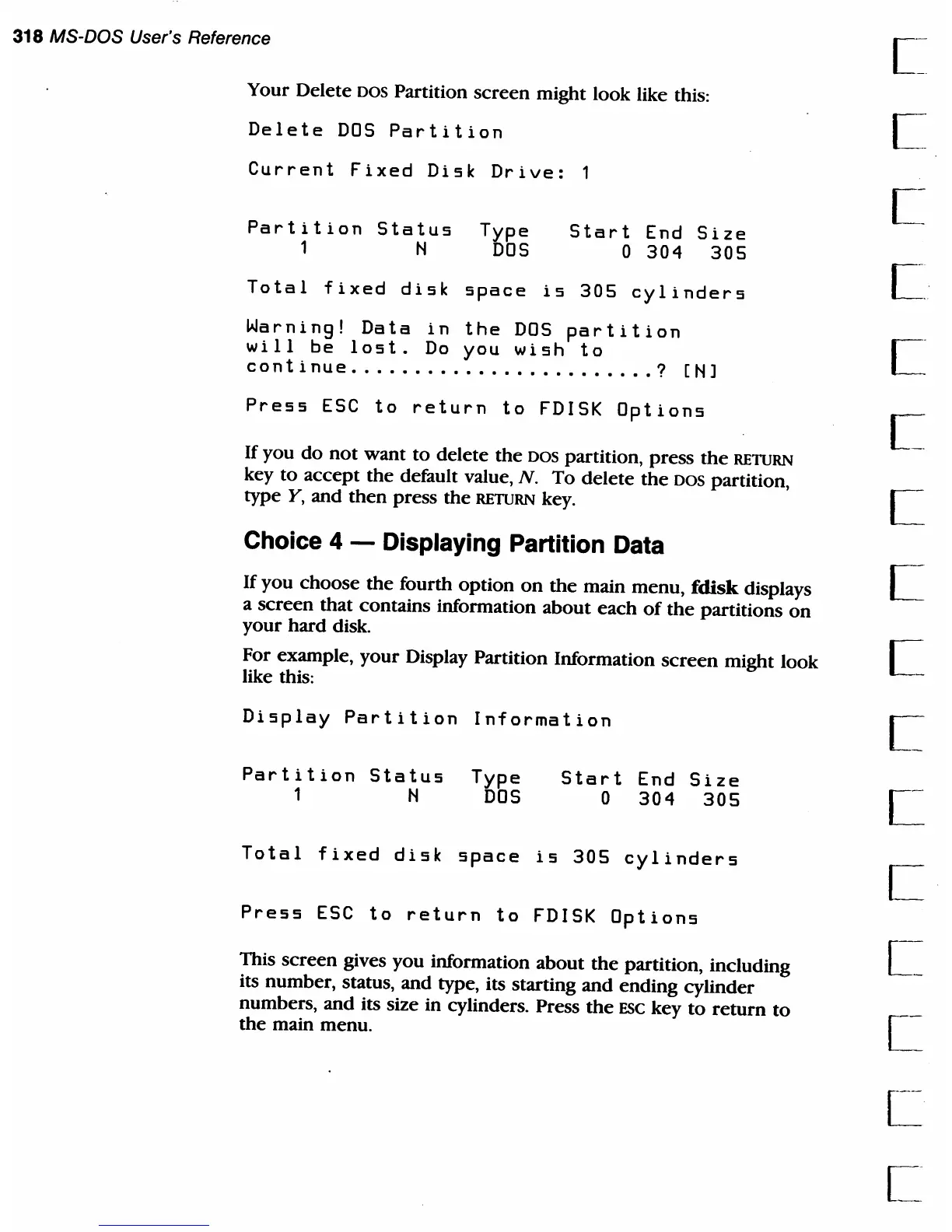
Your Delete
DOS
Partition
screen
might look like this:
Delete
DOS
Partition
Current
Fixed
Disk
Drive:
Partition
Status
Type
1 N
DOS
Start
End
Size
o
304
305
Total
fixed
disk
space
is
305
cylinders
Warning!
Data
in
the
DOS
partition
will
be
lost.
Do
you
wish
to
continue
........................
? [N]
Press
ESC
to
return
to
FDISK
Options
If
you
do
not
want
to
delete
the
DOS
partition,
press
the
RETURN
key
to
accept
the
default value,
N.
To
delete
the
DOS partition,
type
Y,
and
then
press
the
RETURN key.
Choice 4 - Displaying Partition Data
If
you
choose
the
fourth
option
on
the
main
menu,
fdisk displays
a
screen
that
contains information
about
each
of
the
partitions
on
your
hard
disk.
For example,
your
Display Partition Information
screen
might look
like this:
Display
Partition
Information
Partition
Status
Type
1 N
DOS
Start
End
Size
o
304
305
Total
fixed
disk
space
is
305
cylinders
Press
ESC
to
return
to
FDISK
Options
This
screen
gives
you
information
about
the
partition, including
its number, status,
and
type, its starting
and
ending
cylinder
numbers,
and
its size in cylinders. Press
the
ESC
key
to
return
to
the
main menu.
[~

Table of Contents

Related product manuals