6
7950 V2 Pager User Guide for 7950 V2
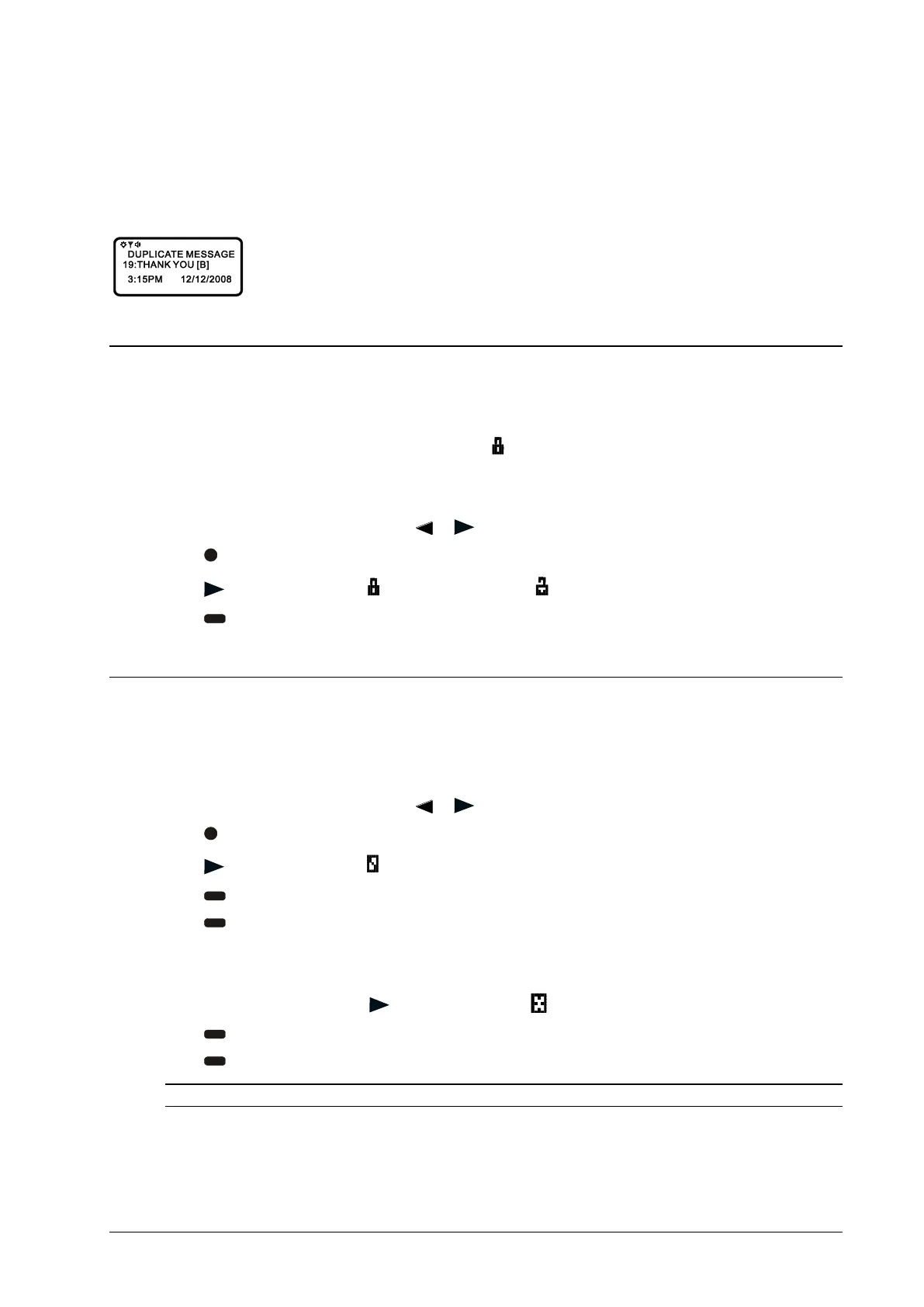
Duplicate Message
When this feature is enabled and the same message is received by the pager more than once, “DUPLICATE
MESSAGE” displays at the beginning of the new message. The new duplicate message replaces the older duplicate
message and contains the latest time and date stamp.
Locking/Unlocking Messages
Up to 16 messages can be locked to prevent them from being deleted or from being replaced when the pager’s
memory is full.
When a message is locked, the symbol is replaced by the
symbol, indicating the message is locked.
Lock or Unlock a Message
1. From the Message-status screen, press
or to choose the message you want to lock or unlock.
2. Press
.
3. Press to move the cursor to to lock the message, or to unlock the message.
4. Press .
Deleting Messages
This feature allows you to delete unlocked and un-alarmed messages.
Delete a Single Message
1. From the Message-status screen, press
or to choose the message you want to delete.
2. Press
.
3. Press
to move the cursor to .
4. Press
. “DELETE MESSAGE?” displays.
5. Press
again to delete the message.
Delete All Unlocked, Un-Alarmed, and Read Messages
1. From the Function menu, press
to move the cursor to .
2. Press
, “DELETE ALL MESSAGES?” displays.
3. Press
. All unlocked, un-alarmed, and read message are deleted.
NOTE: Notebook messages are not deleted with this feature.



 To Next Page