8
7950 V2 Pager User Guide for 7950 V2
Out of Range
When this feature is enabled, the pager notifies you when you are outside of the transmitter coverage area for longer
than five minutes. Therefore, it is recommended that if this feature is enabled, the paging system is set to send a
heartbeat page out every few minutes on an unused cap code. This can be achieved via “Reminder Messages” in the
Fusion EMM or Messenger.
The pager can notify in several different ways depending on how the pager was programmed. The pager shows or
hides the antenna icon on the LCD screen ( ), beep and/or vibrate periodically, or shows the text “OUT OF
RANGE” on the LCD screen.
Display Zoom
When this feature is enabled, the standard 4-line display is converted to a 2-line display. The characters are enlarged
vertically for increased message readability.
1. From the Function menu, press
to move the cursor to (Zoom 2), (Zoom 3), or (Zoom 1)
2. Press
. Display zoom is now active.
All new and stored messages including notebook messages are displayed in the new format.
Setting the Time and Date
1. From the Function menu, press to move the cursor to .
2. Press
to display the Set-time-and-alarm screen.
3. Press
to move the cursor to the hour digit.
4. Press
to adjust the hour.
5. Adjust the minutes, AM/PM/24 hour, month, day, and year.
6. Press
to activate the time and date setting.
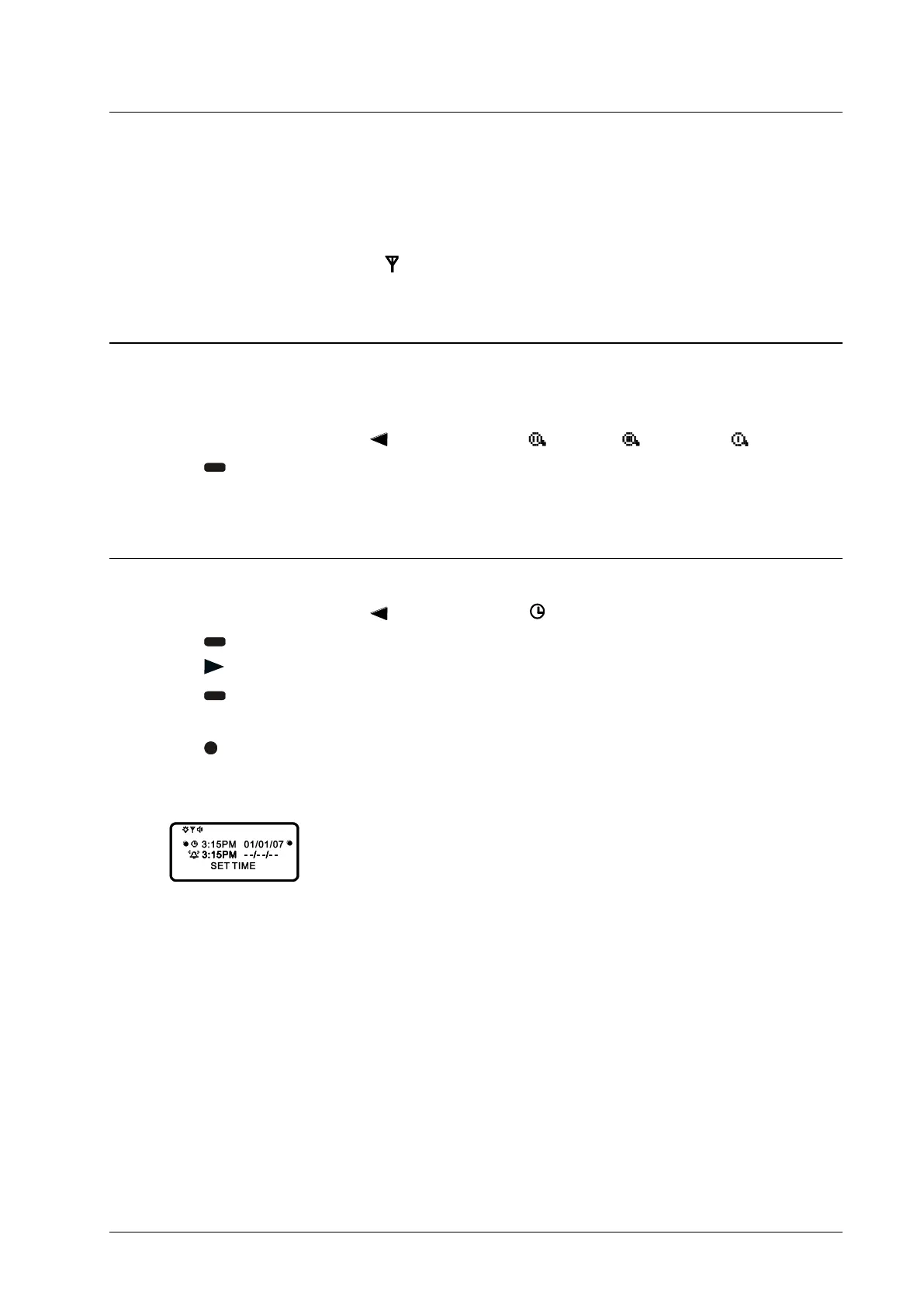
Example of Set-Time screen:
If you move the cursor past the last symbol in the row (far right), it automatically wraps around to the first
symbol in the beginning of the same row (far left).



 To Next Page