2
7950 V2 Pager User Guide for 7950 V2
Private Time
“Private Time” on page 11 includes information on how to set private times on the pager.
Notebook
“Notebook” on page 11 includes information on how to store personal messages in your notebook and how to delete
personal message from your notebook.
Appendix
“Appendix” on page 13 includes information on precautions and product specifications.
Case Layout
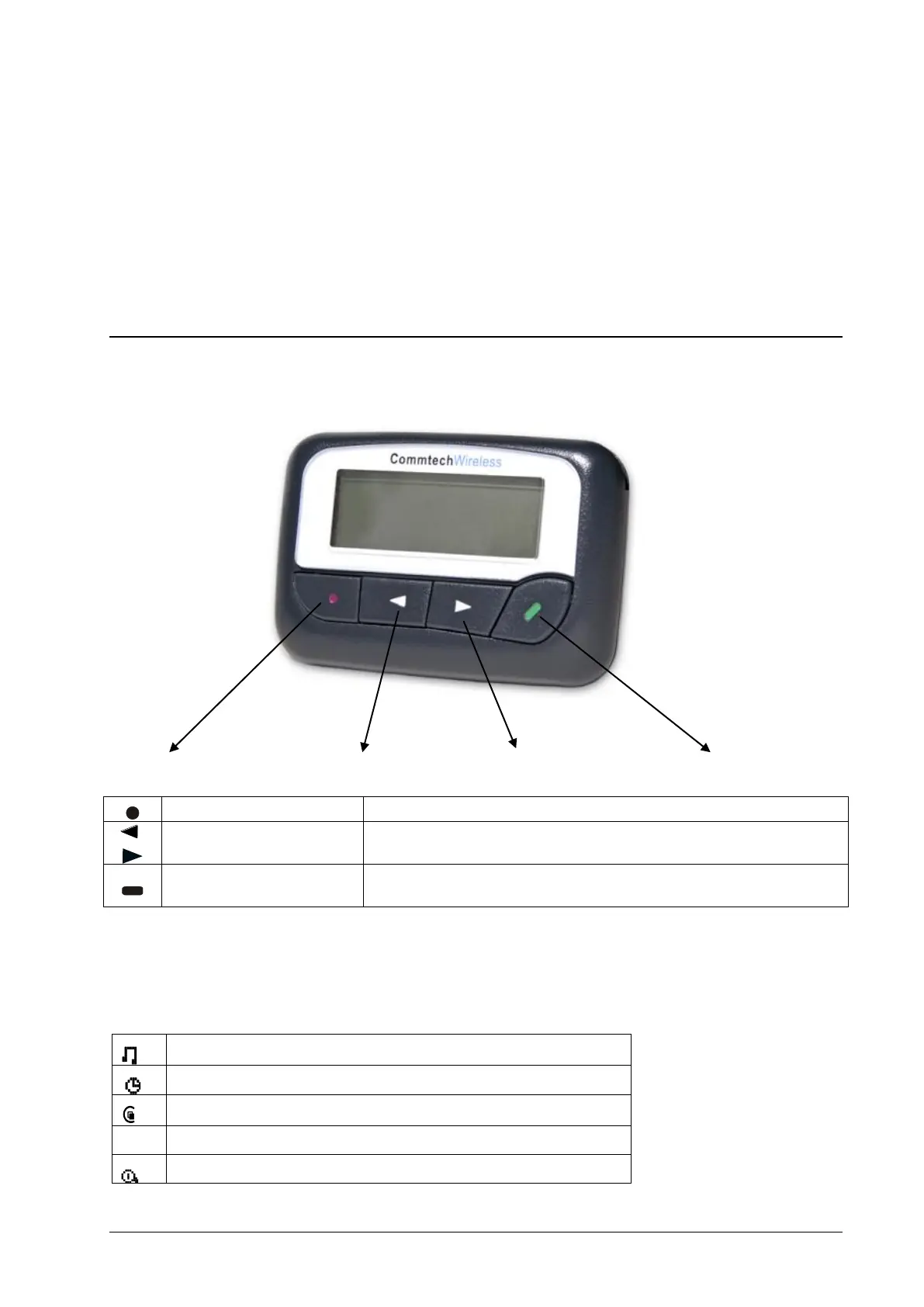
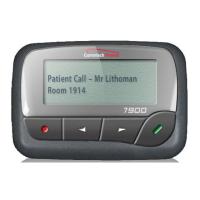
The 7950 V2 pager has four buttons on its case.
Function/Escape Button Left Directional Button Right Directional Button Read/Select Button
Used to display the Function menu and to escape out of menus.
Left/Right Directional
Buttons
Used to navigate through the Function menu and to scroll through your
messages.
Used to read messages, to activate your selection, and to turn on your
pager.
Pager Icons
The 7950 V2 pager may display the following icons:



 To Next Page