User Guide for 7950 V2 7950 V2 Pager
7
Message Alarm
This feature allows you to set a one-time or daily alarm for a selected personal message. You can set an alarm for up
to five personal messages. When a message alarm is set,
replaces in the Message-status screen. At the time
the alarm sounds, is again displayed unless the alarm is set to alert daily. Press to display the message for
which the alarm is set. If the alarm times passes without being acknowledged,
flashes until the message is read.
Set a One-time Message Alarm
1. From the Message-status screen, press
or to choose the message you want to alarm.
2. Press
.
3. Press
to move the cursor to .
4. Press
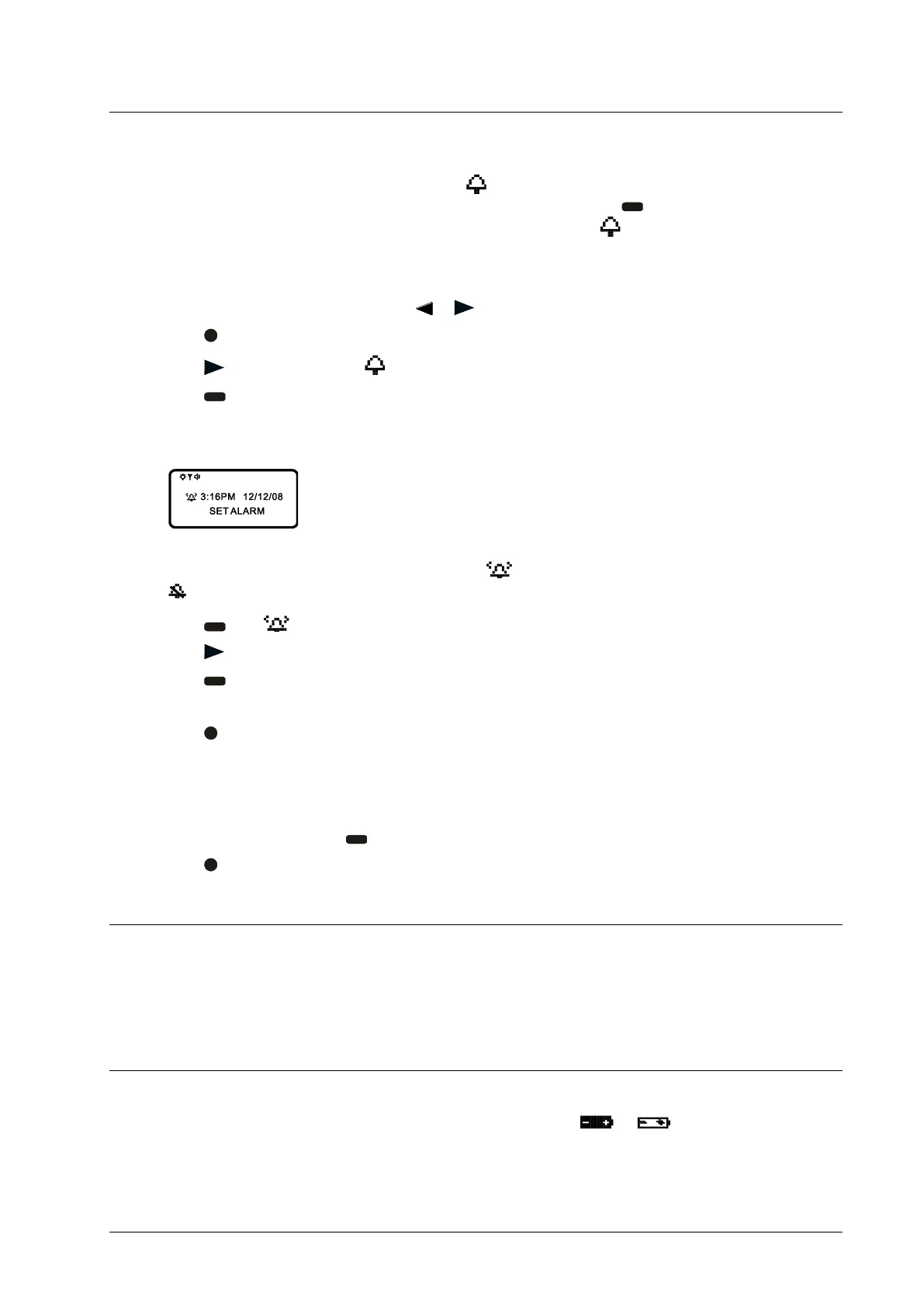
. The Set-message-alarm screen is displayed.
Example of Set-Message-Alarm screen:
The alarm symbol shows the current alarm status. is displayed if the message alarm is enabled, and
is displayed if the message alarm is disabled.
5. Press
until is displayed.
6. Press
to move the cursor to the hour digits.
7. Press
to adjust the hour digits.
8. Adjust the minutes, AM/PM/24, hour, and date.
9. Press
to activate your selection.
Set Daily Message Alarm
1. Follow the steps in the previous section to set the message alarm time.
2. When setting the date, press
until you see double dashes for the month, day, and year (--/--/--).
3. Press
to activate your selection. The alarm is now set to alert every day at this specified time.
Backlight
You can manually turn the backlight on or off at any time by pressing and holding any key for two seconds. The
backlight automatically turns off when the pager returns to the Standby screen or when holding any key for two
seconds again.
Low Battery Indication
When the energy level of the battery is low, the battery icon changes from to . An audio alert sounds
periodically.



 To Next Page