User Guide for 7950 V2 7950 V2 Pager
5
Receiving/Reading Personal Messages
Your pager can receive up to 50 personal messages. When a message is received, your pager alerts according to the
current alert setting. A new message is indicated by a flashing symbol. When a message is chosen, the symbol
changes to
.
Reading an Incoming Message
1. The message displays on the screen. Press any button to stop the alert.
NOTE: A flashing
in the right corner of the screen indicates the message is continued on an additional
screen(s). Press to display the rest of the message.
2. Press to exit.
Reading a Stored Message
1. From the Message-status screen, press
or to move the cursor to the message you want to read.
2. Press
to read the message.
Message Reading Features
1. Press
or while reading a message to read the previous or next message.
NOTE: When an unread message exists, your pager gives a periodic reminder alert until all unread
messages are read.
Message Preview
This feature allows you to scan the first line of your messages. Use the
or buttons to move the cursor through
your messages.
NOTE: Previewing an unread message does not remove the unread message status from the message.
Automatic Message Deletion
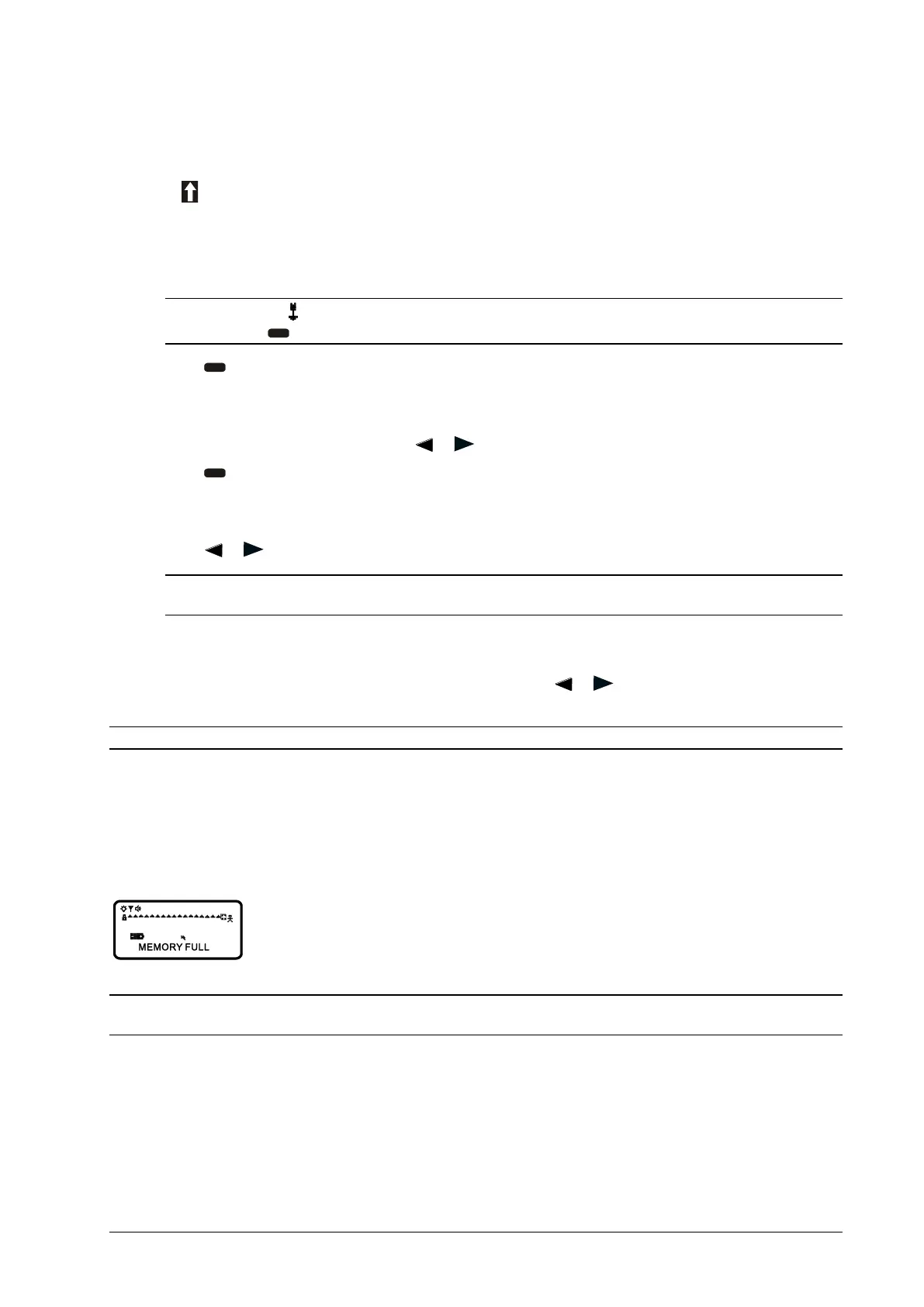
Stored message differ from locked messages. They can be deleted or overwritten when the pager’s memory is full
and a new message is received. If all 50 message slots are full and a new message is received, the oldest, unlocked,
un-alarmed, and previously read message is automatically deleted when a new message is received.
NOTE: To prevent specific messages from being deleted, you can lock them. You can then delete all other messages
you no longer need to prevent the pagers memory from becoming full.



 To Next Page