4
7950 V2 Pager User Guide for 7950 V2
IMPORTANT: Some features, icons, and function menus may not be available on your pager, depending on how the
pager was programmed. This document covers all features and assumes that no functionality has been disabled.
Turning Your Pager On
1. Press for 3 seconds. A start-up screen is momentarily displayed and your pager activates the currently
chosen alert. When the pager is on but no activity is taking place, the screen turns off.
NOTE: Press any button to stop the alert.
Turning Your Pager Off
1. Press
to display the Function menu.
2. Press
to move the cursor to ( ).
3. Press
. “TURN PAGER OFF?” displays.
4. Press
again to turn the pager off. The pager turns off and the screen goes blank.
Using the Function Menu
The Function menu provides access to the many features of your pager through the use of symbols and prompts.
1. Press
to display the Function menu. When the Function menu is initially displayed, flashes to
indicate the location of the cursor.
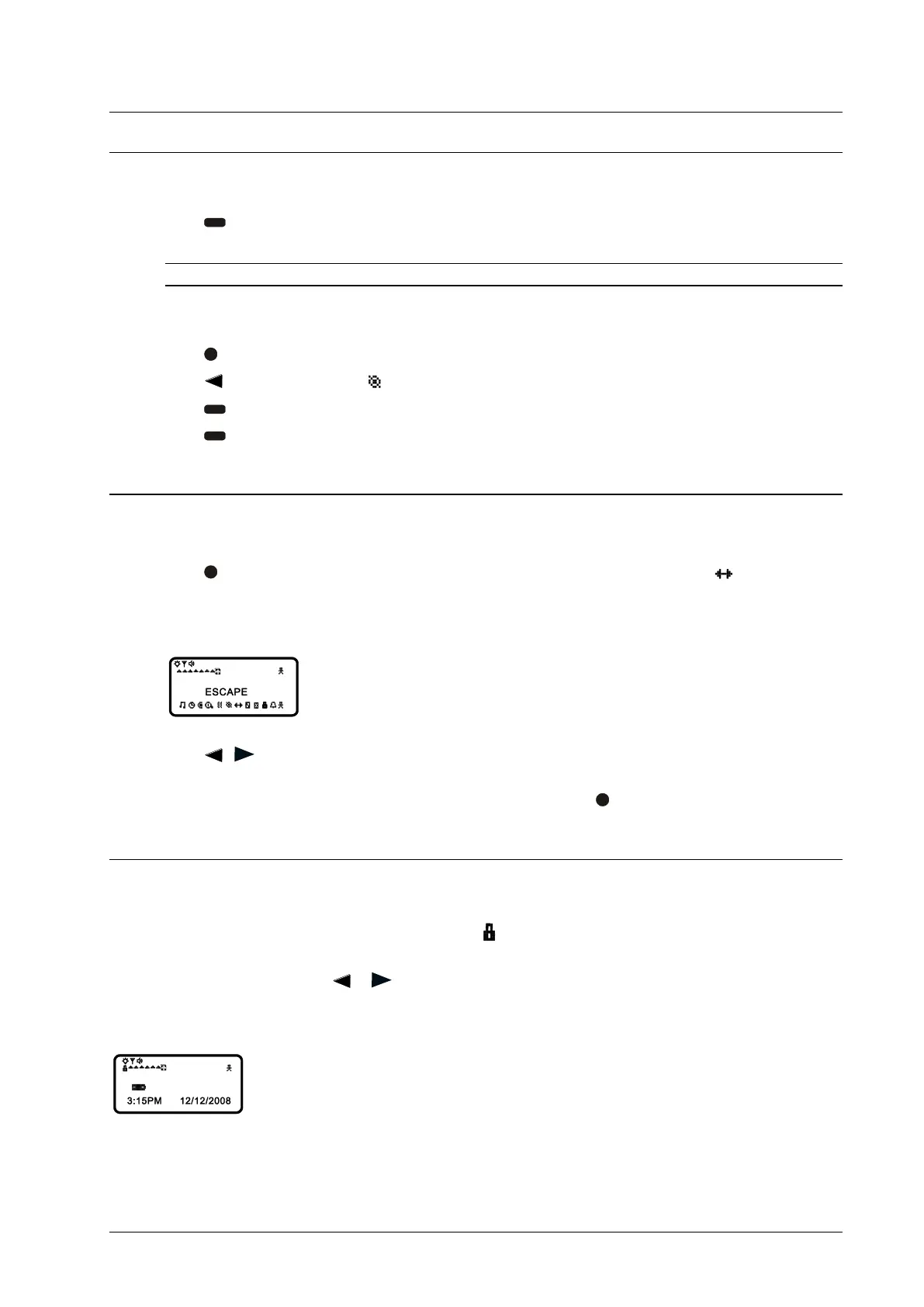
Example of the Fully Displayed Function menu:
2. Press , to move the cursor within the Function menu. As you move through the Function menu, the
pager function symbols flash to indicate the location of the cursor.
3. To exit from the Function menu without making any changes, press
.
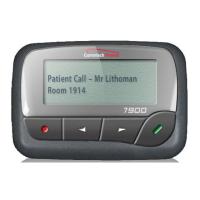
Message-Status Screen
The Message-status screen shows the current status of your messages. For example, unread messages are indicated
by a flashing symbol, locked messages are indicated by
.
The Messages-status screen also displays the time, date, and any activated pager settings. The Message-status
screen can be accessed by pressing
or from the Standby screen.
Example of the Message Status screen:



 To Next Page