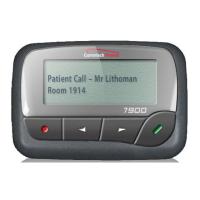
User Guide for 7950 V2 7950 V2 Pager
9
Setting Message Alert
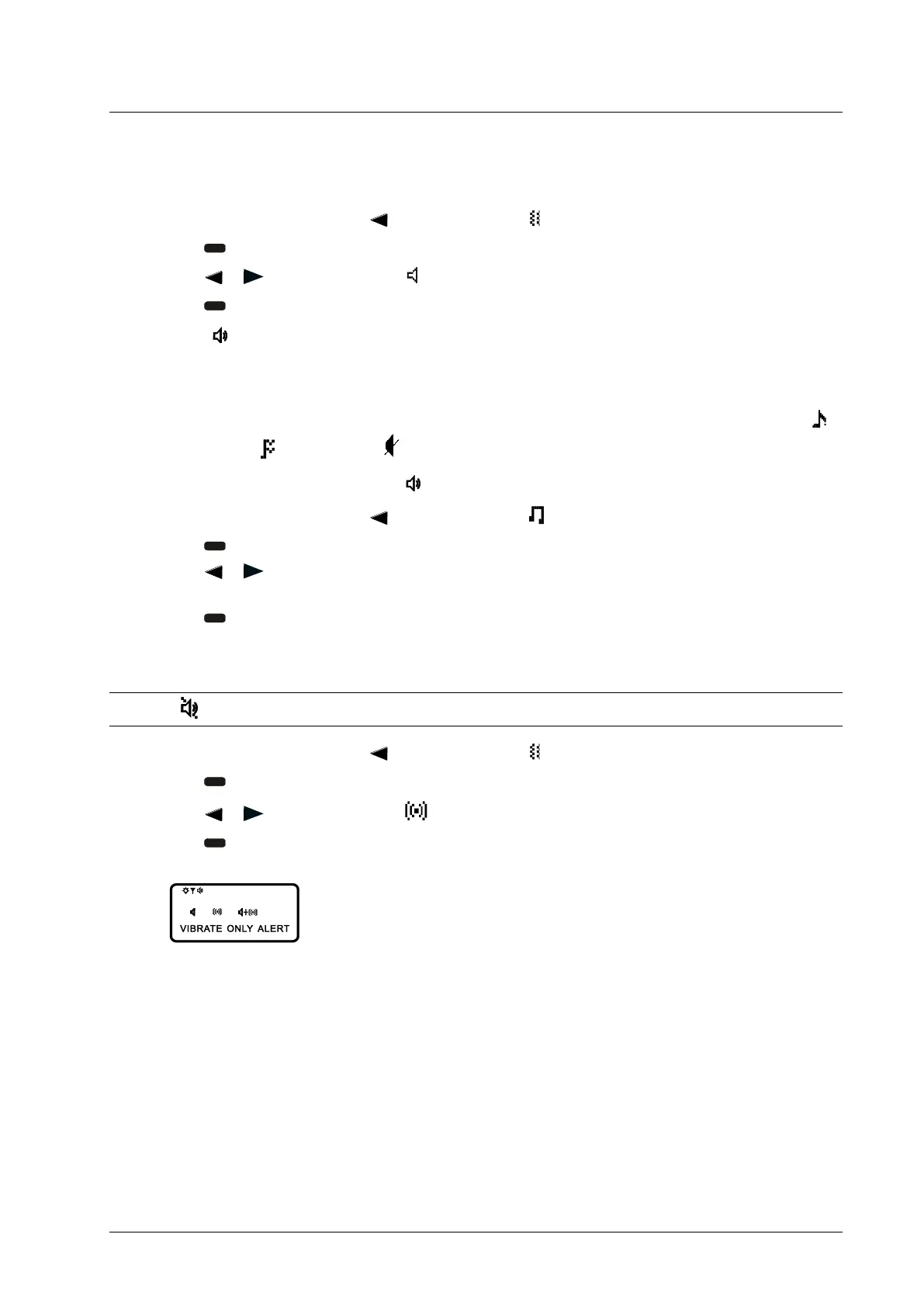
Setting an Audible Alert
1. From the Function menu, press
to move the cursor to .
2. Press
.
3. Press
or to move the cursor to .
4. Press
.
When
is displayed on the Standby screen, your pager is in the audible alert mode.
Setting the Alert Pattern
You can set your pager to alert audibly with a standard alert (1), one of seven pleasing alerts (2-8), a chirp alert (
),
chirp and vibrate alert (
), or silent alert ( ).
Your pager must be in the audible alert mode (
displayed in the Standby screen) to choose an alert pattern.
1. From the Function menu, press
to move the cursor to .
2. Press
to display the Choose Alert menu.
3. Press
or to move the cursor to the desired alert. The pager gives a sample of each alert as you move
through the selections.
4. Press to activate your selection. The pager gives a sample of the alert to confirm your selection.
Setting a Vibrate Alert
NOTE: If
is displayed in the Standby screen, your pager is already in the vibrate alert mode.
1. From the Function menu, press to move the cursor to .
2. Press
.
3. Press or to move the cursor to .
4. Press
to confirm.



 To Next Page