ComNav 2001 Autopilot System
P/N 29010017 V1.0 - 40-
DODGE KEYS
The DODGE keys are used to dodge the vessel
from its course. As long as either DODGE key is
pressed, the rudder will turn in the direction
desired until it reaches hard over. Hold both
DODGE keys to centre the rudder and hold the
vessel off course. Release the keys and the vessel
will return to its course at the rate set by the
TURN RATE control. As long as the vessel is
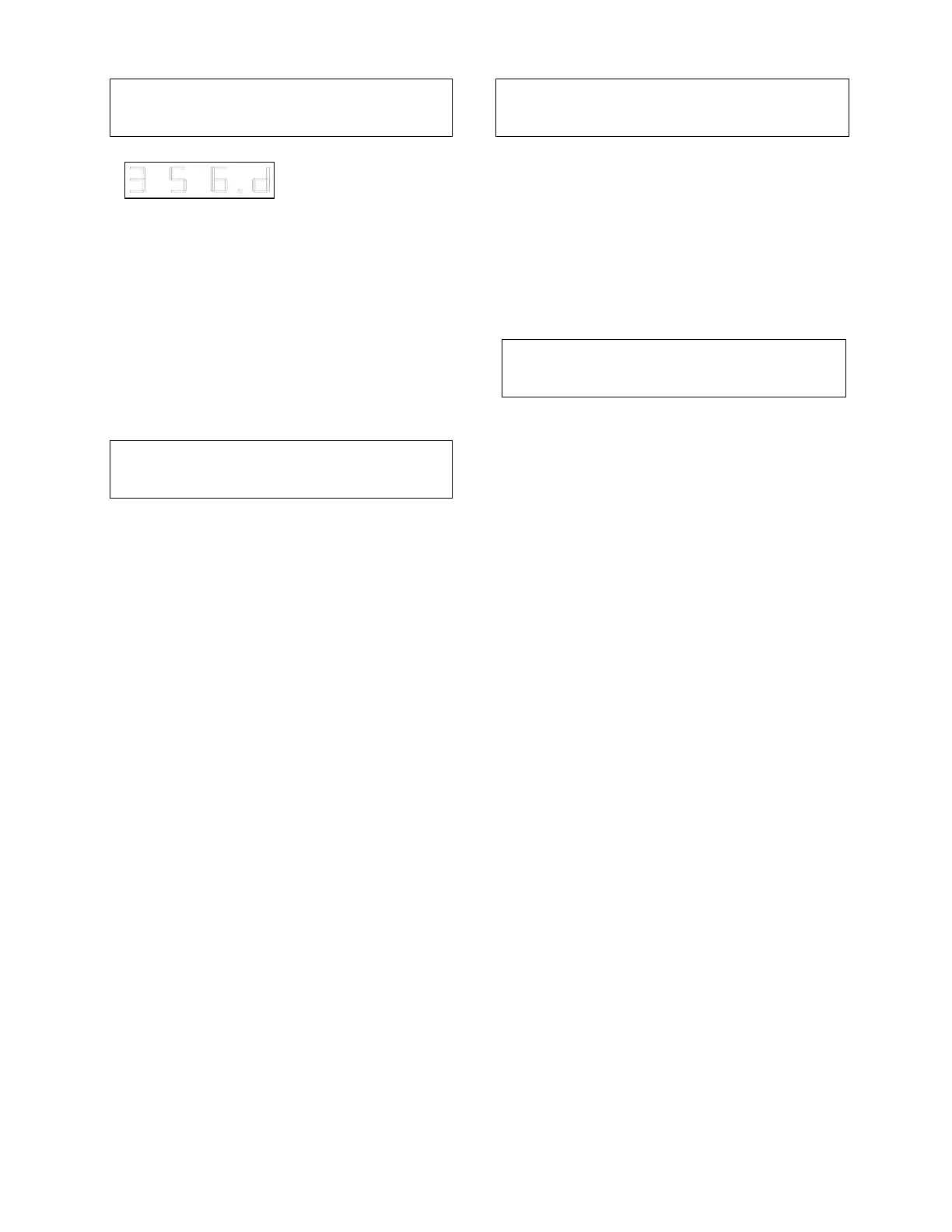
dodged off course, a 'd' (for DODGE) will appear
in the Function display.
DISPLAY SELECTOR
The COMPASS and COURSE keys operate
only when the autopilot (ie. not one of the
remotes) is in control. When the autopilot is in the
STANDBY or POWER STEER modes, the
vessel's actual compass course will be displayed
and the LED in the COMPASS key will be lit.
Pressing the COURSE key will have no effect.
When the autopilot is in the PILOT or NAV
modes, the display will switch to show the
vessel's programmed course, and the LED in the
COURSE key will be lit. To view the vessel's
actual compass course, press the COMPASS
key. The display will now show the vessel actual
compass course, and the LED in the COMPASS
key will light.
Press the COURSE key to return the
programmed course to the display. The display
will automatically switch back to the COURSE
display if any of the red or green ARROW keys,
the DODGE keys, or the U-TURN key are
pressed with the autopilot in the PILOT or NAV
mode.
ALARM CLEAR
The autopilot will sound the alarm when an error
condition exists. This condition will also be
indicated on the display. The alarm may be
silenced by touching the ALARM CLEAR key.
The display will continue to indicate the alarm
condition until it is gone. The ALARM CLEAR
key is also used to reset the optional Watch
Alarm.
GYRO (WIND) CONTROLS
The GYRO (WIND) ON/SET and GYRO
(WIND) OFF keys are used to control the
optional gyro-compass or wind interface. A
complete description of their operation is
supplied with the interface. The GYRO (WIND)
OFF key is also used to offset the compass
heading displayed by the autopilot. Place the
master select switch in the STANDBY position
and then press the GYRO (WIND) OFF key
together with the up or down ARROW key to set
the desired offset.



 To Next Page