ComNav 2001 Autopilot System
P/N 29010017 V1.0 - 46-
SPECIAL TURNS
U-TURN
The U-Turn is selected by placing the autopilot in
the STANDBY mode, pressing the U-TURN
key, followed by either the red or green ARROW
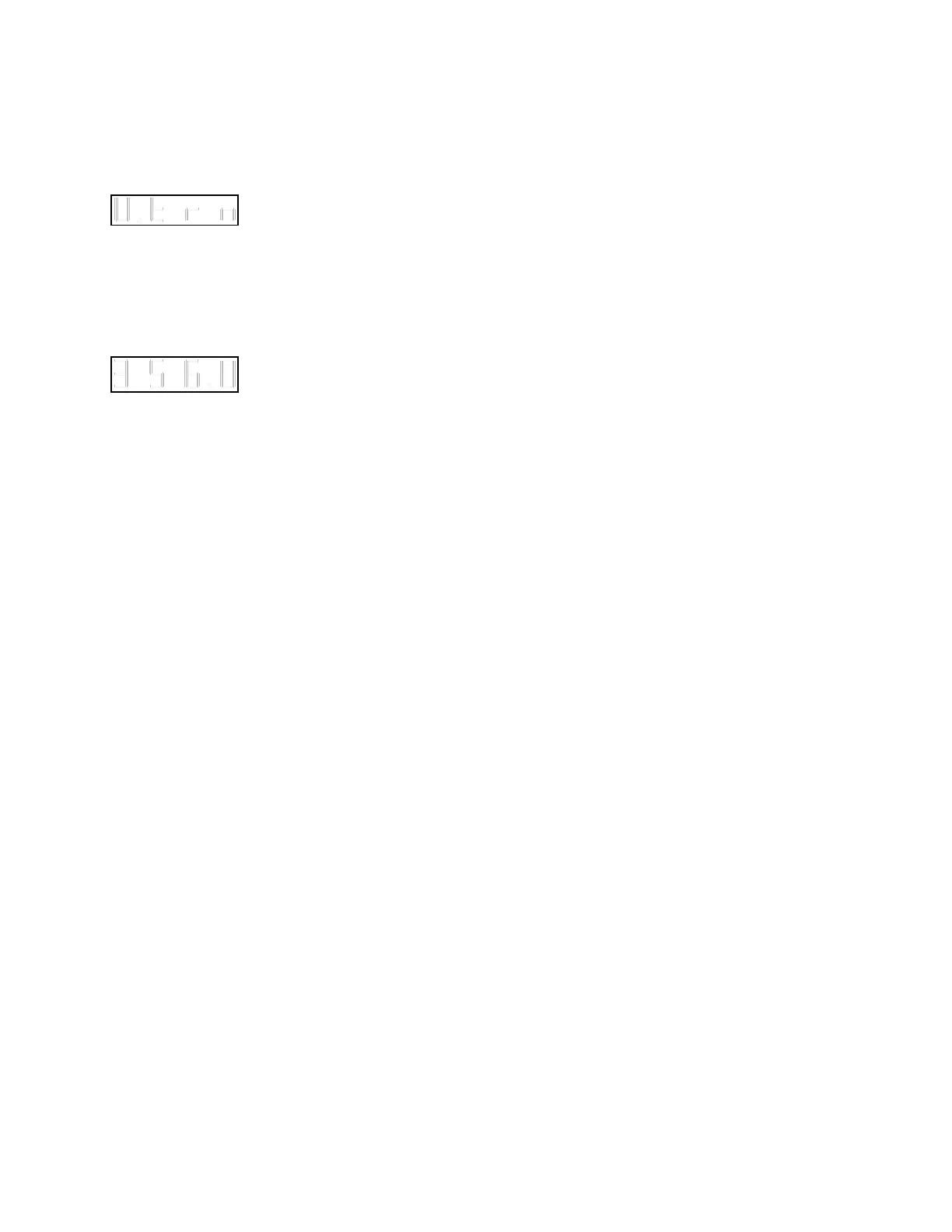
key until the display shows 'U.trn'. This turn is a
180 degree turn.
A U-Turn to port is initiated by placing the
autopilot in the PILOT mode and pressing the U-
TURN key together with the red ARROW key
for one second. The vessel will turn at the rate
determined by the TURN RATE control.
Pressing the U-TURN key and green ARROW
key together for one second will start a similar
turn to starboard. Pressing the U-TURN key and
the same ARROW key together for one second
during the U-turn will increase it to a full 360
degree turn.



 To Next Page