INS_CNGE2+2SMS_REV– 02/19/13 PAGE 13
INSTALLATION AND OPERATION MANUAL CNGE2+2SMS[POE][HO]
TECH SUPPORT: 1.888.678.9427
SFP
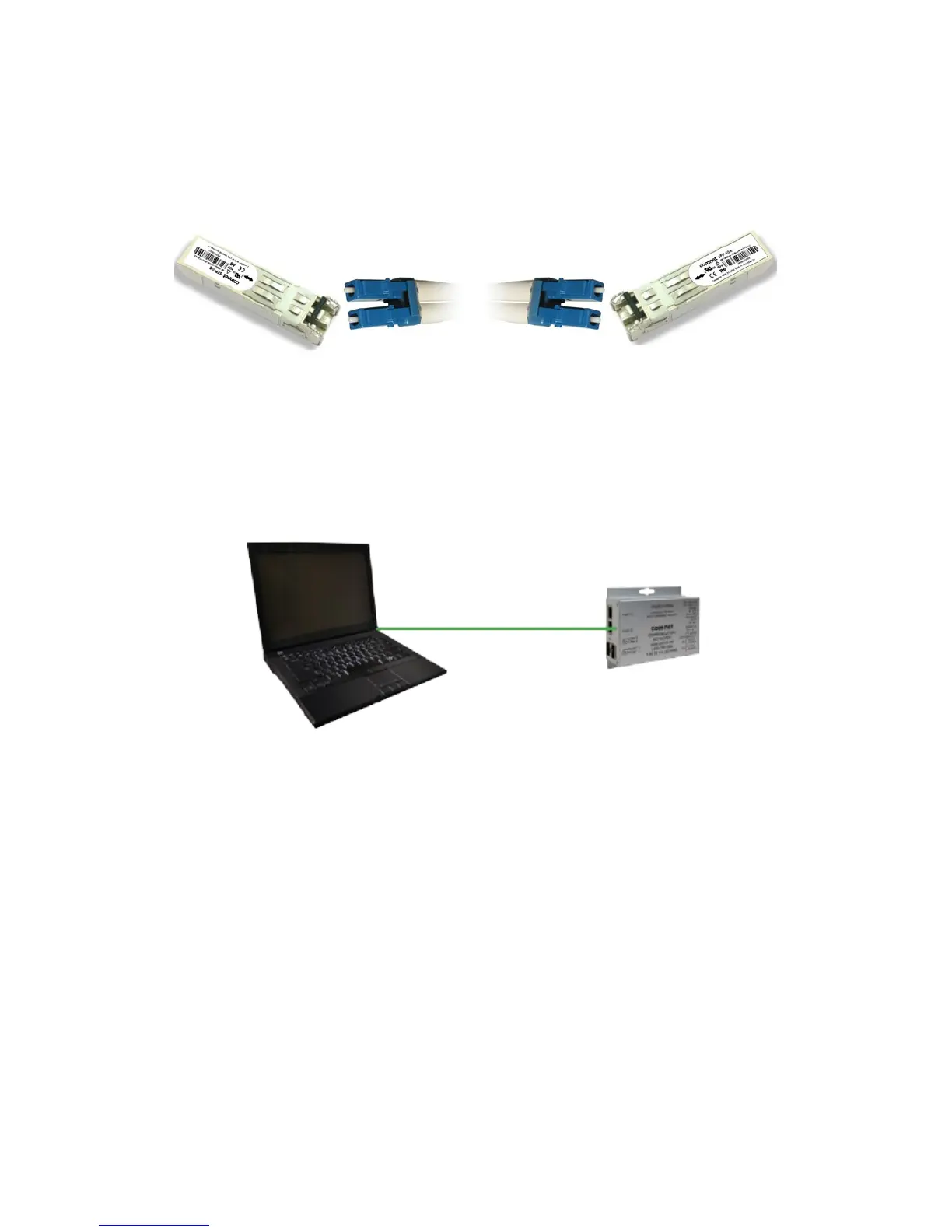
The Switch has fiber optic ports that utilize SFP connectors. ComNet offers a wide selection of SFP
modules that offer different fiber type, connector type and distances. Please remember that the
TX port of Switch A should be connected to the RX port of Switch B.
Switch A Fiber Cord Switch B
Console Cable
Each CNGE2+2SMS switch can have the initial network settings configured by the management
console port. You can connect them to a PC with USB Ports using the supplied USB to USB Mini B
male plug cable.
USB to USB Mini B Cable



 To Next Page