INS_CNGE2+2SMS_REV– 02/19/13 PAGE 38
INSTALLATION AND OPERATION MANUAL CNGE2+2SMS[POE][HO]
TECH SUPPORT: 1.888.678.9427
SNMP
Simple Network Management Protocol (SNMP) is the protocol developed to manage nodes
(servers, workstations, routers, switches and hubs etc.) on an IP network. SNMP enables network
administrators to manage network performance, find and solve network problems, and plan for
network growth. Network management systems learn of problems by receiving traps or change
notices from network devices implementing SNMP.
SNMP – Config
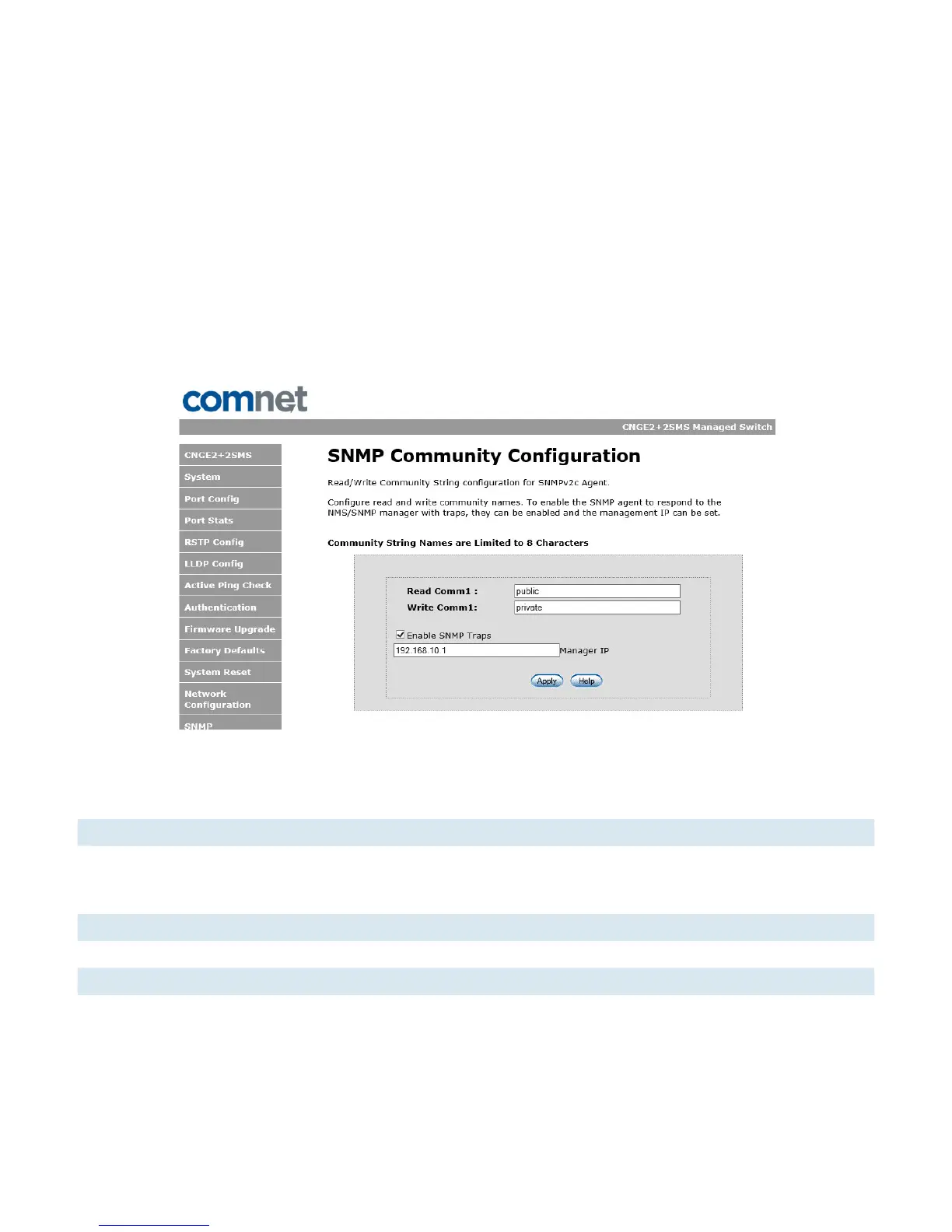
SNMP Community Configuration interface
The following table describes the labels in this screen.
Label Description
SNMP V1/V2c Community The switch supports one Read and one Write SNMP community string.
Community string names are limited to 8 characters.
To disable a community string leave its entry blank.
SNMP trap enable Enable SNMP traps to be sent to the manager
Manager IP address IP address of the management software
Apply Select Apply to activate the configurations.
Help Show help file.



 To Next Page