INS_CNGE2+2SMS_REV– 02/19/13 PAGE 23
INSTALLATION AND OPERATION MANUAL CNGE2+2SMS[POE][HO]
TECH SUPPORT: 1.888.678.9427
System Login
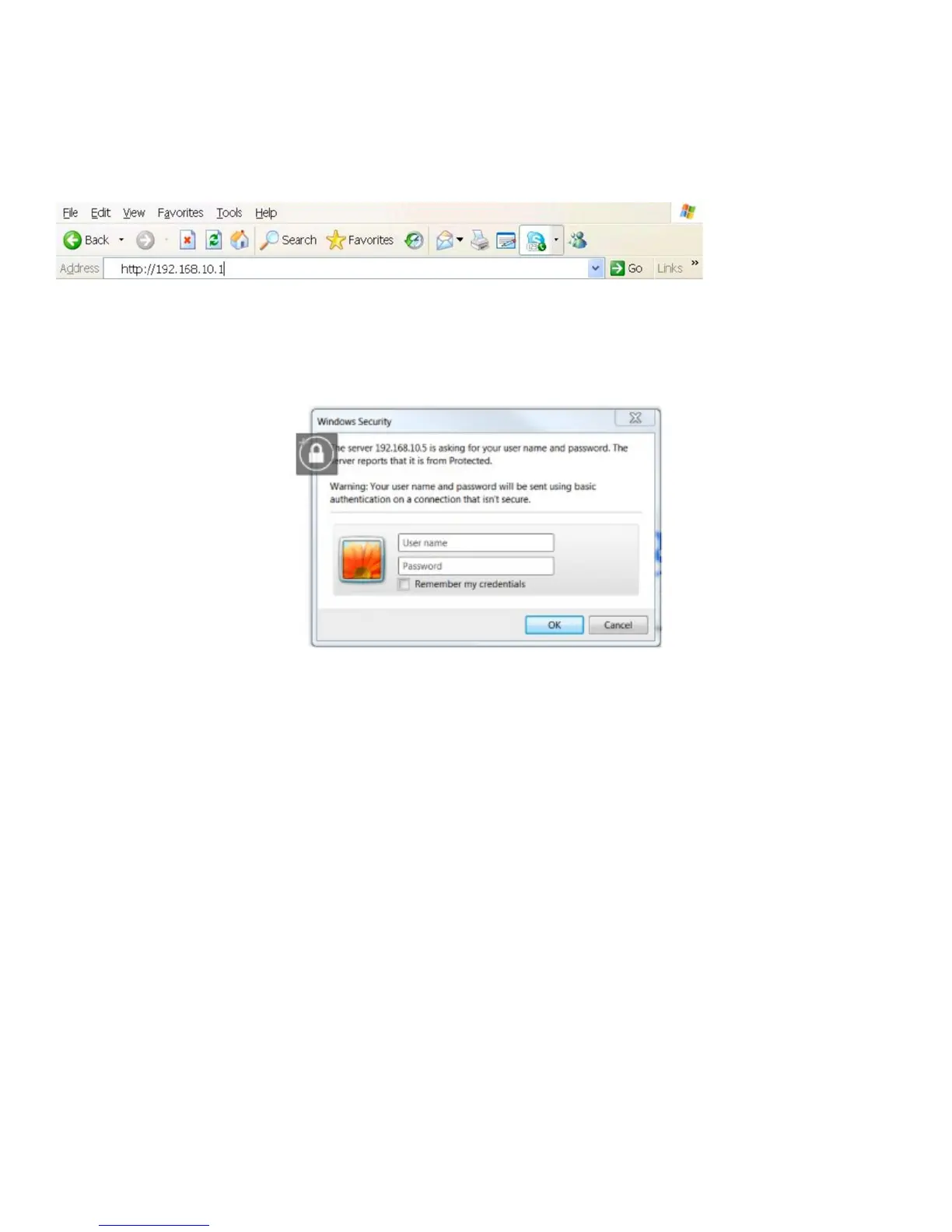
1. Launch your Web Browser.
2. Type http:// and the IP address of the switch. Press Enter.
3. The login screen appears.
4. Enter username and password. The default username and password is admin.
5. Select Enter or OK button, then the main interface of the Web-based management appears.
Login screen



 To Next Page