MNC-0000-041 7 of 34 Revision A
Operation Addendum, HPA Control Utility
the operation of the amplifier, but when the limits are exceeded
the current date, time and alarm condition are recorded in the
fault log.
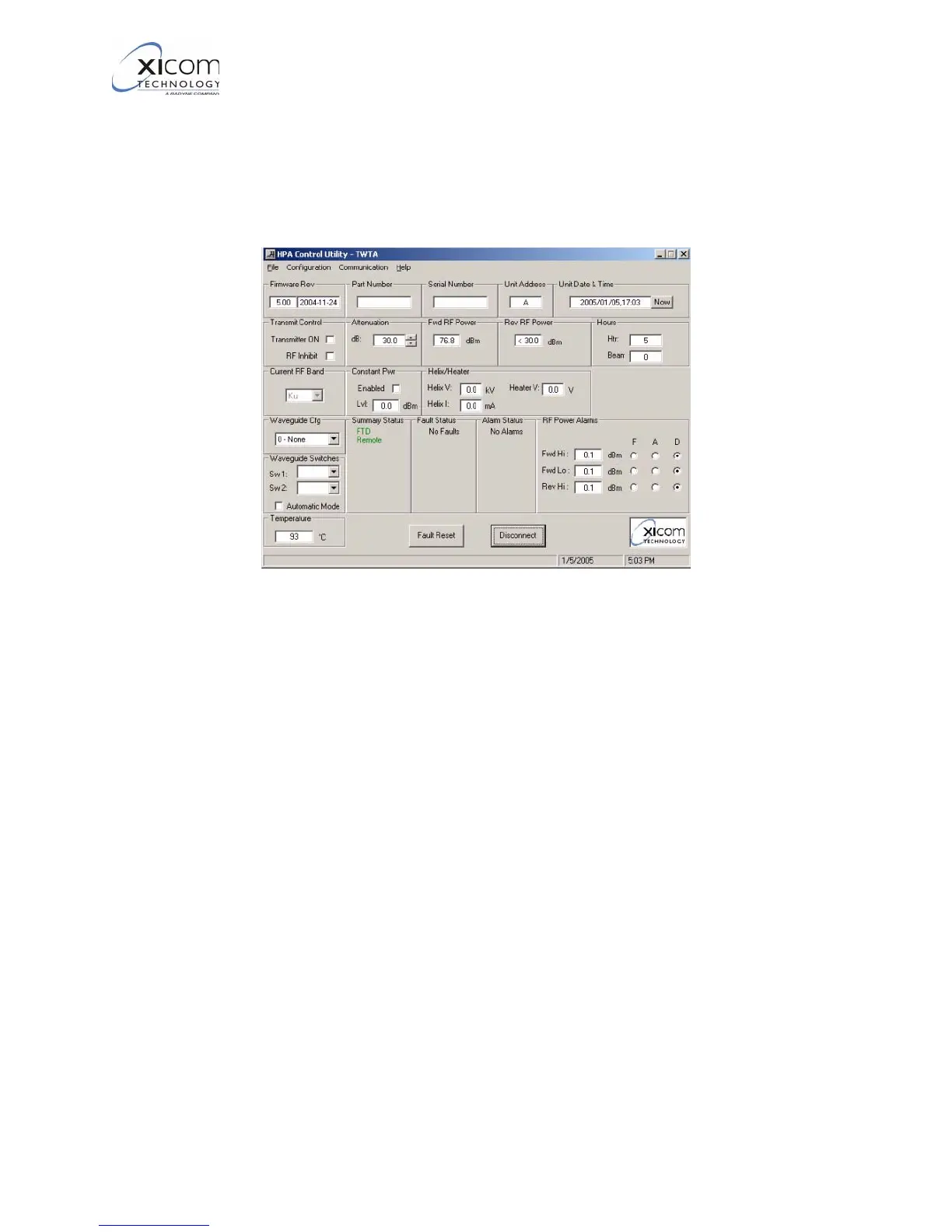
Lastly, the “Temperature” window indicates the current tempera-
ture of the TWTA.
Figure 3, Primary User Interface - Connected
3. Refer to Figure 4 and Figure 5 on page 8. When the program is
connected to an amplifier, the amplifier’s fault log may be viewed
by Selecting :
“File-> Download Fault Log”.
This will open a window containing the current fault log in the
Windows Notebook program.
EAR EXPORT CONTROLLED: The information contained in this Manual refers or relates to a product that is subject
to the U.S. Export Administration Regulations (EAR). Transfer of data herein by any means to a Foreign Person,
whether in the U.S. or abroad, may require an export license from the U.S. Department of Commerce.



 To Next Page