MNC-0000-041 8 of 34 Revision A
Operation Addendum, HPA Control Utility
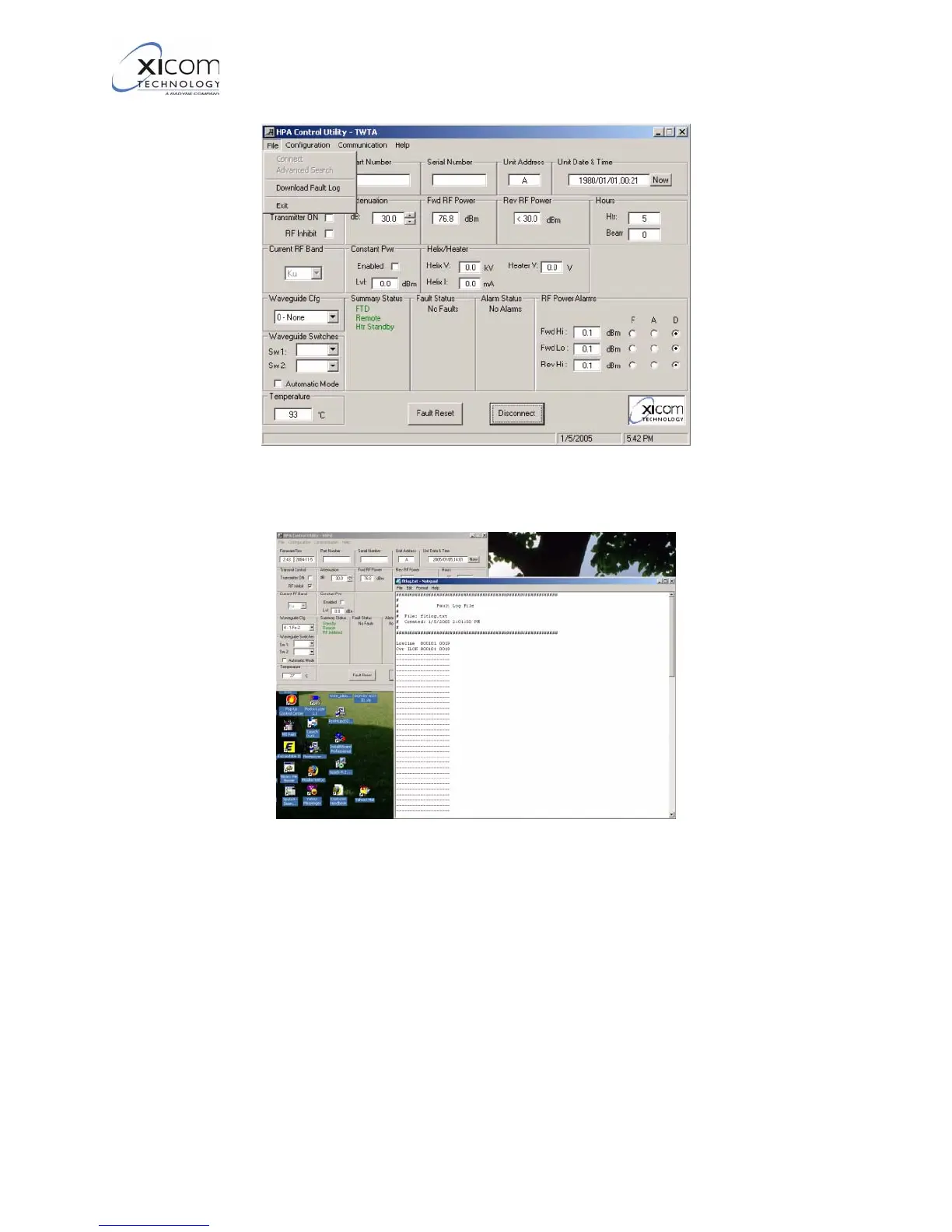
Figure 4, Primary User Interface – File Menu when connected
Figure 5, Display of Fault Log
4. Refer to Figure 6 on page 9. The Amplifier Configuration menu
allows the configuration of the amplifier’s COM ports, the startup
configuration, the Maximum power level, Heater standby
operation, Ethernet configuration, and the types of power units
used for Forward Power, Reverse Power, and the RF Power
Alarms.
EAR EXPORT CONTROLLED: The information contained in this Manual refers or relates to a product that is subject
to the U.S. Export Administration Regulations (EAR). Transfer of data herein by any means to a Foreign Person,
whether in the U.S. or abroad, may require an export license from the U.S. Department of Commerce.



 To Next Page