MNC-0000-041 30 of 34 Revision A
Operation Addendum, HPA Control Utility
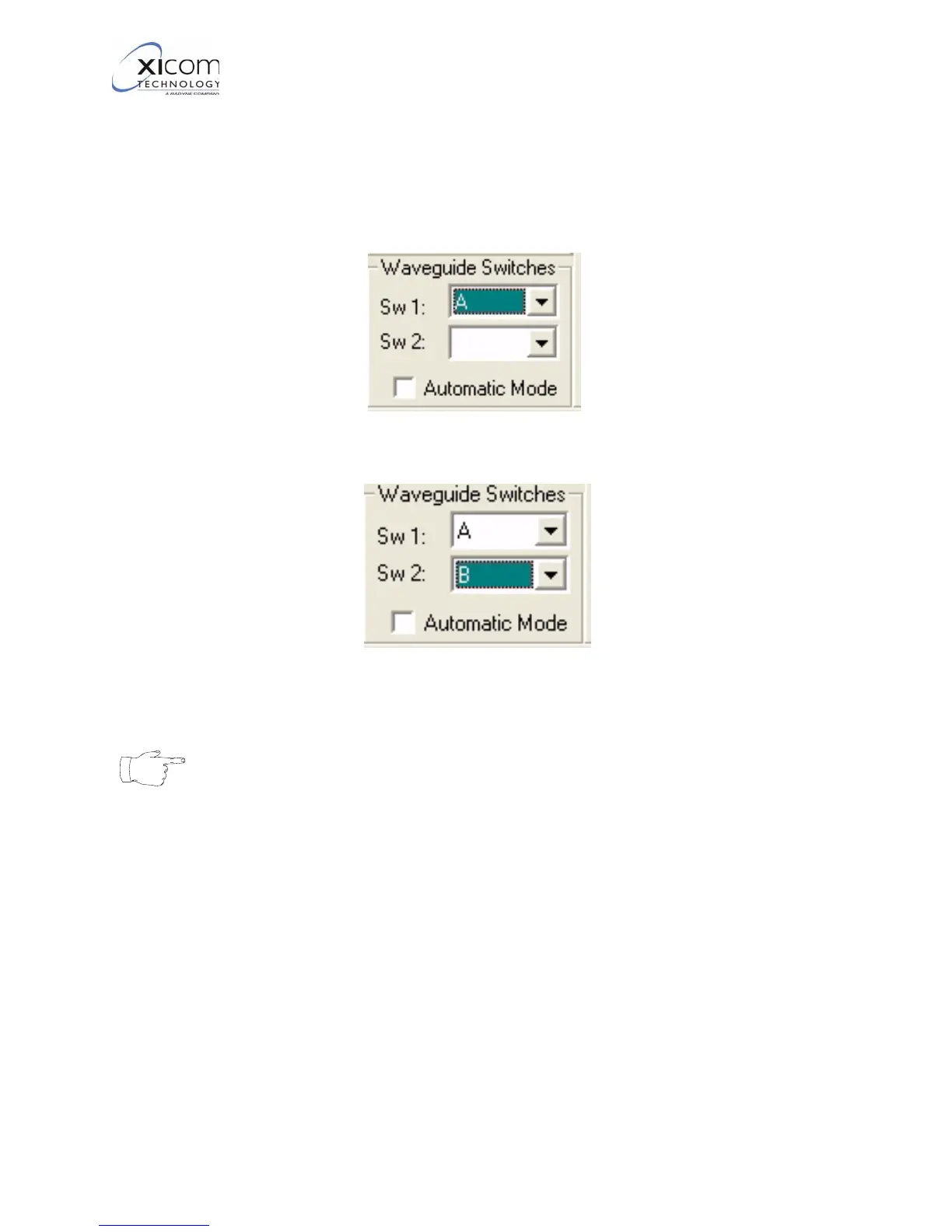
6. Refer to Figure 33 and Figure 34. Each amplifier can control two
waveguide switches. When only one switch is used in a
redundant configuration it is always Switch 1.Locate the
Waveguide Switches area of the Waveguide CFG Box. Click
on the down arrow of the switch you wish to control and select
the desired switch position.
Figure 33, Set Waveguide Switch 1
Figure 34, Set Waveguide Switch 2
Note
Switch positions “A” and “B” do not refer to an amplifier
address. When a amplifier reports that a switch is set to
position “A” it means that the switch is set to “me”, this
amplifier. When the amplifier reports that a switch is set
to position “B” it means that the amplifier is set to “him”,
the other amplifier.
7. If using a second waveguide switch, set switch 2 as described in
step 6.
EAR EXPORT CONTROLLED: The information contained in this Manual refers or relates to a product that is subject
to the U.S. Export Administration Regulations (EAR). Transfer of data herein by any means to a Foreign Person,
whether in the U.S. or abroad, may require an export license from the U.S. Department of Commerce.



 To Next Page