4 - 9 4 l Op e ra ti o n
D C - T We b A cc e s s Log o n a n d Se c ur i ty
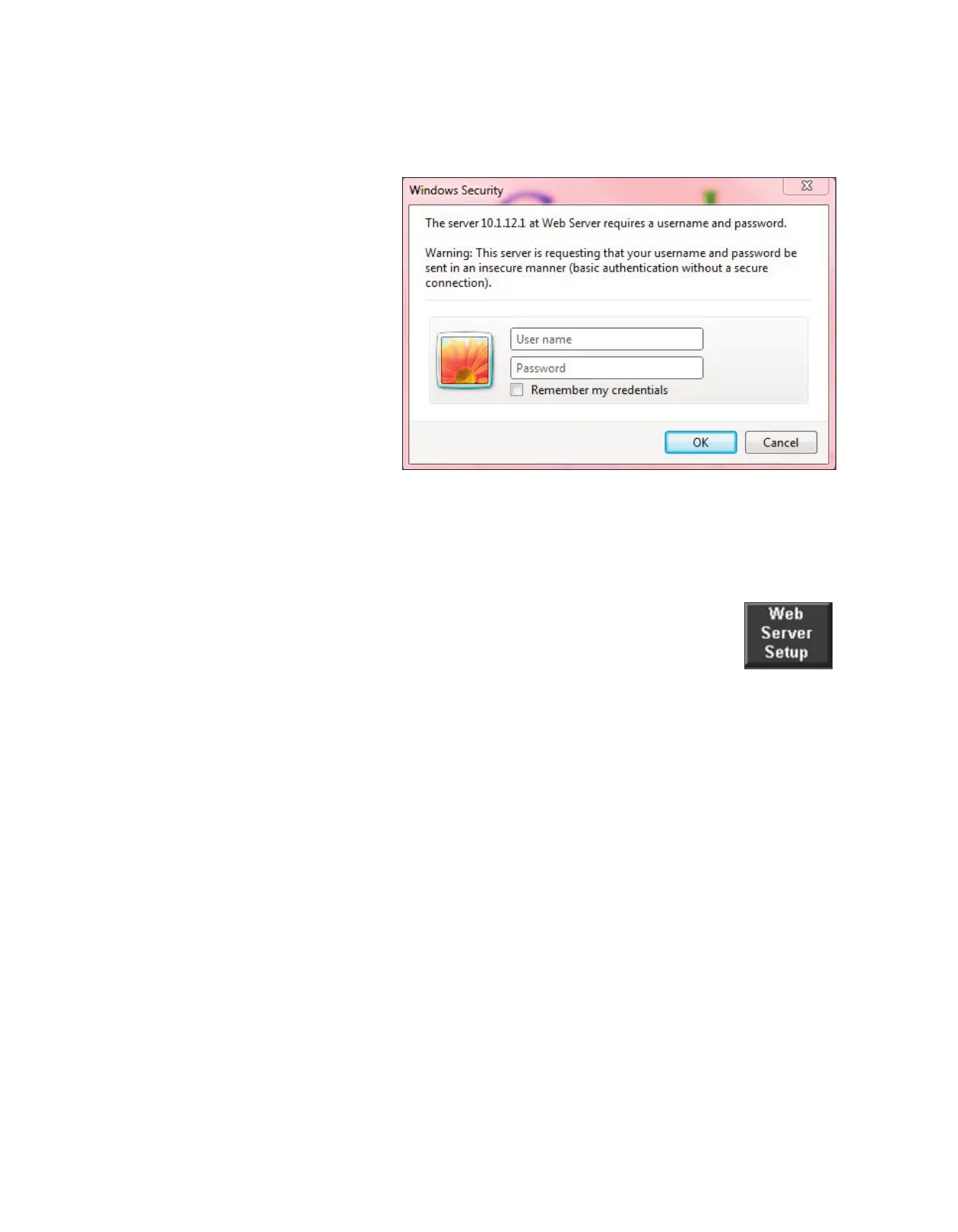
A Web Access
logon was added
to the DC-T for
enhanced security
in the Web
Server. The
logon prompt is
activated once a
user tries to use a
web browser
(internet explor-
er) to connect to
the DC-T. This
logon only allows
the user to view
the DC-T
screens. If the user wants to make any changes, the correct logon will still need to be pro-
vided for the DC-T screens.
The default settings for the Web Server logon are:
User Name: conair (case sensitive)
Password: Web Server (case sensitive -- Capitals and space for extra security)
A button (Web Server Setup) was added to the Central/ResinWorks and
Stand Alone dryer settings screens.
The Web Server Setup Screen is shown on the next page.
NOTE: Proper login is
required to change these
settings.
✐







 To Next Page