5 - 1 0 l Ma i nt e na n c e
C l e a n i n g th e Vola t il e Tr a p o n the
D e m i s t er
1 Stop the dryer and lockout the main power.
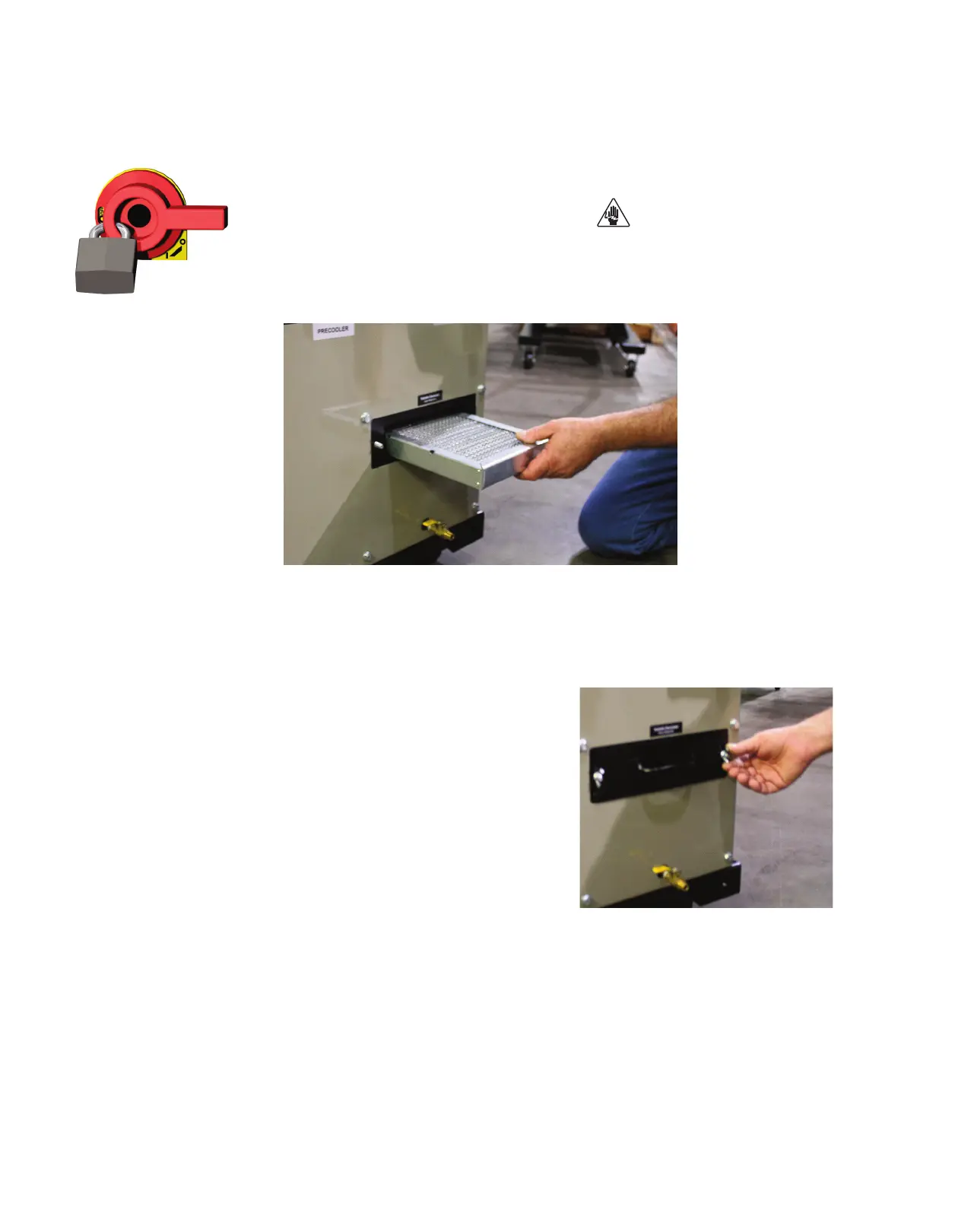
2 Remove the thumbscrews then remove the volatile demister cover.
3 Remove the demister by pulling it out from the housing.
4 Clean the assembly using a mild soap and water. Let the assembly dry thoroughly
before installation.
Note: In cases of heavy volitales, steam cleaning or the use of solvents, such as acetone, may be neces-
sary. Be sure to test a small area with the solvent you have selected to be sure there is no adverse reaction.
5 Insert the demister carefully back into the
housing.
6 Inspect the condition of the gasket. If it is
damaged, replace the gasket.
7 Secure the cover in place using the original
thumbscrews. Make sure the cable is not
pinched between the housing and the cover.
✐







 To Next Page