6 - 6 l Tr o u b l e sh o ot i ng
( C o n ti n ue d )
H o w t o I d e n ti f y the Ca u s e of a P ro b le m
( c o n ti n ue d )
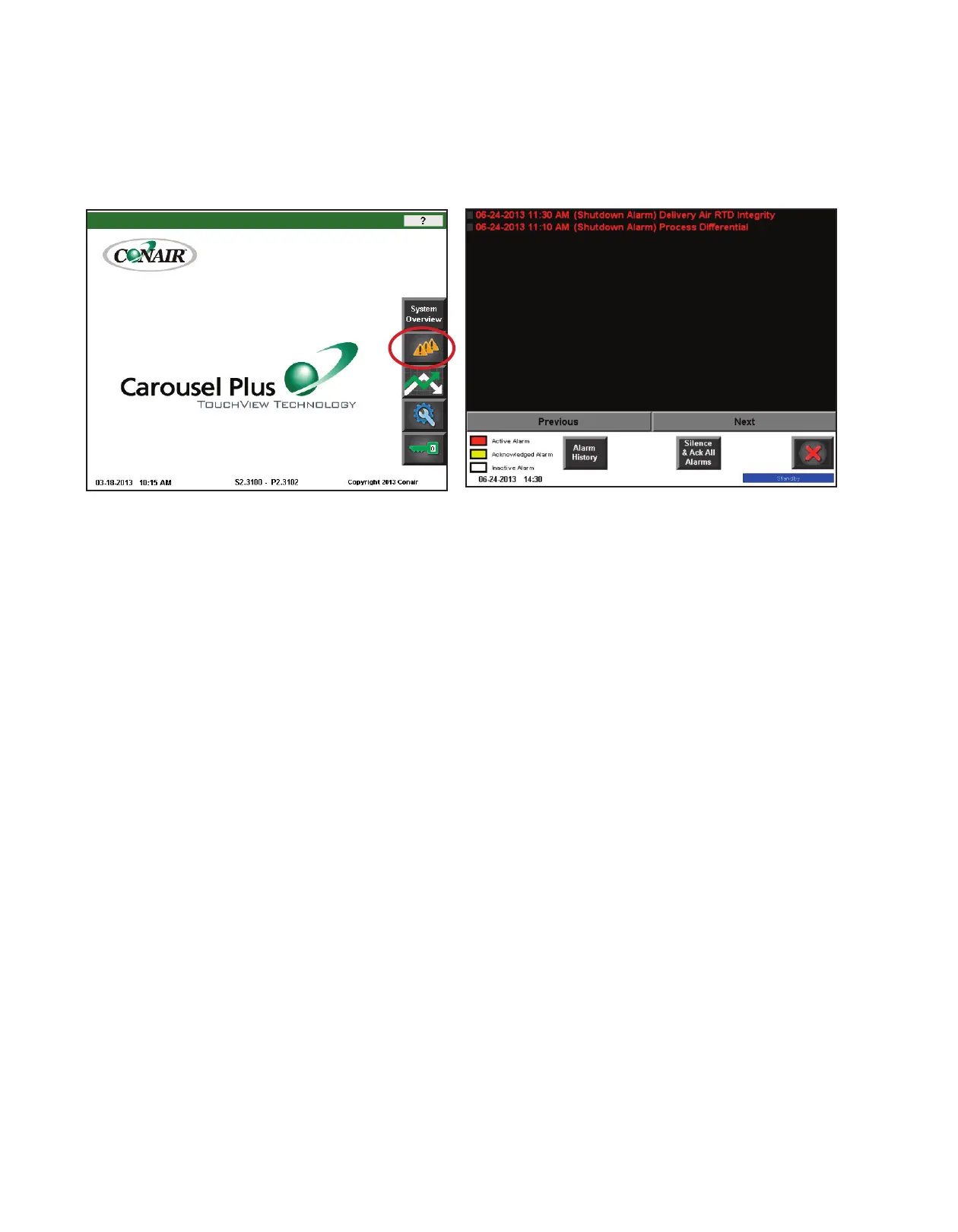
3 Press the “Alarm Log” button from the main screen to access the alarm history and
note the newest alarm(s).
4 Press the “Silence & Ack All Alarms” button.
5 After correcting the problem, take note of the problem. If the problem was not
solved, the alarm will reactivate.
There may also be a second alarm condition that occurred as a result of the first alarm.







 To Next Page