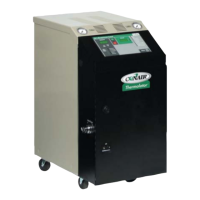
Thermolator TW Series UGH025-0504
3-12 INSTALLATION
TW-1, TW-2
C
ONTROL
CHANGING
TEMPERATURE
UNITS
NOTE: All dip switch illustra-
tions in this manual show
switches 7 and 8 set to ON.
If you have an Isolated
Circuit model, these switch-
es should be set to OFF.
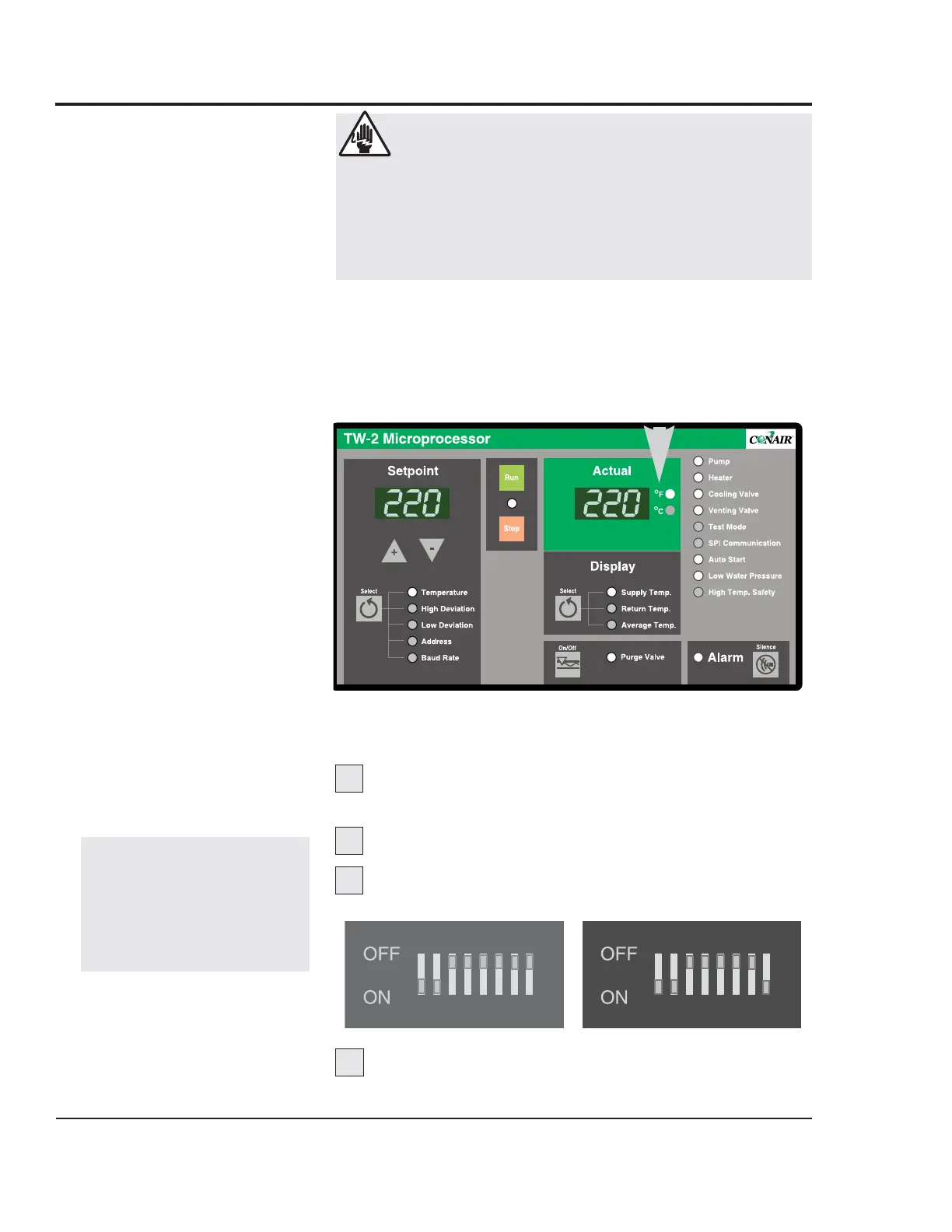
The temperature units are factory-set as degrees Celsius or
degrees Fahrenheit, as specified when the unit was ordered.
When the Thermolator is on, the indicator lights to the right of
the Actual temperature display on the control panel will show
which temperature unit has been set.
To change this setting, move Dip Switch 1 on the control
circuit board.
Disconnect and lock out main power to the
Thermolator.
Open the electrical enclosure.
Change Dip Switch 1 to:
OFF for °F ON for °C
Close the electrical enclosure and restore
main power to begin operating.
4
WARNING: Electric shock hazard
This equipment is powered by high voltage. Always
disconnect and lock out the main power source
before opening the unit or the electrical enclosure to
modify factory settings. Failure to disconnect and
lock out the main power source can result in severe
personal injury.



 To Next Page
 Loading...