Thermolator TW Series UGH025-0504
6-28 TROUBLESHOOTING
WARNING: Electrical shock and
hot surface hazards
Before attempting maintenance of any kind
on the Thermolator, you must stop the unit;
disconnect and lockout the main power
supply; and allow the unit to cool to less than
100°F (38°C)
Disconnect and lockout the main power.
Remove the top panel of the Thermolator.
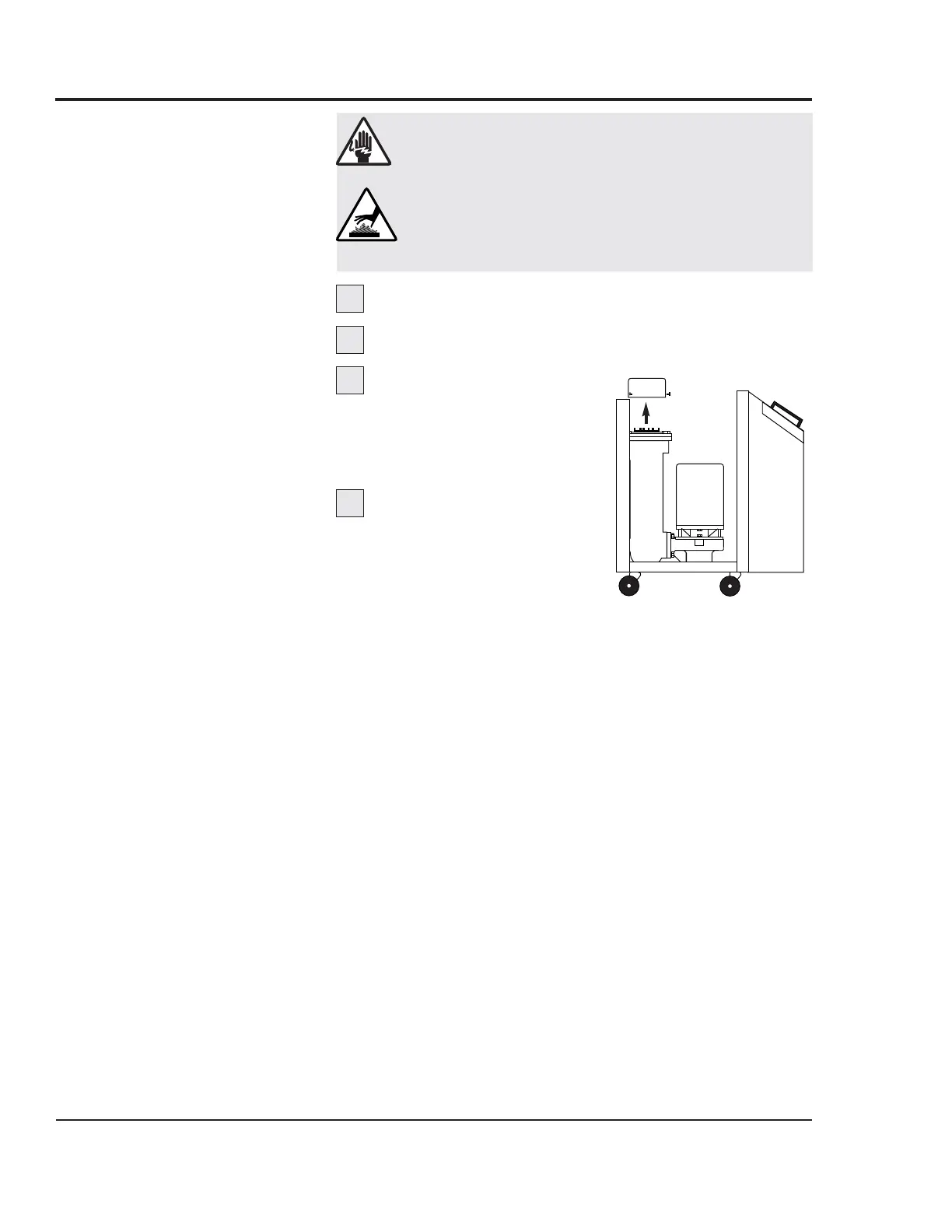
Remove the heater cap.
Use a 1/4-inch open-end
wrench to remove the three
bolts that hold the cap to the
heater tank.
Remove the heater
wiring harness. Label the
wiring layout of the heater ter-
minals; wires are labeled 2T1,
2T2, 2T3 and GND.
1
2
3
4
Heater
cap
REPLACING
HEATER
ELEMENTS
Continued


 To Next Page
 Loading...