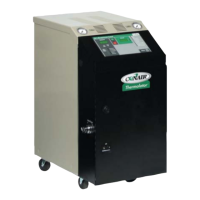
Thermolator TW Series UGH025-0504
4-16 OPERATION
TW-1, TW-2
C
ONTROL
ENTERING
PASSCODES
The TW-1 and TW-2 models have a security feature that pre-
vents accidental or unauthorized changes to the setpoint tem-
perature, high and low deviation limits, SPI address, and baud
rate.
If passcode protection is enabled, you must enter the correct
passcode to change these parameters. To enter the passcode:
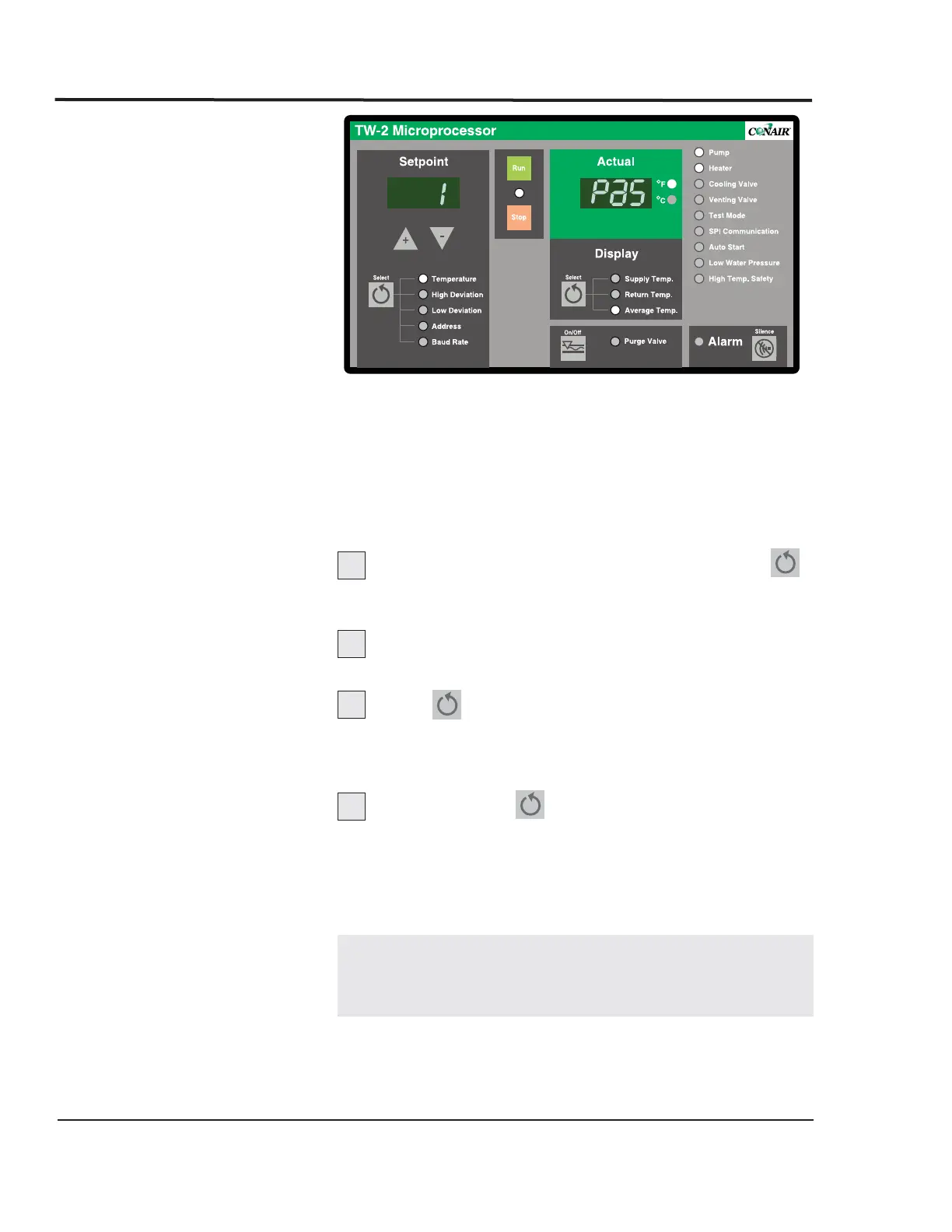
Press and hold the Setpoint Select button
for 5 seconds. The control will display 1 PaS to indicate a
passcode is needed.
Press the Select s button until the correct
passcode appears in the display.
Press again to enter the passcode.
If the passcode is correct, the control displays ACC PAS
for 3 seconds. If the passcode is incorrect, the control dis-
plays rEJ PAS (rejected passcode) for 3 seconds.
Press Setpoint to select the parameter you
want to change.
You have access to the system parameters until:
l The power is cycled off and on.
l The RUN or STOP button is pressed.
NOTE: Pressing the STOP or RUN key while you are
entering a passcode will abort the passcode entry
sequence.
1
2
3
4


 To Next Page
 Loading...