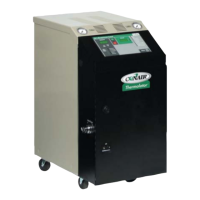
Thermolator TW Series UGH025-0504
4-10 OPERATION
The TW Thermolator can be ordered with an optional purge
valve, which clears the process lines of fluid using com-
pressed air. The valve is operated by an optional manual purge
button on the control panel
IMPORTANT:
Before purging the process lines, be sure
that the cooling water source feed is closed. If the feed is
open and the air line has a higher pressure than the cooling
water, air may be injected into the cooling water system. If
the cooling water pressure is higher than the air line, cooling
water may be injected into the air line.
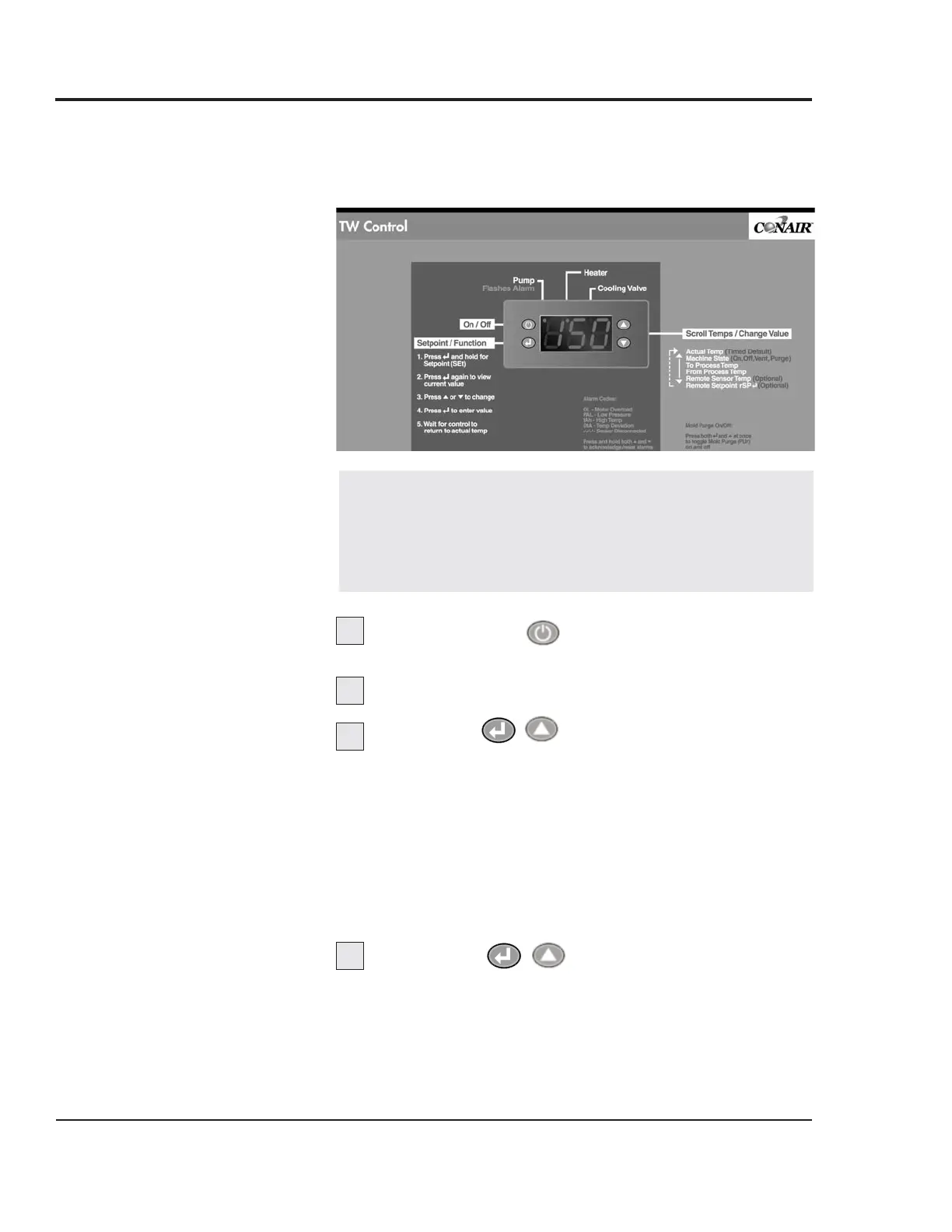
Press Stop/Start to stop the Thermolator.
Shut off the cooling water supply valve.
Press Both at once to toggle Mold
Purge (PUr) to start purging.
u The Purge button lights.
u The Vent and Cool outputs are activated.
u The STOP and RUN buttons are deactivated during the
purge or when the cool delay off timer is active.
The time required to clear the process lines of fluid will
vary according to the length of the process piping and the
size of the tooling.
Press Both again to stop purging.
USING THE TW
M
ANUAL PURGE
OPTION
1
2
3
4



 To Next Page
 Loading...