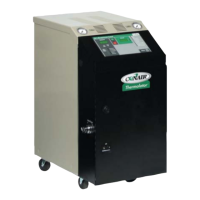
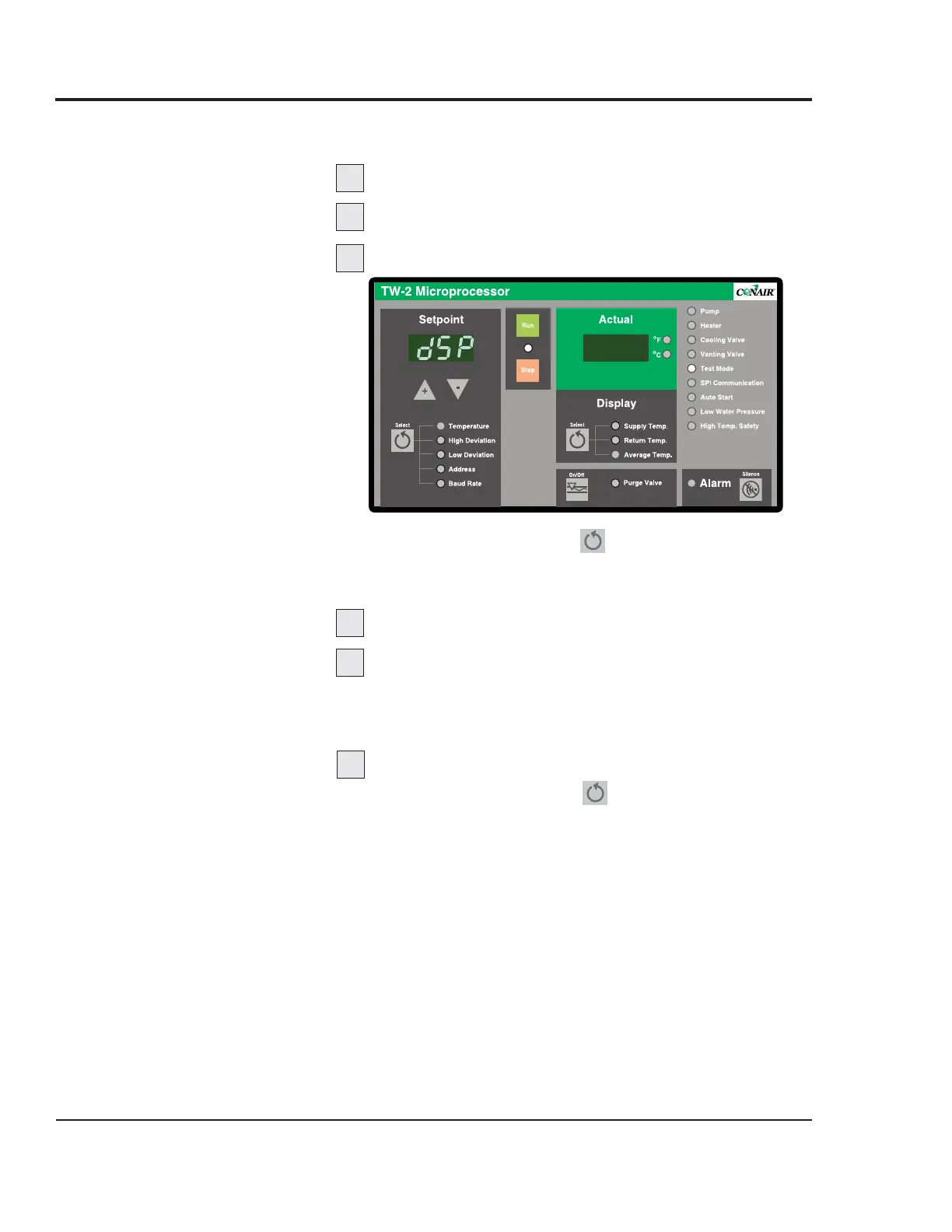
The Key/Display Test verifies the function of displays, LEDs
and buttons on the control panel.
Enable Test Mode.
Press any key.
If necessary, index to the Key/Display menu.
Press and hold the Setpoint key for 3 seconds to
index to each test menu until the controller displays
“dSP”.
Press any key to clear all displays.
Repeatedly press any key to test displays.
With each key press, a new segment of all six 8-segment
LEDs and a select group of LED indicator lights will illu-
minate.
Exit the test and enter the next test.
Press and hold the Setpoint key for 5 seconds to exit
and index to the next test.
TW-1, TW-2
C
ONTROL
KEY/DISPLAY
TEST
Thermolator TW Series UGH025-0504
5-6 MAINTENANCE
1
2
3
4
5
6


 To Next Page
 Loading...