Customer Service (800) 778-0990 9
Machine Software Overview
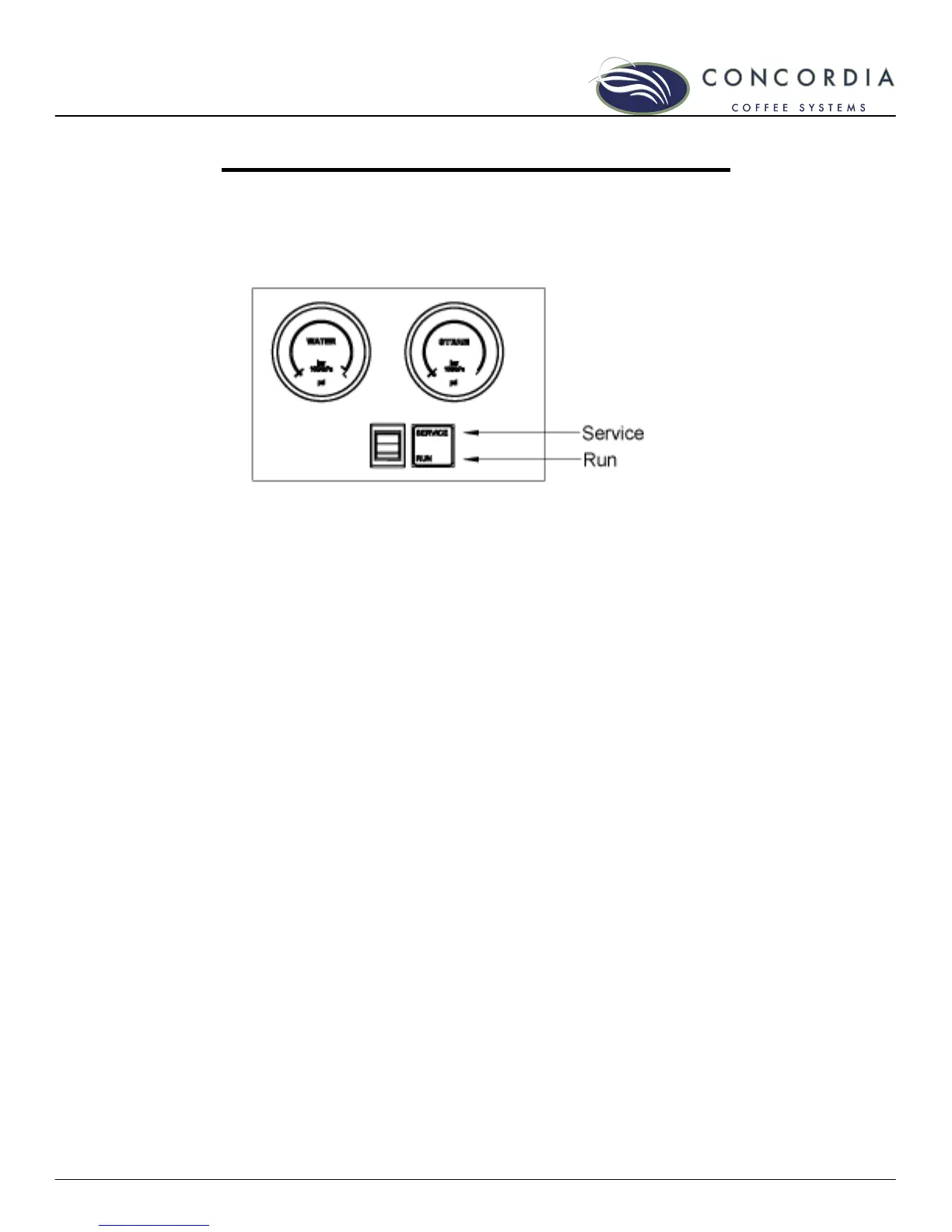
Service Switch
The service switch is located behind the left door and below the
water and steam gauges, and is used to place the Integra in
either SERVICE or RUN mode.
The Service Switch in the SERVICE position
• The machine will beep and the display will read
SERVICE KEY
• Cleaning and programming buttons are enabled
The Service Switch in the RUN position
• Normal operating position
• Cleaning and programming buttons are disabled
The Service Switch and Cleaning the Machine
To clean the machine, the service switch must be in the
SERVICE position.
1. Open the left door.
2. Press the service switch into the SERVICE position.
3. Follow the cleaning instructions outlined on the milk
system and brew system cleaning cards.
4. Press the service switch back into the RUN position
when the cleaning processes are complete.



 To Next Page