28 Customer Service (800) 778-0990
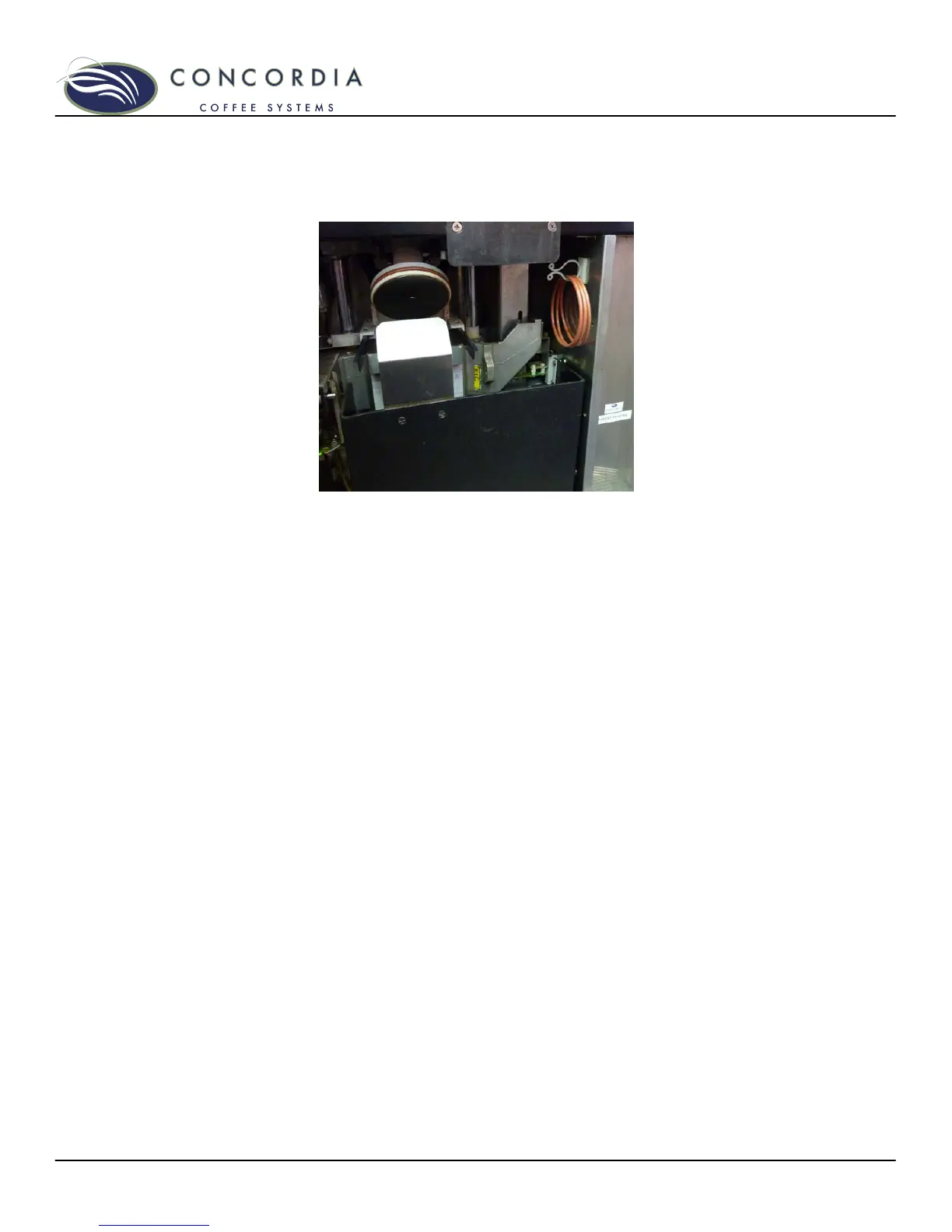
4. Once the o-ring is fully removed, clean the piston and o-
ring groove. Ensure that no coffee grounds exist in the
o-ring groove.
5. Locate the spare o-rings located behind the right door.
6. Position the new o-ring around the bottom of the piston
and roll it up and into place in the o-ring groove. Ensure
the o-ring fits smoothly and snugly in the o-ring groove.
Reset the O-Ring Counter
1. Press the service switch into the SERVICE position and
close both machine doors.
2. On the touchpad, press the PROGRAM button three
times. SELECT CATEGORY will be displayed.
3. Using the left down arrow, scroll to the SPECIAL
FEATURES category.
4. Press the PROGRAM button once.
5. Using the left down arrow, scroll through the menu until
RESET O-RING MSG is displayed.
6. Press either arrow to the right of the CLEAN button
once. This will clear the warning message and reset the
counter.
7. Press the PROGRAM button once to exit the SPECIAL
FEATURES category.
8. Press the CANCEL button. SELECT DRINK or WAIT
WARMING UP should be displayed.
9. Open the left door and press the service switch into the
RUN position.
10. Close the machine doors.



 To Next Page