10 Customer Service (800) 778-0990
Software Programming Menu
Accessing the Programming Menu
• Press the service switch into the SERVICE position.
• Press the PROGRAM button three times, slowly. You
should hear a tone after each press.
• The display will change from SELECT DRINK to SELECT
CATEGORY.
Scrolling in the Menu
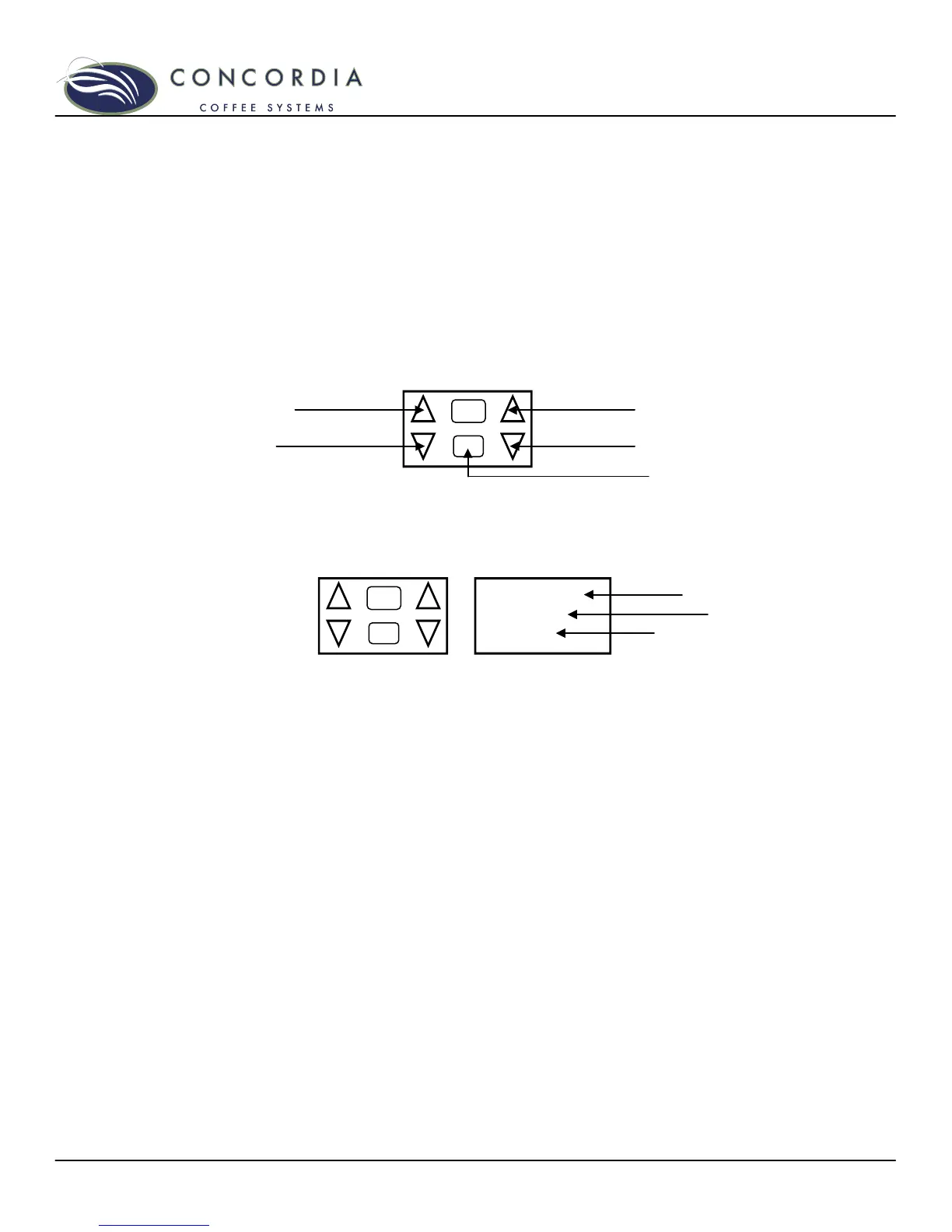
Press the SCROLL DOWN arrow to scroll forward.
Press the SCROLL UP arrow to scroll in reverse.
Accessing a Sub-Category
With the desired category appearing in the display, press the
PROGRAM button once to enter the sub-category.
While in the sub-category, the main menu category moves to
the top line of the display, the sub-category appears on the
middle line, and the current value appears on the lower line of
the display.
Changing a Value
• Press the INCREASE VALUE arrow to increase the
value.
• Press the DECREASE VALUE arrow to decrease the
value.
Exiting a Sub-Category
• Press the PROGRAM button once.
• The main menu category will appear in the middle of the
display.
Exiting the Main Menu
From any main menu category, press any drink button once.
Display will read: SELECT DRINK
STEAM
244°C



 To Next Page