Configuration 29
•You may use any of the control codes listed in
your printer’s programming guide as long as
those codes are between 1 and 127 inclusive.
•Parameters 600-607 call macros 1-8,
respectively, from your custom transmit files.
•Parameter 700 causes the UMC 600IS to pause
for the delay period specified in parameter 14.2.
•Parameters 400-402 print the time and/or date
according to Option 3 setup.
•To enter a code into a file, enter the code number
and press the
ENT key to enter it or 1 SETPOINT
to enter the code and move on to the next code.
•To insert a code, press the
ENT key to move all
of the codes from the current code on one place
to the right, making an open space (a null code
0) that you may replace by typing the new code
and pressing either the
ENT or 1 SETPOINT key.
•To delete a code from the table, select the code
using the
1 SETPOINT and 2 SETPOINT keys,
then press the
CE key.
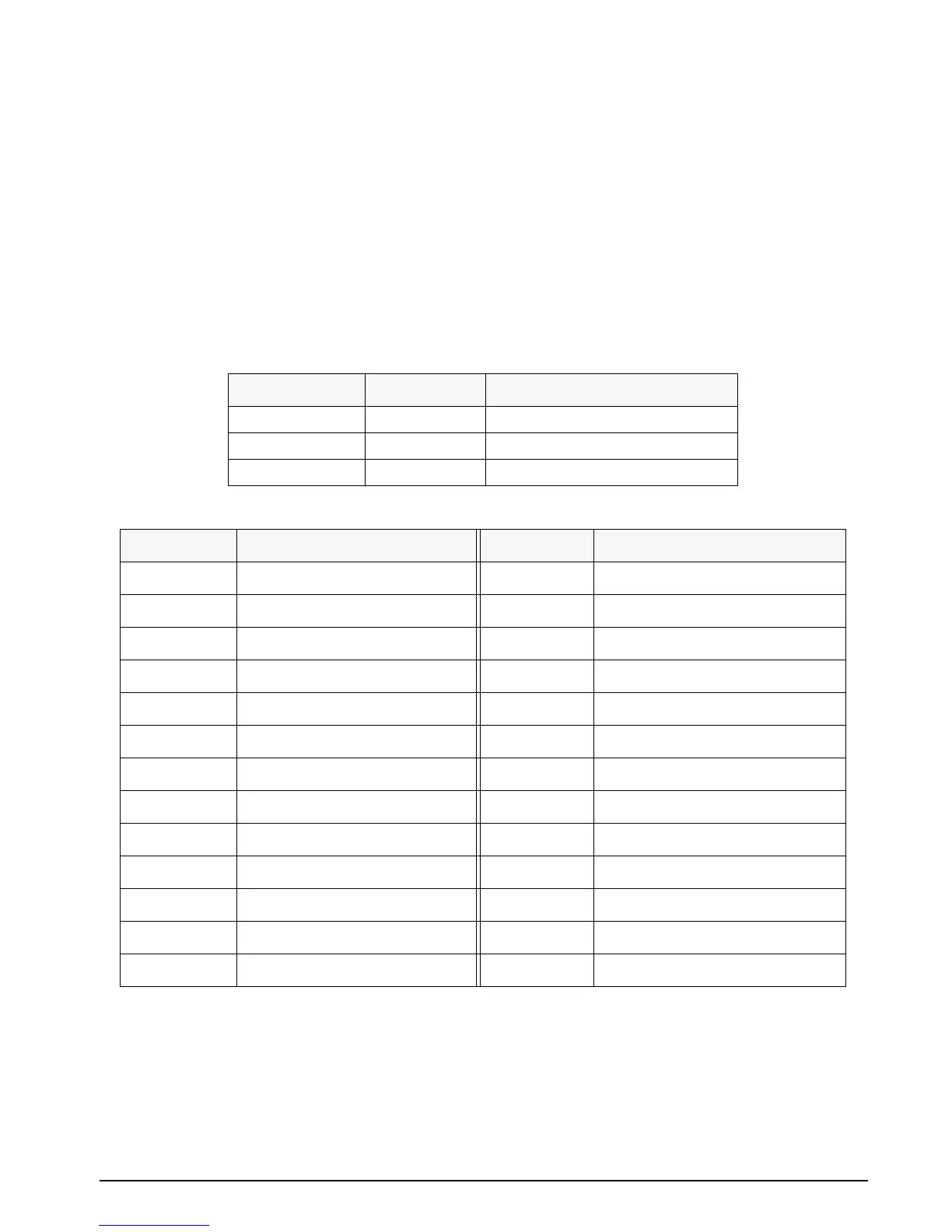
Port Number File Number Normal Mode
1 7.1 Gross Weight Data
1 7.2 Gross/Tare/Net Weight Data
1 7.4 Special
Table 3-19. UMC600IS Custom Transmit Files
Code Number Description Code Number Description
200 Gross Wt. “LB/KG GR” 400 Time & Date per setup
201 Gross Wt. “LG/KG” 401 Time per setup
202 Gross Wt. 402 Date per setup
203 Gross Wt. (no 0 blanking) 600 Macro file 1 (File 7.9)
210 Net Wt. “LB/KG NT” 601 Macro file 2 (File 7.10)
211 Net Wt. “LN/KN” 602 Macro file 3 (File 7.11)
212 Net Wt. 603 Macro file 4 (File 7.12)
213 Net Wt. (no 0 blanking) 604 Macro file 5 (File 7.13)
220 Tare Wt. “LB/KG TR” 605 Macro file 6 (File 7.14)
221 Tare Wt. “LT/KT” 606 Macro file 7 (File 7.15)
222 Tare Wt. 607 Macro file 8 (File 7.16)
223 Tare Wt. (no 0 blanking) 700 Delay per setup (parameter 14.2)
300 Status character (m=motion, etc.) 999 End of file
Table 3-20. Parameter Code Command Chart


 To Next Page