5. ROUTER DESIGN
5.3 Ordering codes
5.3.1 Basic version
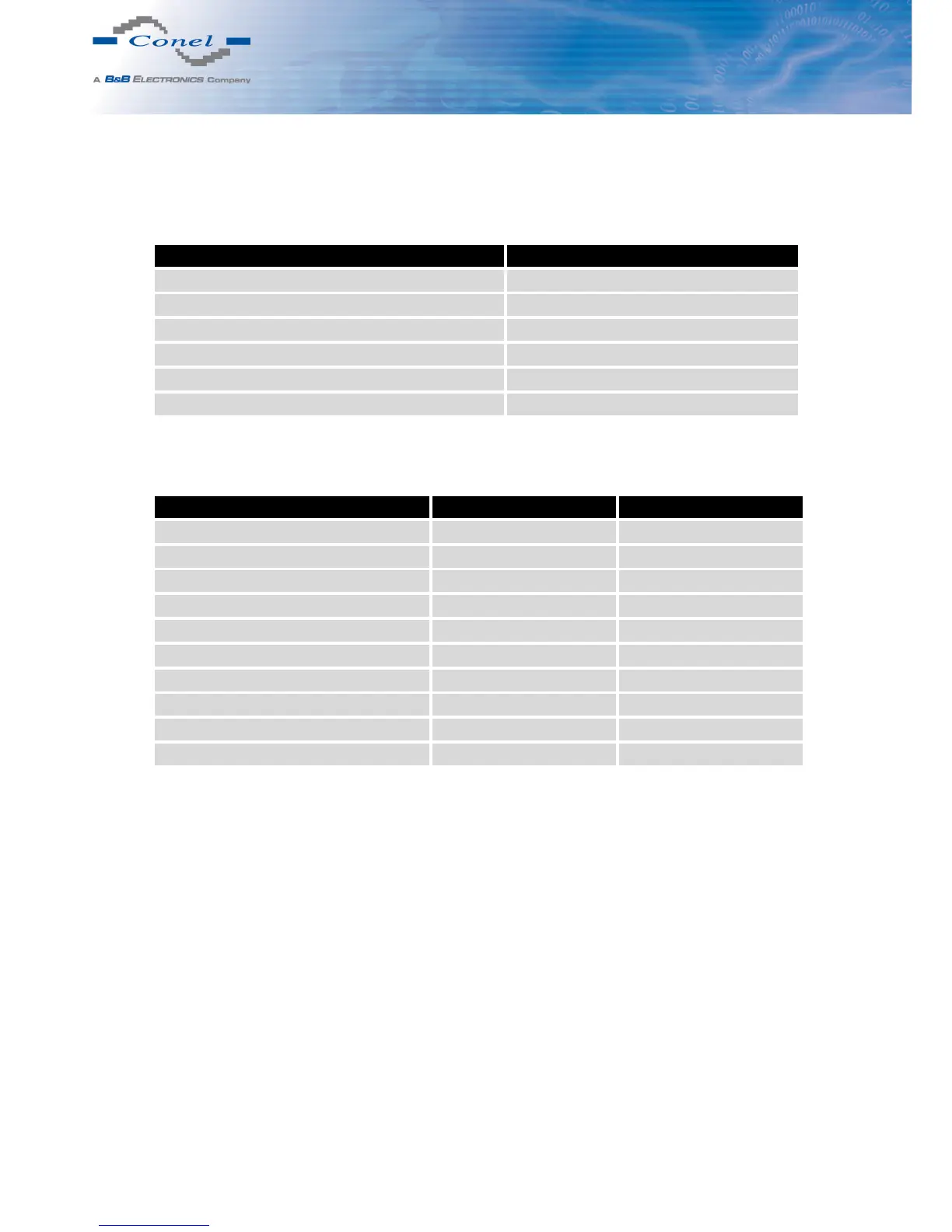
Expansion port Ordering code
Version without expansion port UR5i v2B set
Version with Ethernet expansion port UR5i v2B ETH set
Version with RS232 expansion port UR5i v2B RS232 set
Version with RS485 expansion port UR5i v2B RS458 set
Version with MBUS expansion port UR5i v2B MBUS set
Version with CNT expansion port UR5i v2B CNT set
Table 3: Ordering codes of basic version
5.3.2 Full version
Expansion port Possible participation Ordering code
Version without expansion port UR5i v2F set
Version with Ethernet expansion port PORT1 UR5i v2F ETH set
Version with RS232 expansion port PORT1 a PORT2 UR5i v2F RS232 set
Version with RS485 expansion port PORT1 a PORT2 UR5i v2F RS458 set
Version with MBUS expansion port PORT1 a PORT2 UR5i v2F MBUS set
Version with CNT expansion port PORT1 UR5i v2F CNT set
Version with SWITCH expansion port PORT1 + PORT2 UR5i v2F SWITCH set
Version with WIFI expansion port PORT2 UR5i v2F WIFI set
Version with WMBUS expansion port PORT2 UR5i v2F WMBUS set
Version with SDH expansion port PORT2 UR5i v2F SDH set
Table 4: Ordering codes of full version
Second expansion port is written after first expansion port in the ordering code.
Example:
• Full version with Ethernet and RS232 port: UR5i v2F ETH RS232 set.
• Full version with Ethernet and RS232 port in metal cover:
UR5i v2F ETH RS232 SL set.
If you want to have a router with WIFI and GPS instead of diversity, use the ordering code
in this form: UR5i v2F3. WIFI connector is reverse as a standard. If you want a classic SMA
connector use UR5i v2F4 for version with diversity antenna and UR5i v2F5 for version with
GPS (i.e. no diversity).
7



 To Next Page