5. ROUTER DESIGN
5.8.3 Antenna connector ANT, DIV and GPS (alternatively WIFI or WMBUS)
Main and diversity antennas are connected to the router using the SMA connector on the
front panel. In the Full version of the router is also available the third SMA antenna connector,
through which the additional antenna can be connected (in case of the WIFI expansion port is
used, this connector is reverse – RSMA).
The router can not operate without connecting the main antenna marked as ANT.
ANT connector is used to connect the main antenna router. To connect the diversity an-
tenna is used the second antenna connector DIV. The third connector (GPS) in the full version
of the router is used for additional antenna intended for GPS (router supports active GPS an-
tenna). On user’s request, this antenna connector can be modified to WIFI or WMBUS.
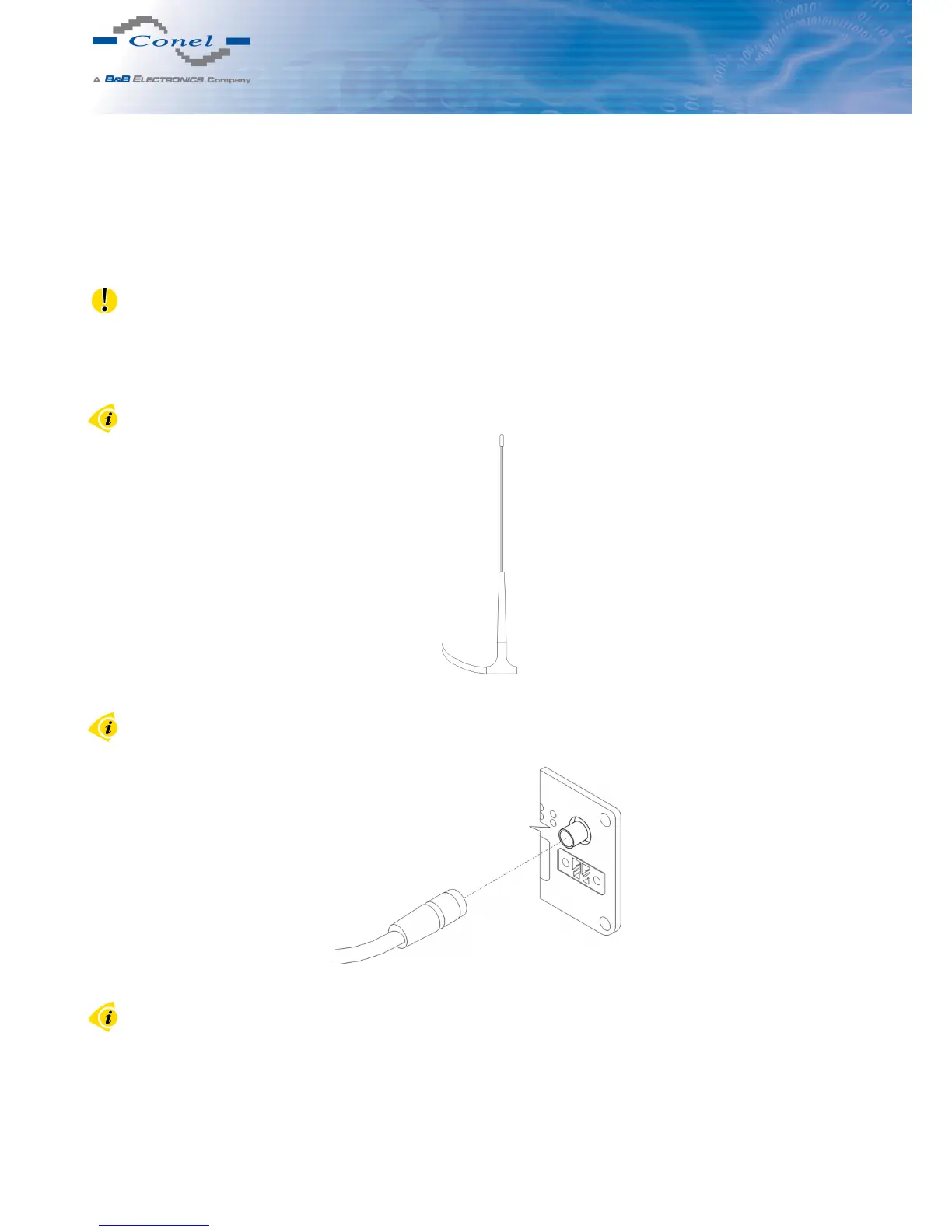
Example of antenna:
Figure 24: External antenna
For connection the antenna is used SMA connector. The antenna is connected by screwing
this antenna to the SMA connector on the front panel of the router (see figure below).
Figure 25: Connecting of the antenna
Diversity antenna improves radio features of the router at low signal strength.
15



 To Next Page