5. ROUTER DESIGN
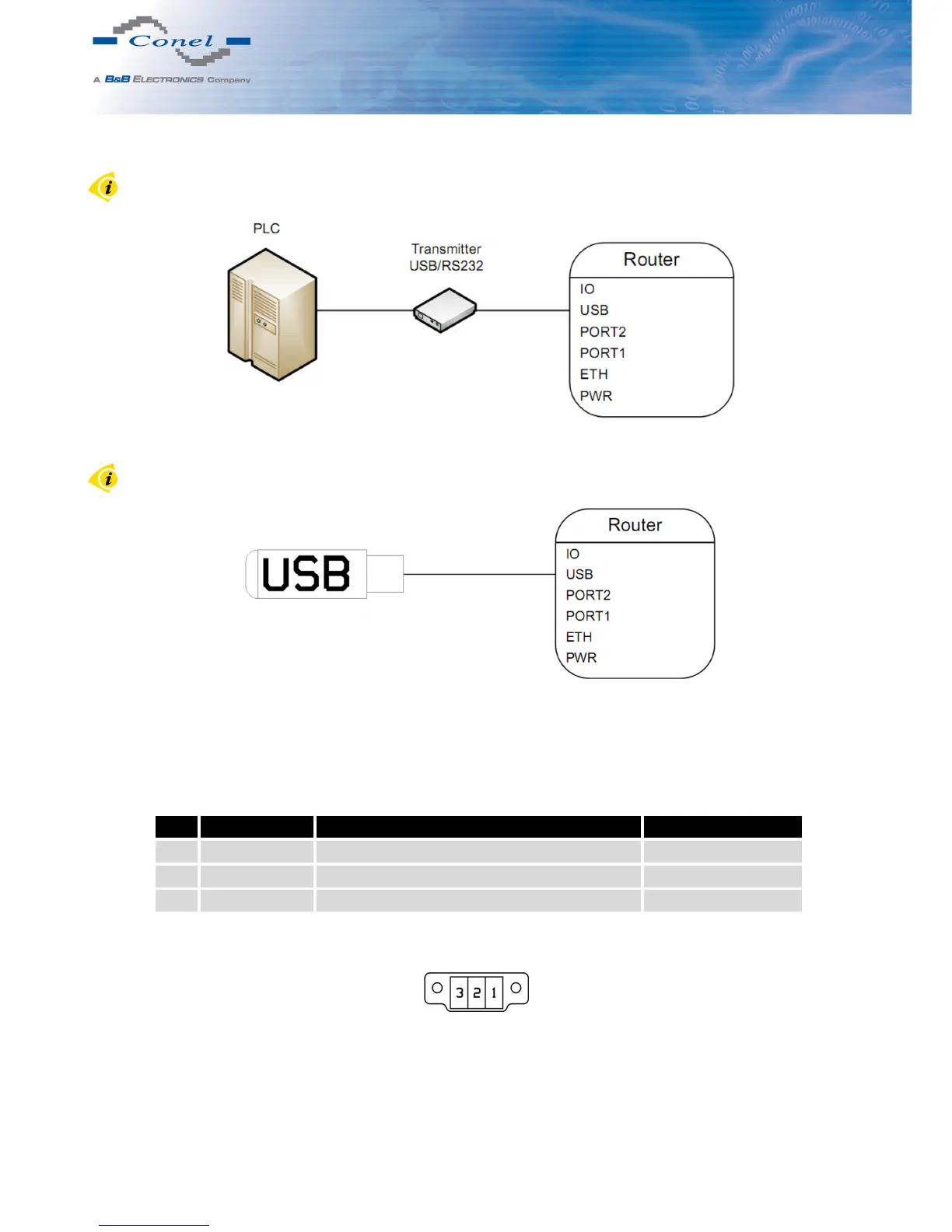
Example of connecting devices with serial interface to the USB:
Figure 33: Connection PLC to the router
Example of connecting of USB flash disk to the USB:
Figure 34: Connection flash memory to the router
5.8.9 I/O Port
Panel socket 3pin.
Pin Signal mark Description Data flow direction
1 BIN0 Binary input Input
2 GND Signálová zem
3 OUT0 Binary output Output
Table 10: Connection of I/O port
Figure 35: I/O connector
20



 To Next Page