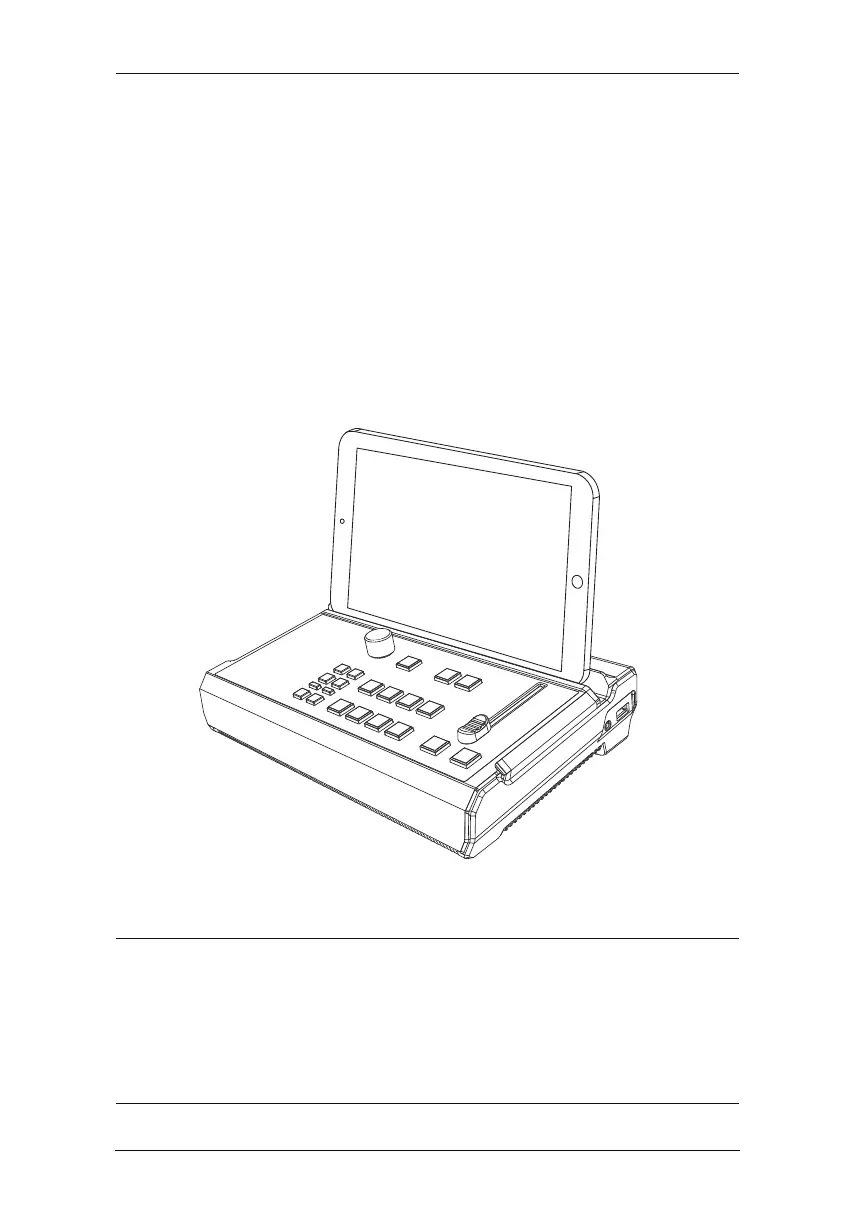
StreamEnjin User Manual
9
1. Power on the unit by connecting the power cord. Wait for the
boot-up luminous (scene keys) sequence.
2. Connect the HDMI sources (e.g. PC, gaming console or video
1
.
3. Connect a microphone or any other audio sources.
4. (Optional) Connect the HDMI Output cable if necessary:
a) Connect the HDMI display to the SRC/PGM Output Port.
b) Connect the HDMI display to the Loop Out Port.
5. Connect an Ethernet cable for Internet connection
2
.
Note:
1. Use the connected iPad to configure further network settings
for live-streaming.
2. iPad placed on the unit is recommended for viewing only.
Hand holding your iPad is still recommended for control.
recorder)



 To Next Page