StreamEnjin User Manual
44
you can:
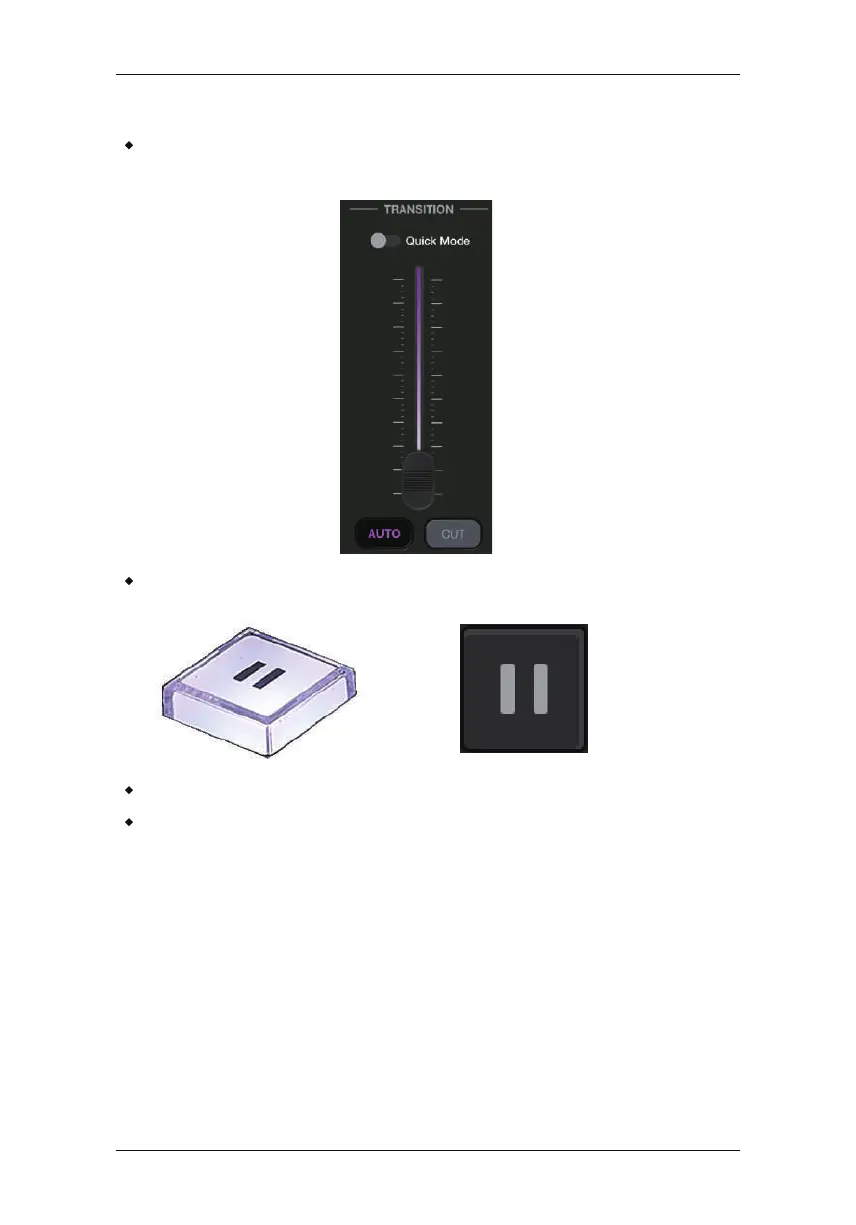
Use the transition function (T-bar, Auto button or Cut button) to
switch PR V preview image to the PRG preview.
Press the Pause button to pause streaming.
Press the GO LIVE button again to stop the stream.
Edit the video scenes in scene editor, tune audio settings in the
audio mixer deck, adjusting audio delays in the settings deck, etc.
Tap Apply to apply the changes.
Quick Mode
If you wish to immediately switch from one scene to another, use
To enter Quick Mode, press and hold the Cut or Auto button for 3
seconds. Alte
rnatively, tap the Quick Mode button on the app
(Video or Audio deck).
During Quick Mode, the greenly lit PRV Preview button dims and the
Cut or Auto button flashes (depends on which Quick Mode it is in).
Quick Mode.



 To Next Page