Chapter 7. Quick Live-Stream Setup
43
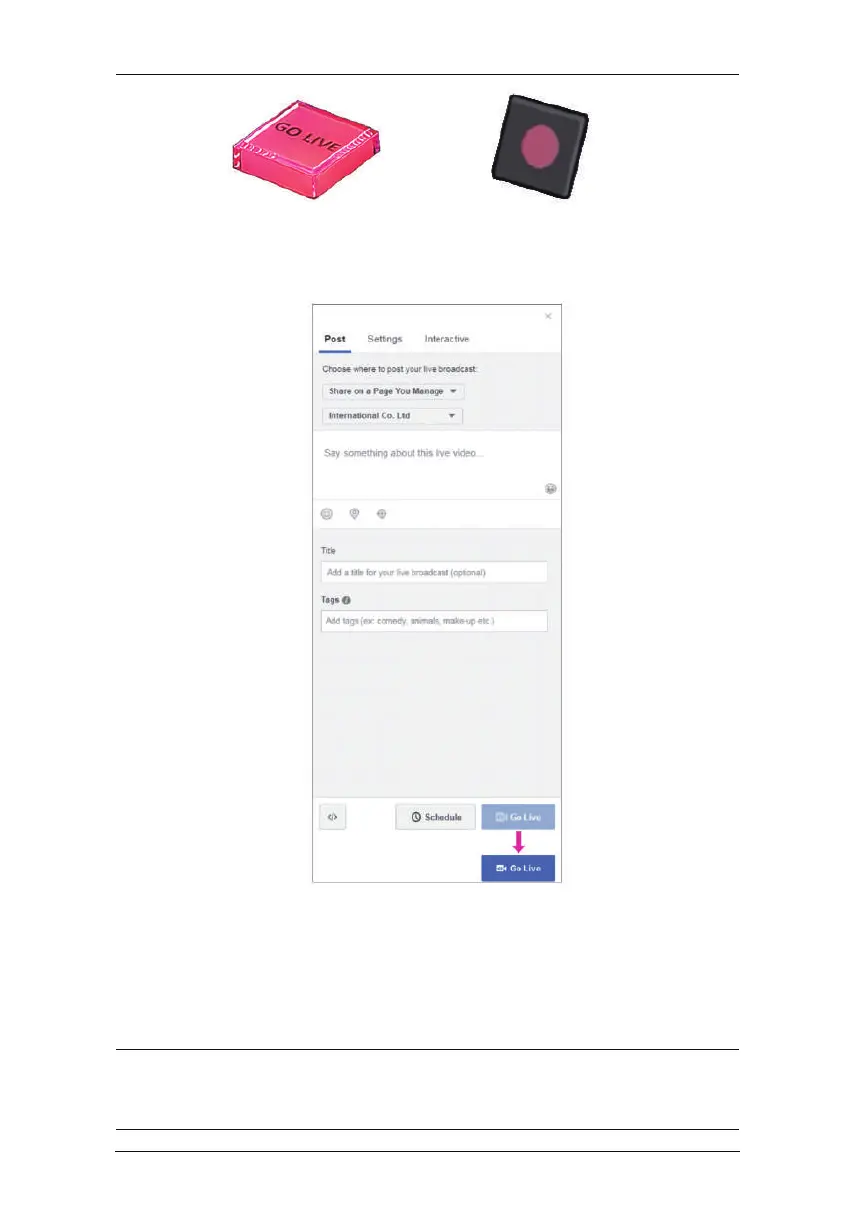
9. Disconnect iPad from the unit and go to the Facebook Connect
page. Upon receiving the stream, the Go Live button (on the
bottom-right of the page) will light up.
10. You can tap Go Live to start broadcasting your stream, or you can
edit the information here (scope not part of this manual) before
you start broadcasting your stream.
11. Connect your iPad to the unit to control the stream using the
Note:Streaming on other streaming platforms using the unit requires
the same information (Server URL and Stream Key), refer to their
websites for more information.
OnAir app.



 To Next Page