27
Resize/Crop Tool
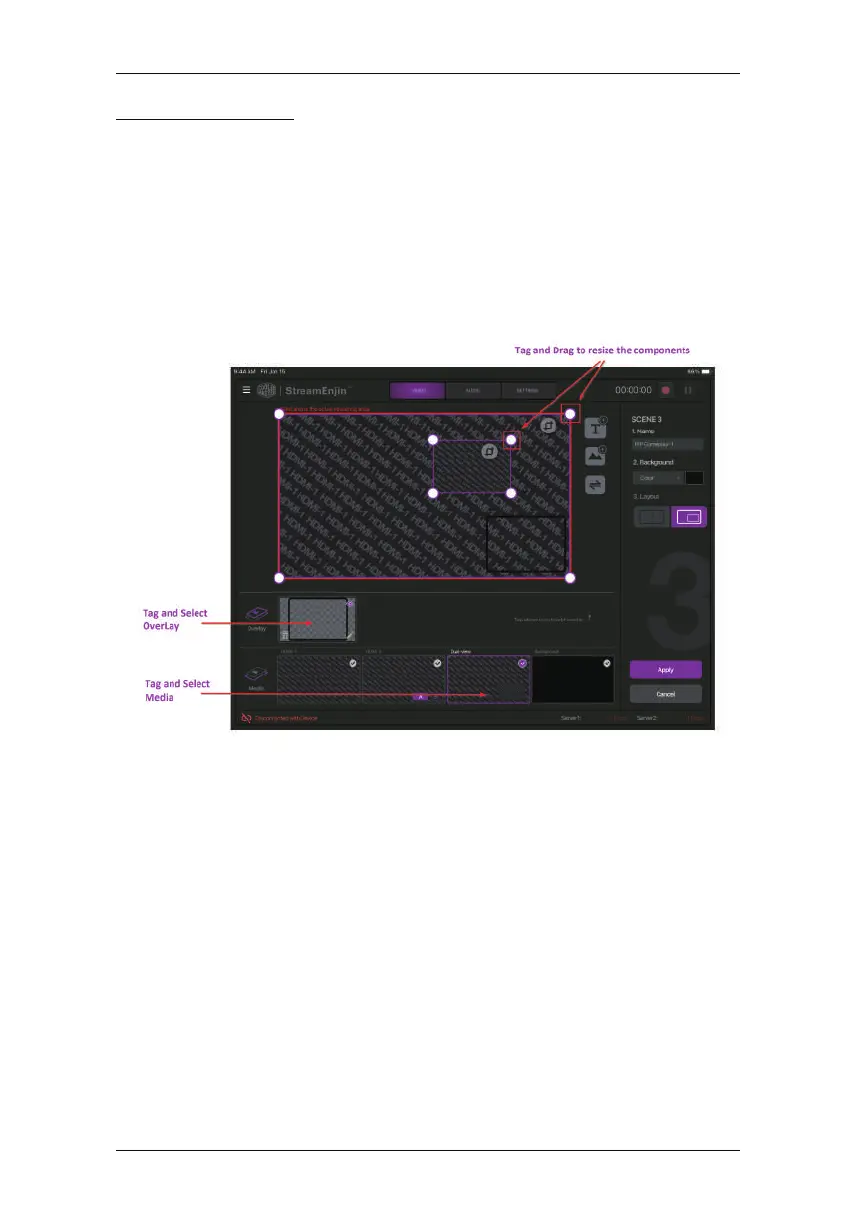
This section describes how to resize or crop any of the components
in the “Scene Display” region.
Resize
To resize any component, tap the component (overlay or media) and
a resize tool will be visible on the “Scene Display” region. Examples
Tap and hold to drag the resize tool to resize the component.
are shown below:
Chapter 4. StreamEnjinApp & Video Mixer



 To Next Page