33
2 HDMI 1 and 2
Audio Control
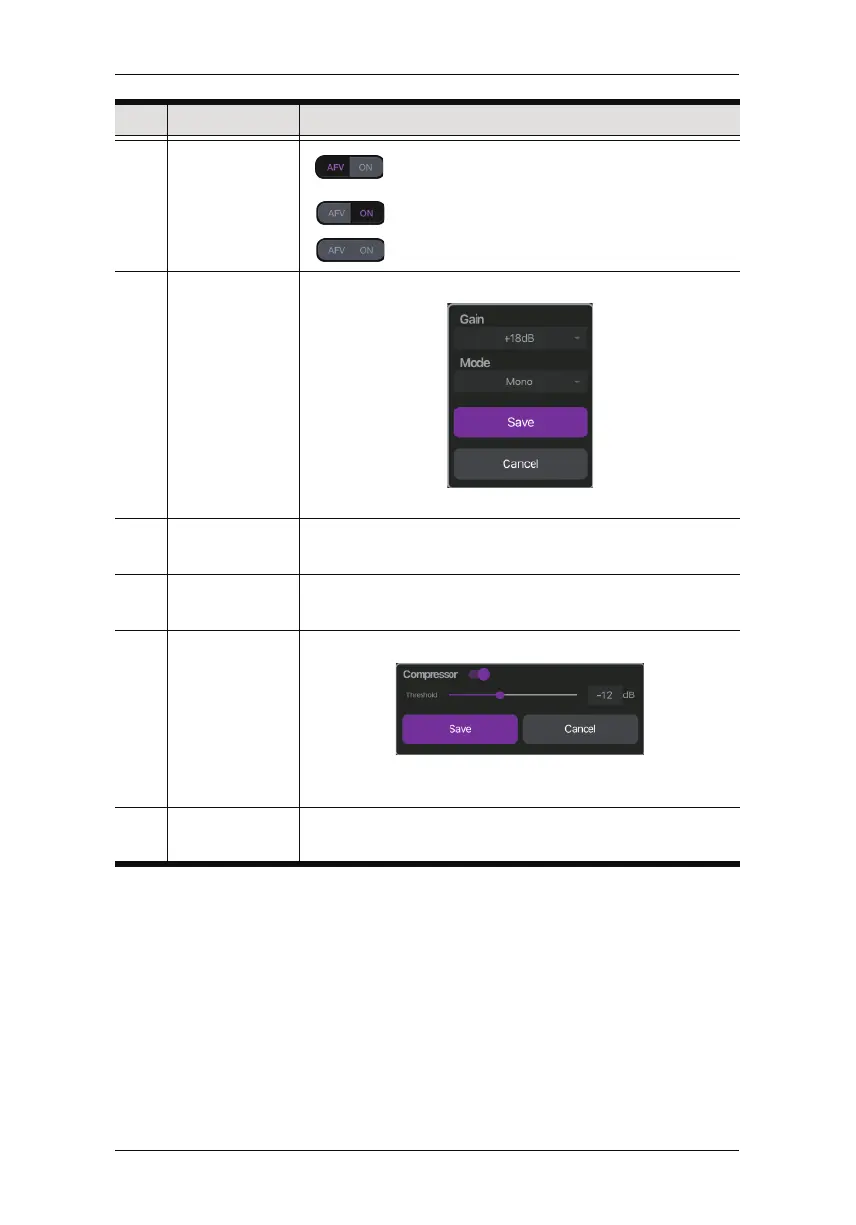
Audio-Follows-Video ON: Broadcasting the
source’s video will also play the source’s audio.
ON: The audio is turned on (unmuted).
OFF: The audio is turned off (muted).
3 MIC Gain
Control
You can adjust the MIC Gain settings here:
Tap the fields to adjust the options.
4 L/R Balance
Control
Tap and hold to drag and control which side of the sound
source is to be more emphasized.
5 Master/PGM
Level Control
Slide the volume slider to control the volume of Master/
PGM.
6 Master/PGM
Compressor
You can adjust the Master/PGM Compressor here:
Tap to enable/disable the compressor function and dr
ag
the dial to adjust the threshold.
7 Earphone
Level Control
Controls the volume level of the earphone
No. Component Description
Chapter 6. StreamEnjin App & Settings



 To Next Page