496478 15
3. Installation
Remote Keypads
Keypad Addressing
The 9750 control unit is supplied with one remote keypad. If you have fitted
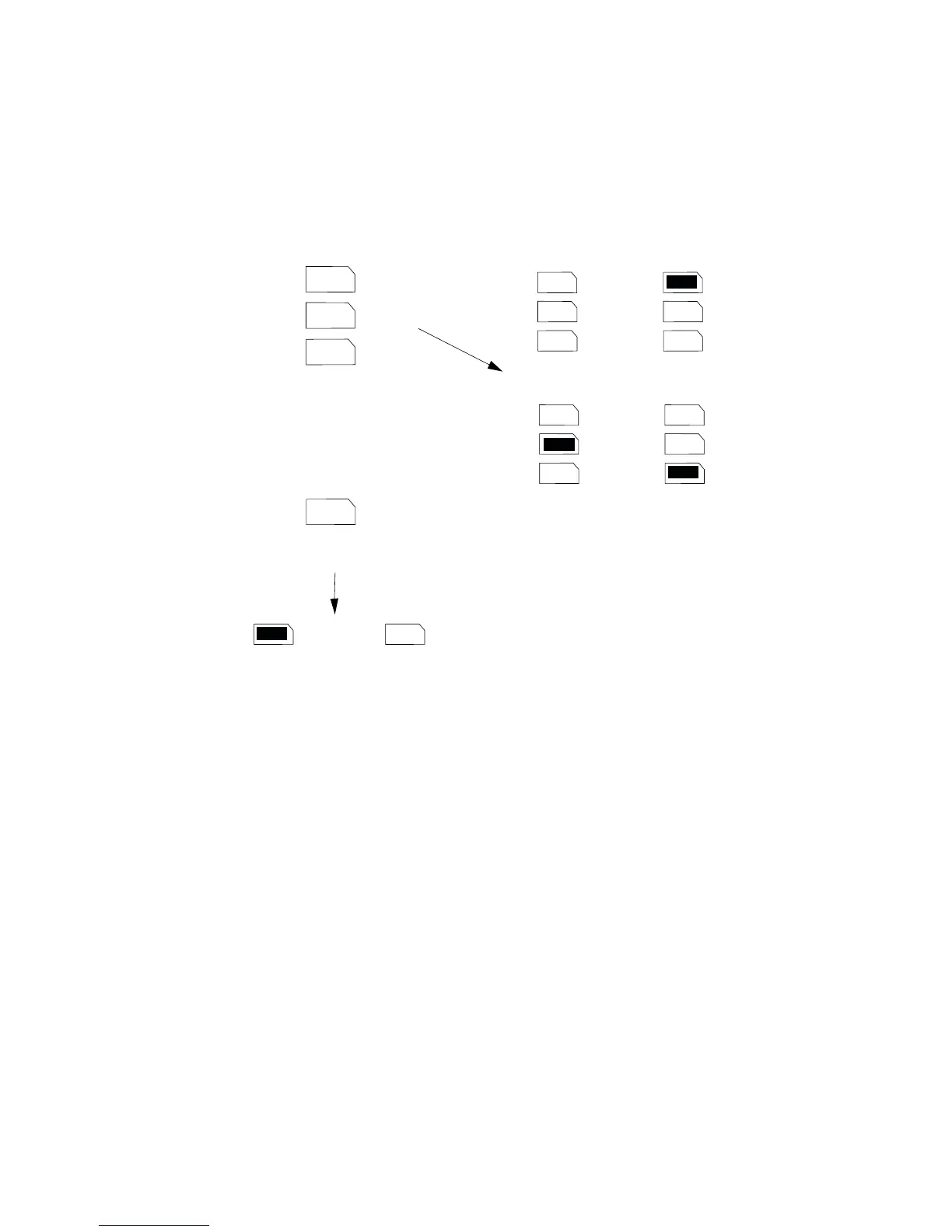
more keypads then each one must be given a separate "address". Links LK2
to LK4 set the keypad address, as shown in Figure 10.
2
3
4
ON
BACKLIGHT
2
3
4
2
3
4
2
3
4
2
3
4
ON
BACKLIGHT
ON
BACKLIGHT
Keypad 1
Address
Backlight ON Backlight OFF
Keypad 2
Keypad 3 Keypad 4
Figure 10. Keypad Addressing.
Keypad Backlight
When supplied from the factory the control unit is configured with the keypad
backlight ON. To turn the keypad backlight OFF remove the jumper from the
"ON BACKLIGHT" link, shown in Figure 10.



 To Next Page