496478 3
1. Introduction
Operator Controls and Displays - 9930
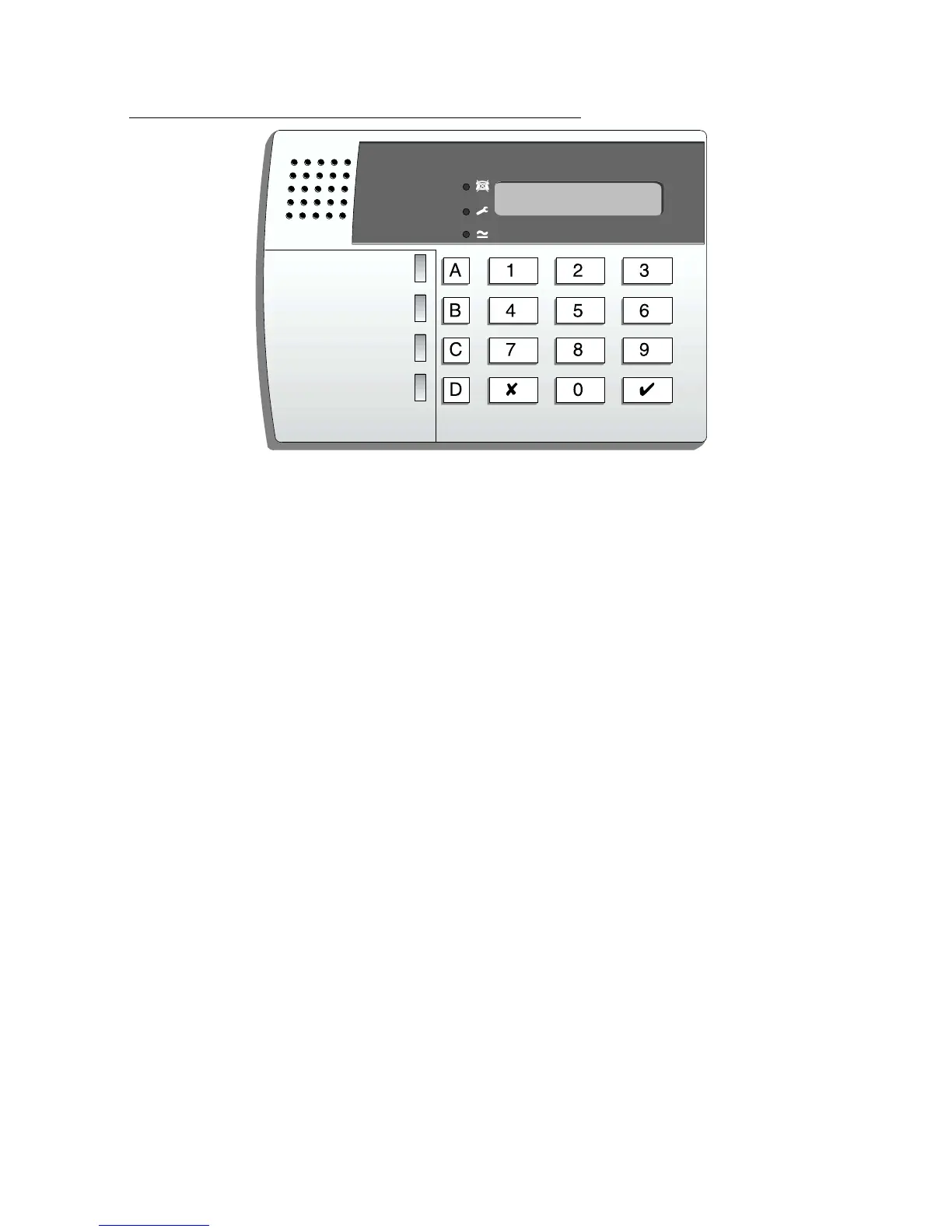
Figure 2. 9930 Remote Keypad.
The 9930 keypad has a single line 16 character LCD display that shows first
to alarm information, level status, and programming commands. In addition
there are three LEDs with the following functions:
a Glows steadily when mains power is present. Flashes when the
system is working from battery backup.
f Glows steadily if a telephone line fault is present.
s Glows steadily if:
a) A PA, Fire, 24 hour or tamper circuit is active while the system is
unset.
b) The system needs an engineer or remote reset.
c) A telephone line fault is present.
The LCD keypad provides the following keys:
9 Used to start a test of the detectors.
8 Used to start a test of the sounders and strobe.
7 Used to enable or disable the Chime facility.
6 Used to set the internal clock calendar, which provides a time stamp
on printed log entries.
5 Used to display the log (250 events).
4 Used to change the user access codes.
y Used to enter programming and setting/unsetting commands.
X Used to set the system with individual zones temporarily omitted.
A, B Level setting keys. Level A sets the whole system.



 To Next Page